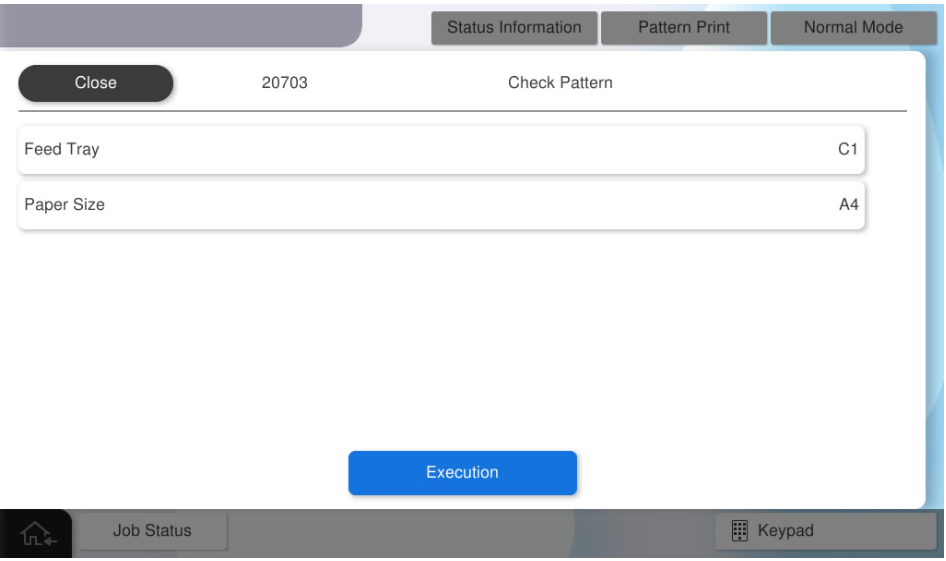
20703 Check Pattern
All of the following patterns will be printed.
- Paper size: A4/Letter
- Paper type: Plain paper
- Number of prints: 6
| Pattern Name | Specifications | Pattern Image (Paper transport direction: arrow direction) | Target image quality defect |
|---|---|---|---|
Ruled Line Pattern |
|
|
|
Color Gradation Pattern |
|
|
|
Black 25% Pattern |
|
|
|
Adsorption Check Pattern |
|
|
|
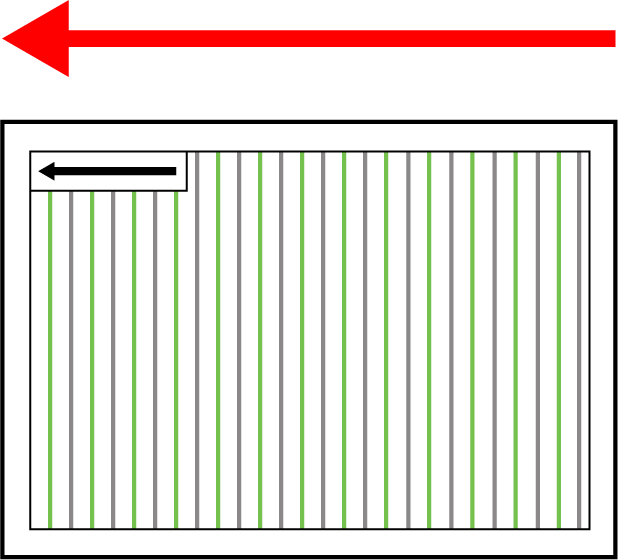
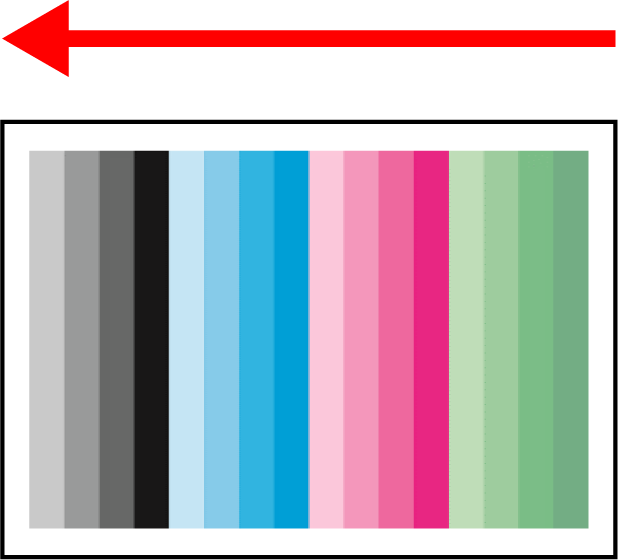
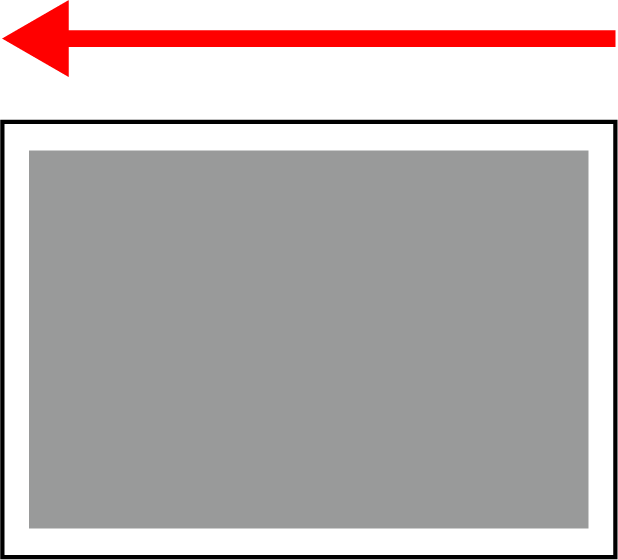
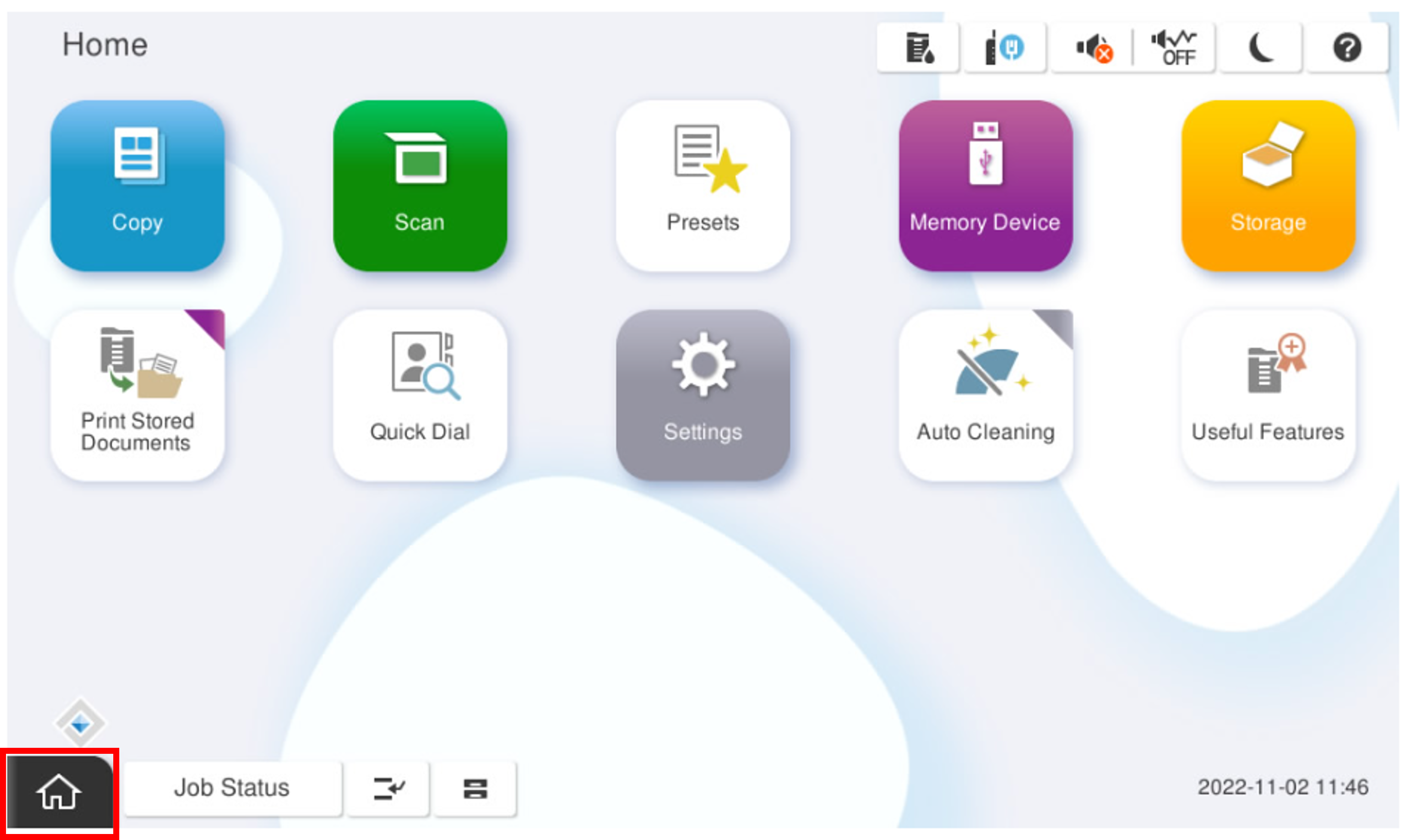
- Start installation mode.
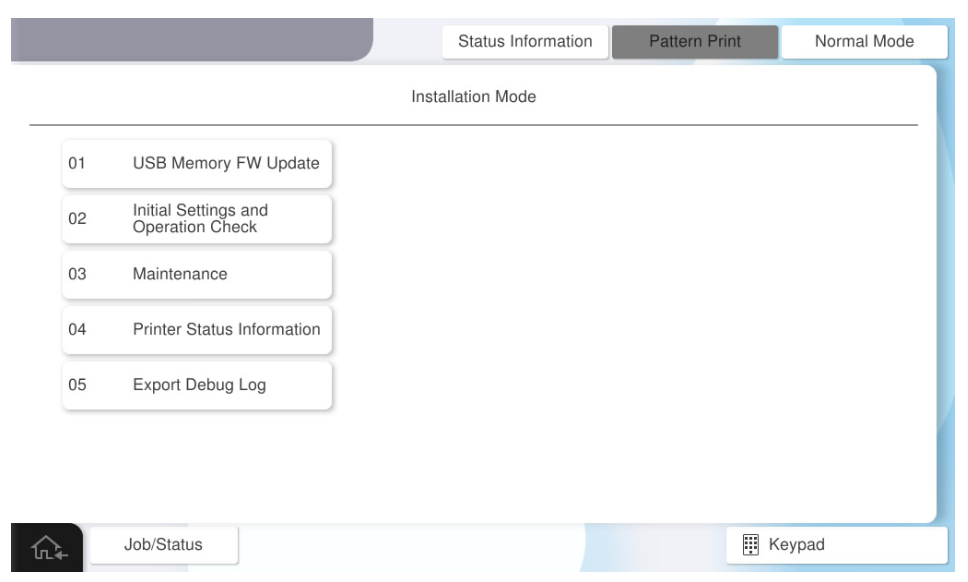
- Select [02 Initial Settings and Operation Check].
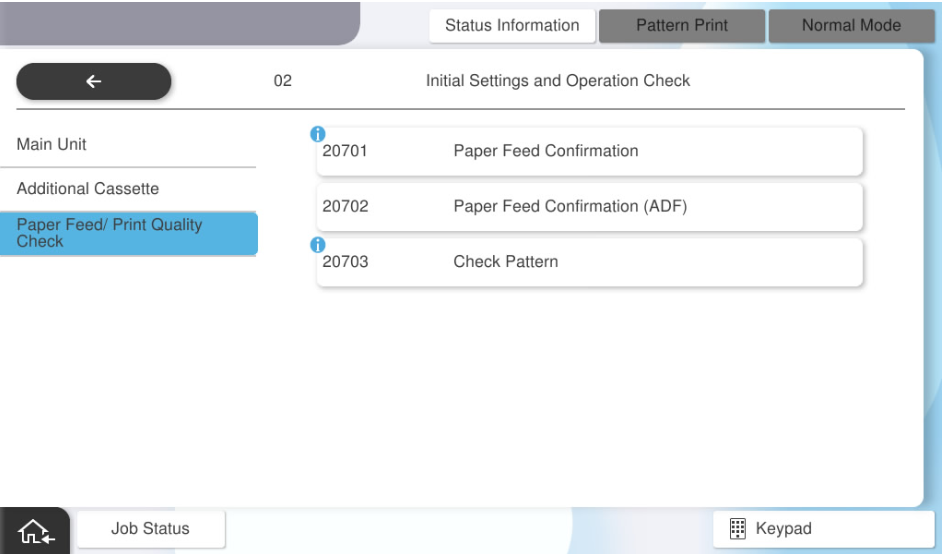
- Select [20703 Check Pattern].
- Select [Check Pattern Print].
Press each setting item button to make the print settings.
The selectable items are as follows.Program No. Pattern Name Setting Items Choice 20703 Check Pattern Print Feed Tray C1, C2, C3, C4, MP Tray Paper Size A4, Letter - Press [Execution].