
Wireless LAN unit installation procedure
Bundled Items
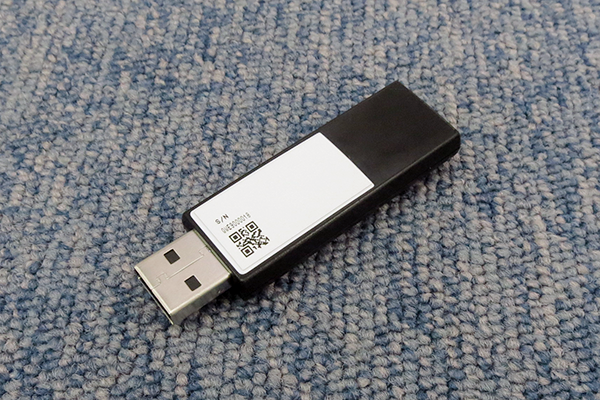
| No. | Bundled Items | Qty. |
|---|---|---|
| 1 | Wireless LAN unit | 1 |
Installation Procedure
Items to Prepare
- Gloves
- Phillips (+) screwdriver
Minimum number of workers
1 person
 Caution / 注意 Caution / 注意 |
Be sure to check the following precautions before installation.
|
 important / 重要 important / 重要 |
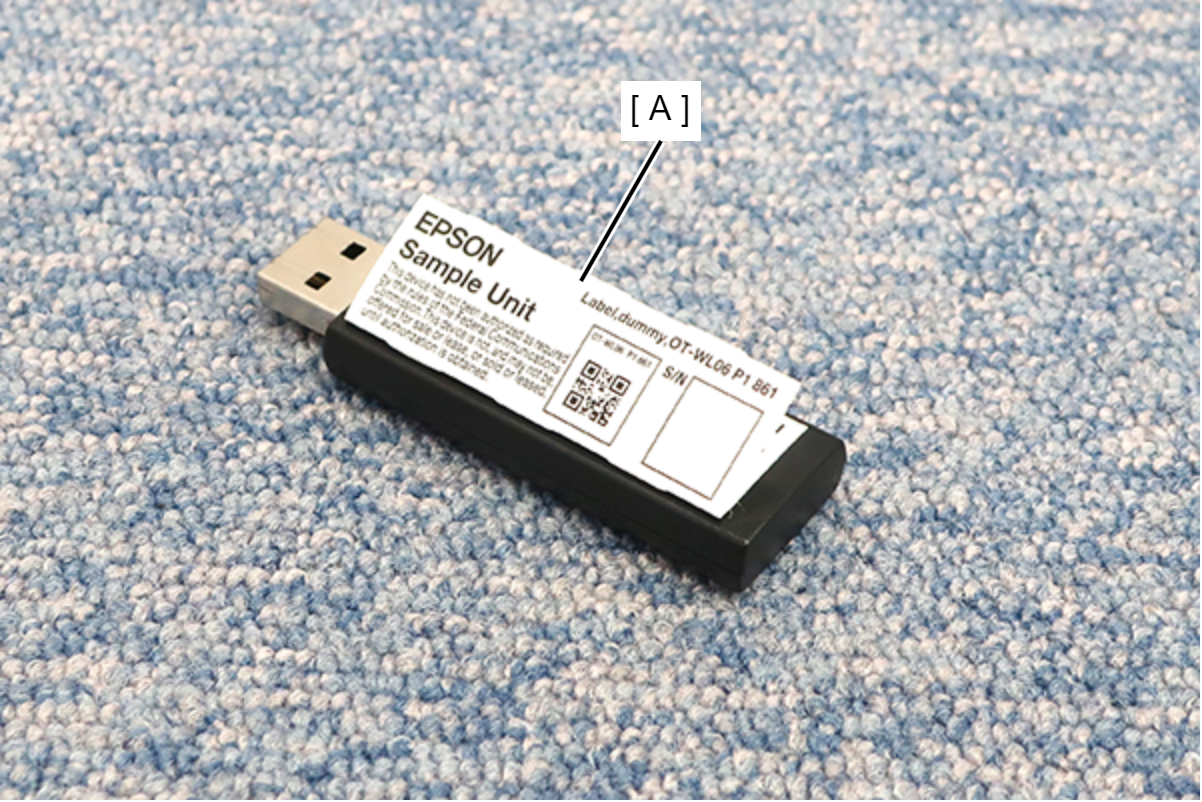
Do not remove the nameplate sheet (A) attached to the wireless LAN unit. The Nameplate sheet (A) contains the approved product mark and ID required by the Radio Law of each region, and removing the Nameplate sheet is a violation of the law.
|
Installation Procedure
- Tilt the Control panel.

- Open the Front Cover (A).

- Attach the wireless LAN unit (A) to the Wi-Fi unit port.

- Remove 1 screw of the USB lock (A).

 : 3x8D
- Raise the knob of the USB lock (A) and fix it with one screw.

 : 3x8D
 Check Point / チェックポイント
To prevent theft, be sure to implement a USB lock.
Check Point / チェックポイント- Perform wireless LAN settings after installation.
(Link TBD) - If you remove the wireless LAN unit after setting up the wireless LAN and start the main unit, an error will be displayed at the first startup.