Embedded Status Agent Settings
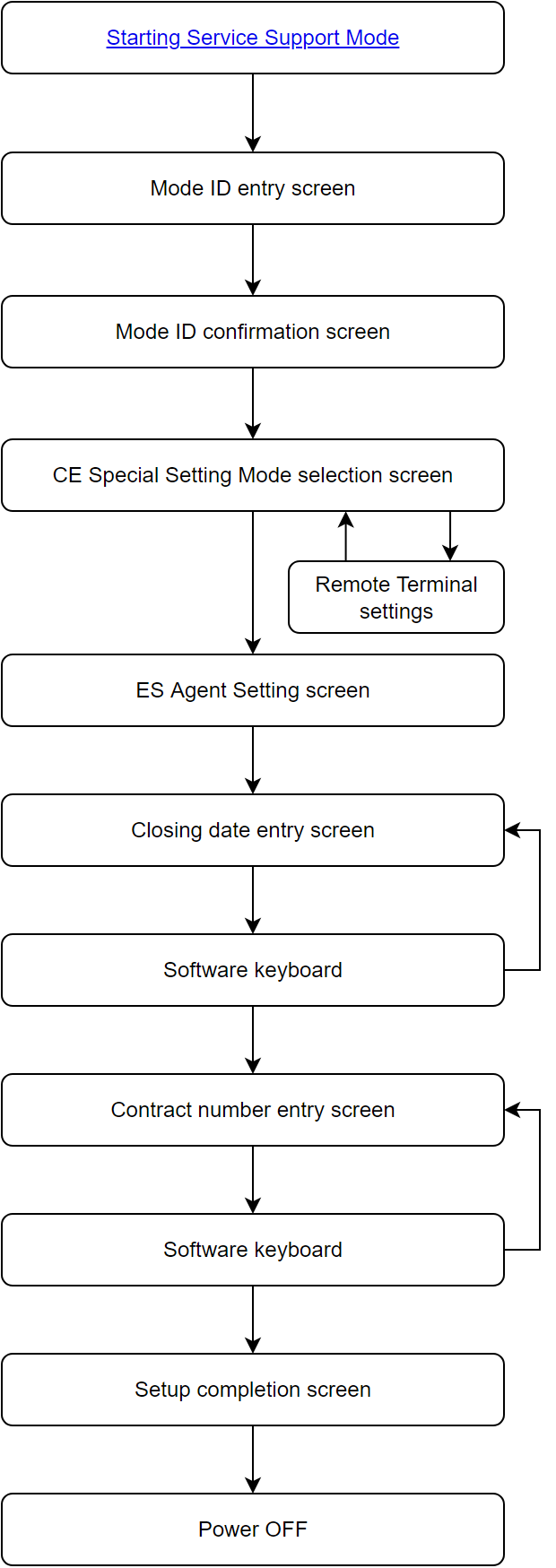
CE Special Setting Mode Screen Flow Diagram
The following is the screen flow diagram that starts after entering the CE Special Setting Mode.
Panel UI state transition diagram
Embedded Status Agent Settings
To set up Embedded Status Agent, change the printer mode to the CE Special Mode.
Follow the steps below to start the CE Special Mode and set up Embedded Status Agent.
Setting Step
- Start the service support mode.('Starting Installation Mode' )
- Enter the activation ID for "CE Special Mode".
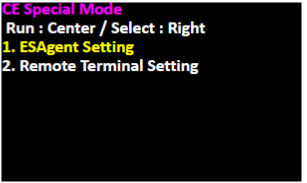
- In the CE Special Mode screen, make sure ”1. ESAgent Setting" is selected and press the center of the screen.
- Confirm that the Embedded Status Agent setting screen appears.
Check the settings. To change the settings, press the center of the screen. The screen changes to Embedded Status Agent setting mode selection screen.
When there is no need to change the settings, press the power button to turn off the power.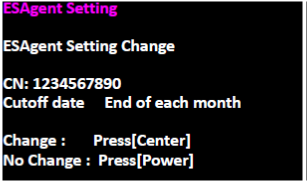
Embedded Status Agent setting mode
On the “Choose Cutoff date” screen, press the center of the screen to select the cutoff date using the software keyboard.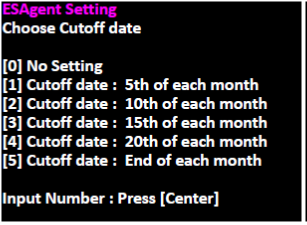
- Confirm the screen changed to the software keyboard screen.
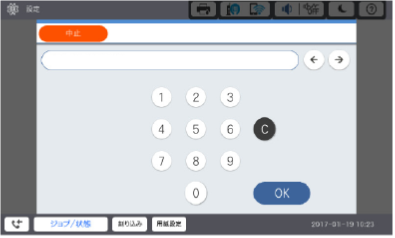
- Enter one of the cutoff dates from [1] to [5] referring to the customer's hearing sheet and press [OK].
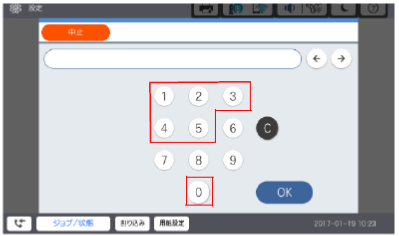
[0] No Setting (Not set)
[1] Cutoff date : 5th of each month (5th)
[2] Cutoff date : 10th of each month (10th)
[3] Cutoff date : 15th of each month (15th)
[4] Cutoff date : 20th of each month (20th)
[5] Cutoff date : End of each month (end of month) - Confirm that the screen has changed from the software keyboard to the Embedded Status Agent setting mode contract number entry screen.
Press the center of the screen to display the software keyboard screen.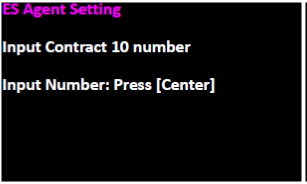
- Confirm the screen changed to the software keyboard screen.
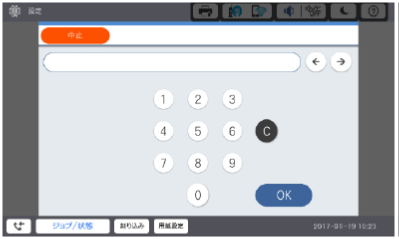
- Enter the 10-digit contract number referring to the customer's hearing sheet and press [OK].
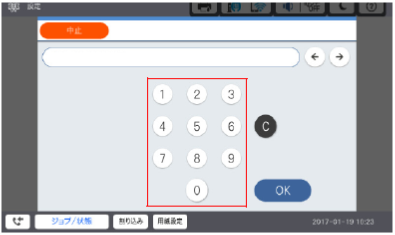
- The screen switches from the software keyboard to the Embedded Status Agent setup completion screen.
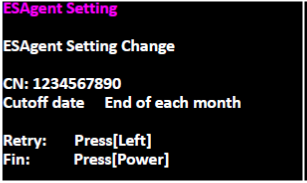
- To correct the settings, press the left side of the screen and re-enter from the cutoff date. To complete, press [Power] to turn off the power.
Remote Terminal Settings
- n the CE Special Mode screen, make sure "2. Remote Terminal Setting" is selected and press the center of the screen.
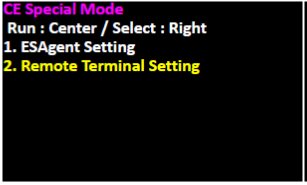
- On the "Remote Terminal Setting" screen, press the left side of the screen to enable the remote terminal. When there is no need to change the settings, press the power button to turn off the power.
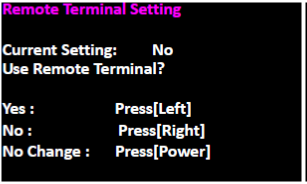
- If change the settings, the following screen will be displayed. Press [Center] to return to the CE special mode selection screen.
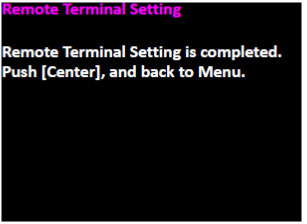
Main Unit Information Transmission Time Settings
The transmission time of the main unit information transmission function can be set using the control panel. Follow the steps below.
 Note / 補足 Note / 補足 |
|
- Tap [Settings] on the home screen.
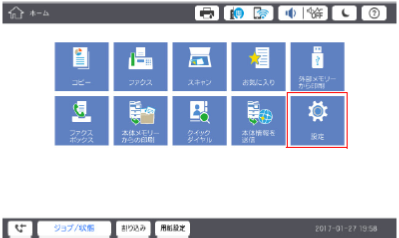
- Tap [General Settings].
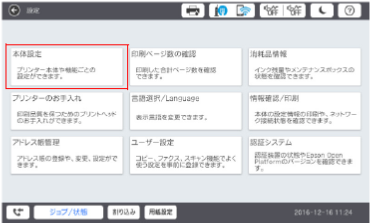
- Tap [System Administration].
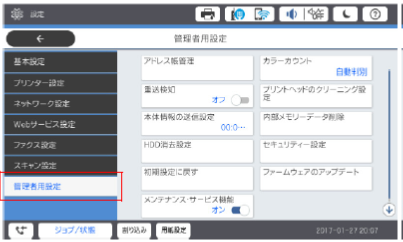
- Tap [XXXXX].
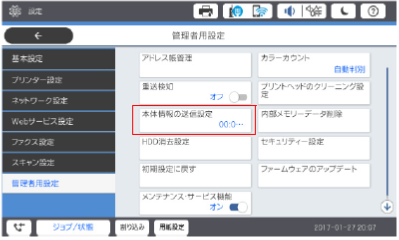
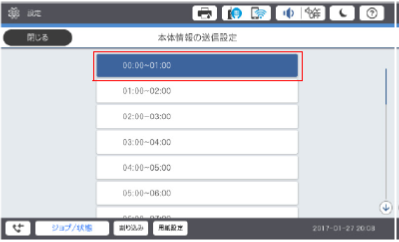
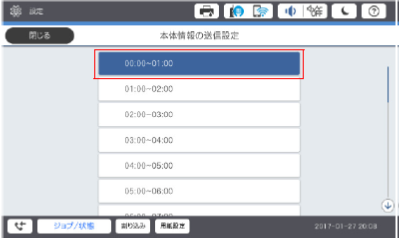
- Set the time of transmission.
Checking the Number of Printed Pages
You can check the number of printed pages on the control panel. Follow the steps below.
Checking the Number of Printed Pages (control panel)
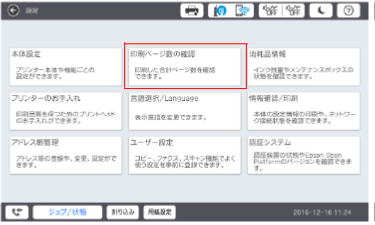
- Tap [Settings] on the home screen.
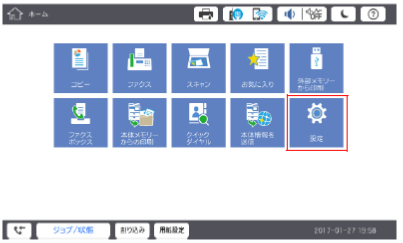
- Tap [Print Counter].
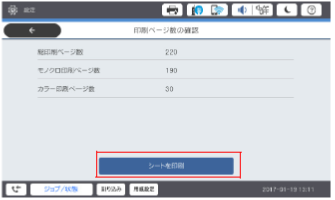
- Tap [Print Sheet] to print the information.
Checking/Changing the Main Unit Information Transmission Time
The transmission time of the main unit information can be checked and changed using the control panel. Follow the steps below.
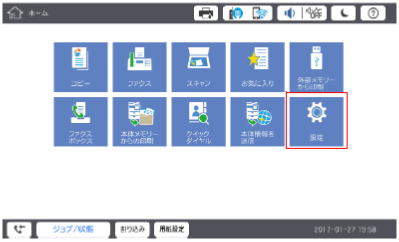
- Tap [Settings] on the home screen.
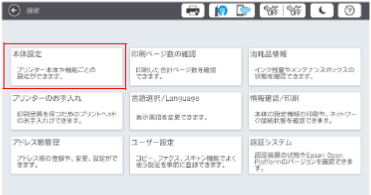
- Tap [General Settings].
- Tap [System Administration].
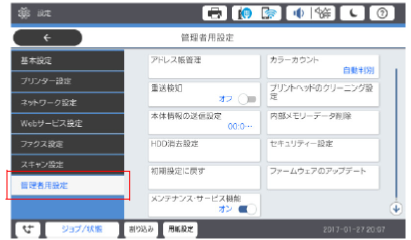
- Tap [XXXXX].
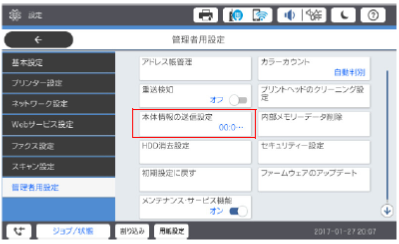
- Check the currently set transmission time. To change the time, tap the time you want to set.