
Menu List / Details
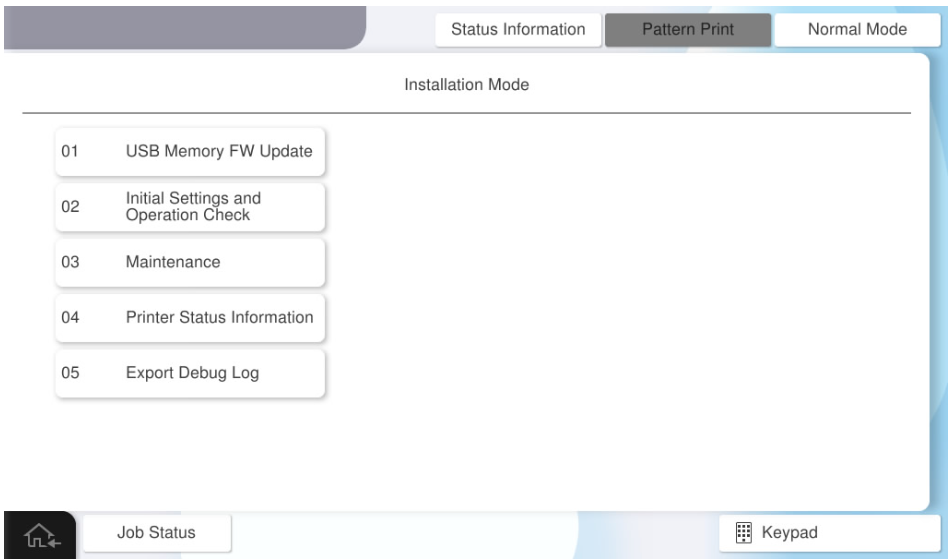
| No. | Menu items | Use scene | Overview |
|---|---|---|---|
| 01 | USB Memory FW Update | When updating FW | Update the firmware via USB memory. |
| 02 | Initial Settings and Operation Check | During diagnosis (print quality, paper passing quality) | Output a diagnostic pattern to check print quality, and checks the paper feeding operation and paper ejecting operation of the main unit, ADF, and each option. |
| 03 | Maintenance | During maintenance | Perform head cleaning, belt cleaning, and ADF roller cleaning. |
| 04 | Printer Status Information | When checking the device status | Display the FW version of the product, error history, and life information of the regular replacement parts on the operation panel. |
| 05 | Export Debug Log | When collecting data for analysis | Save the log data for analysis to a USB memory. |