
Protecting the products to avoid damages while transporting
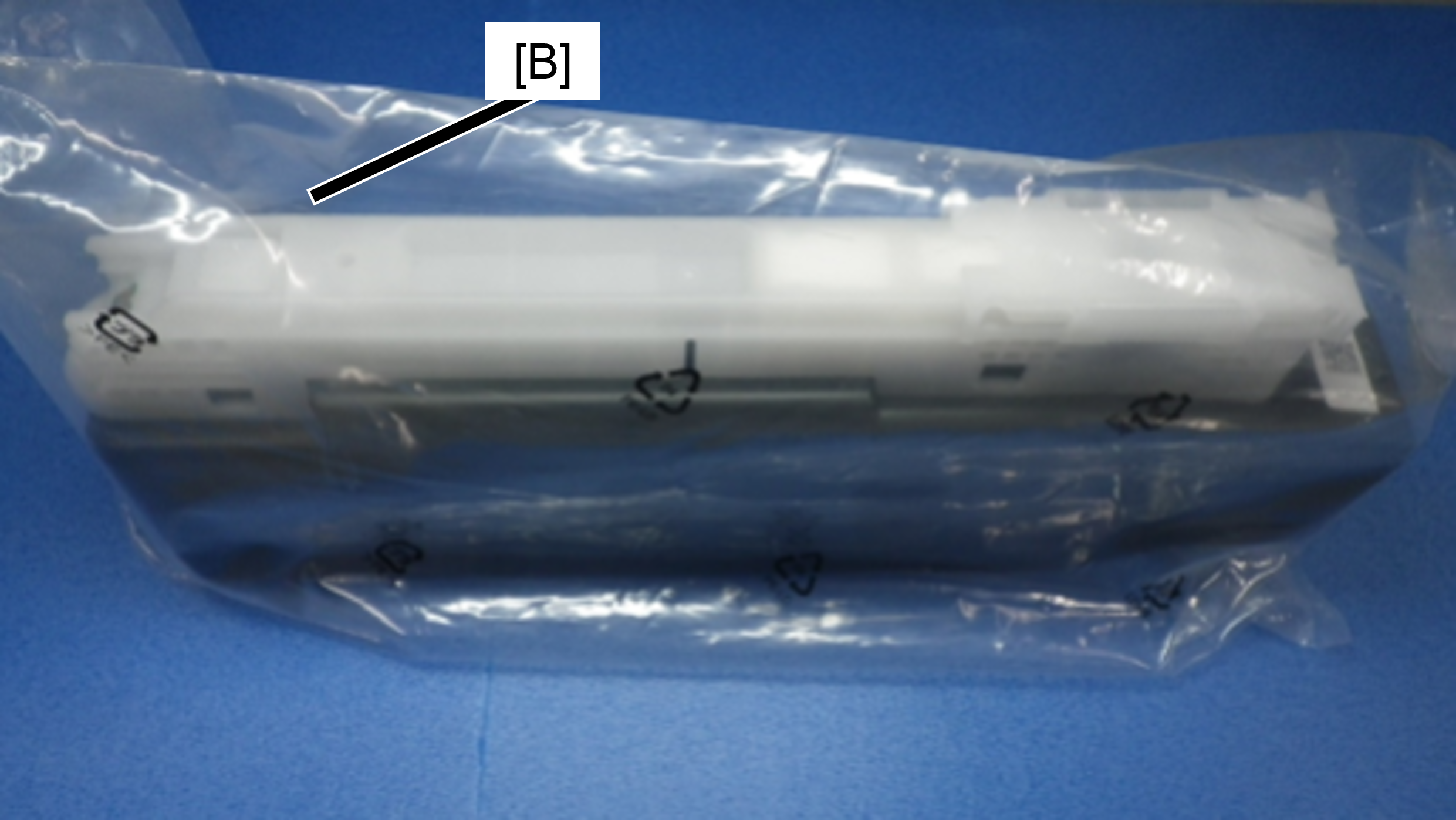
Ink cartridge
| Protection Point | Description |
|---|---|
| Prevention of ink transfer during transportation
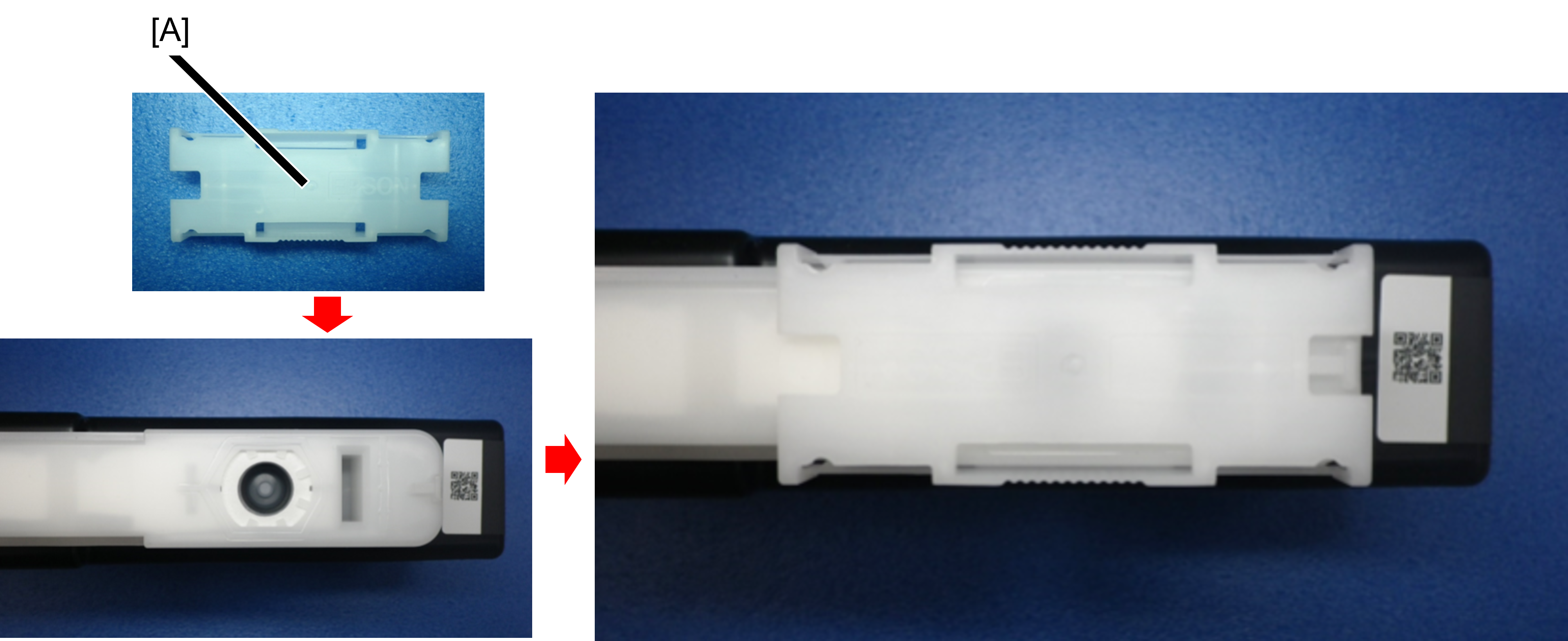
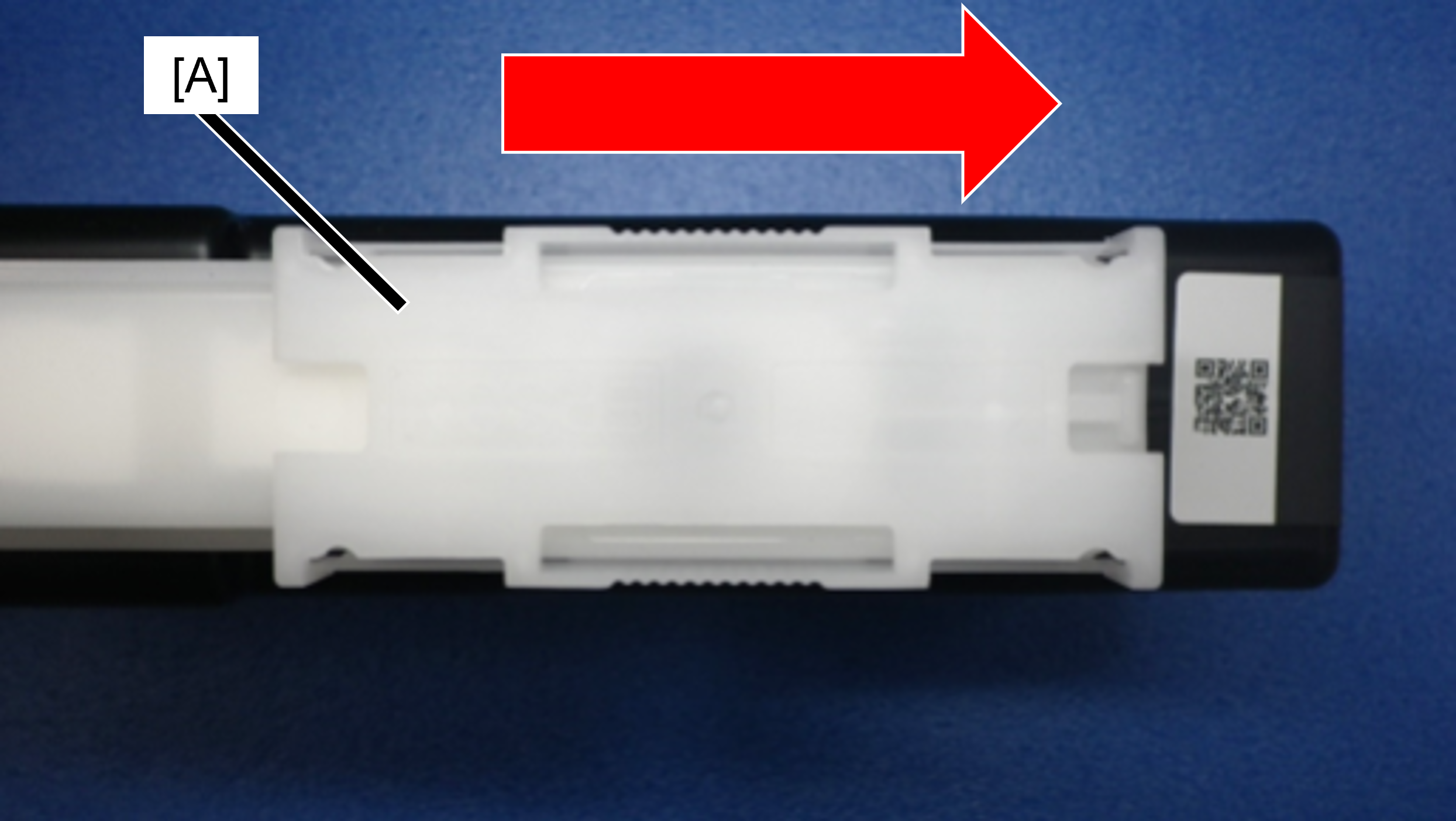
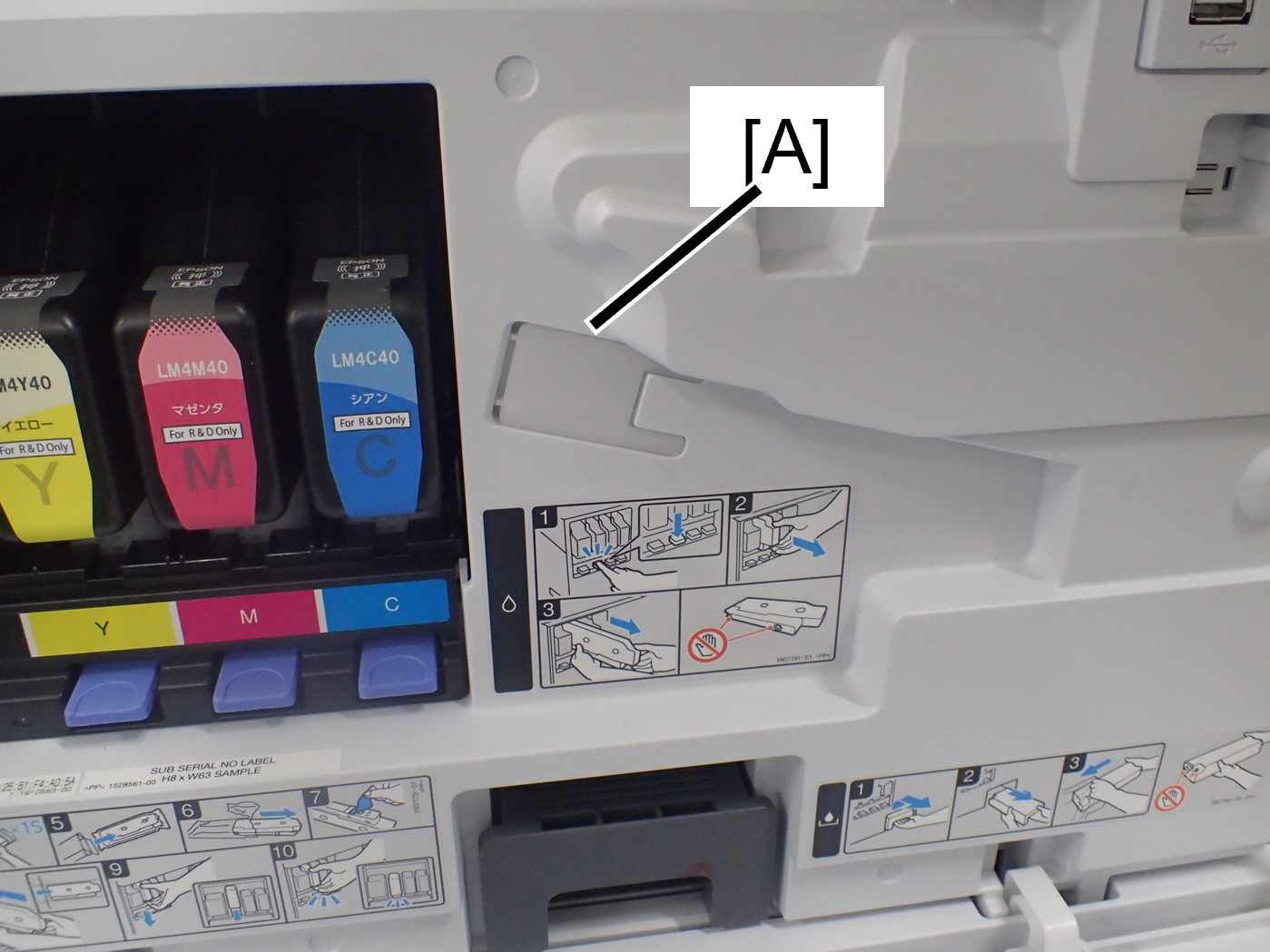
How to attach the ink supply port cap Slide the ink supply port cap (A) in the direction of the arrow until it clicks. The shape of the ink supply port cap is bilaterally symmetrical, so it can be installed in either direction.
|
|
Main Unit
In D4 Cover
 Caution / 注意 Caution / 注意 |
To prevent contact with the Belt surface during work, be sure to perform the items listed in the table in order from the top. |
| Protection Point | Description |
|---|---|
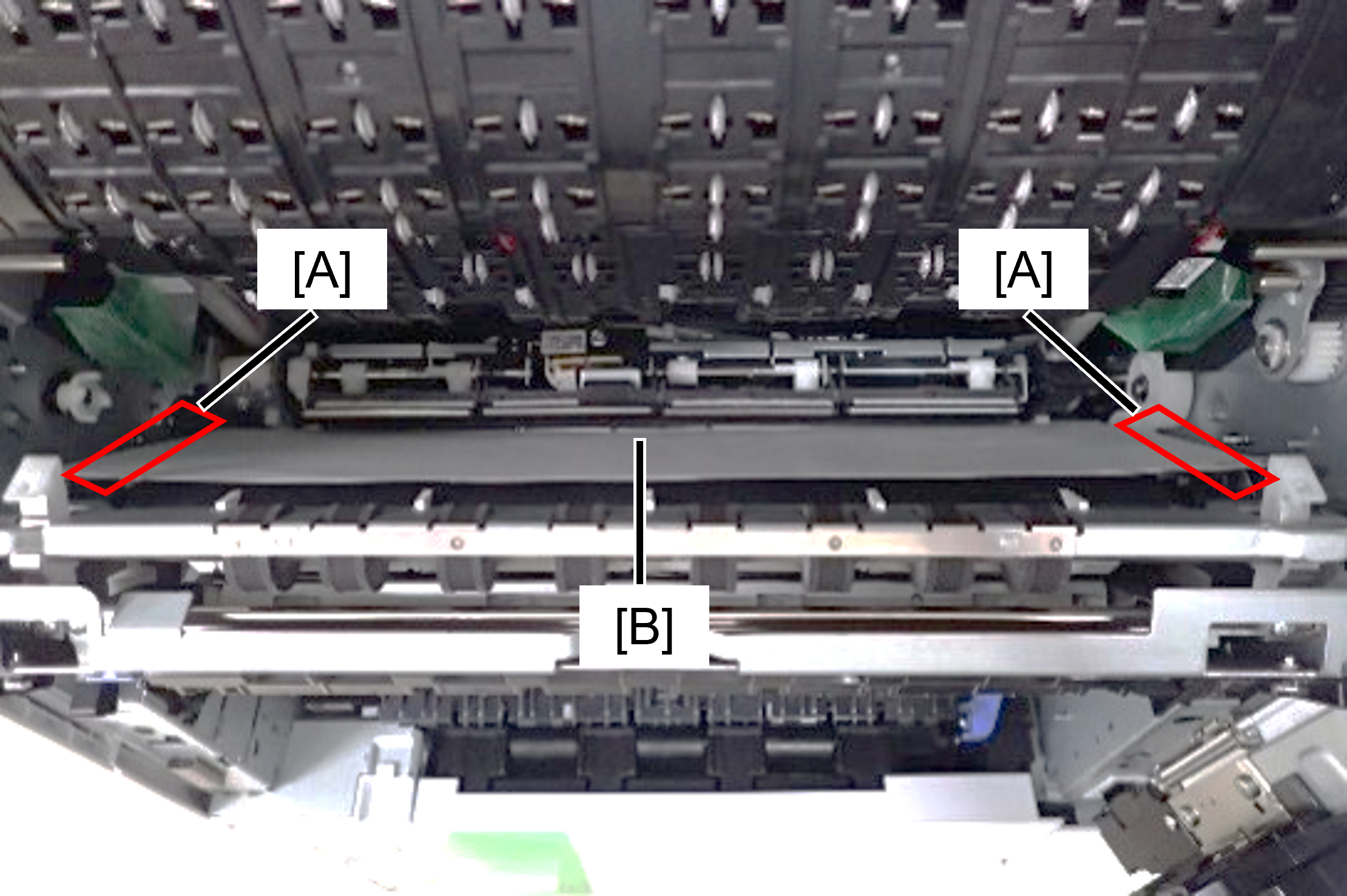
| Prevents rubbing of belt and belt gap regulating surface (A) due to vibration during transportation
|
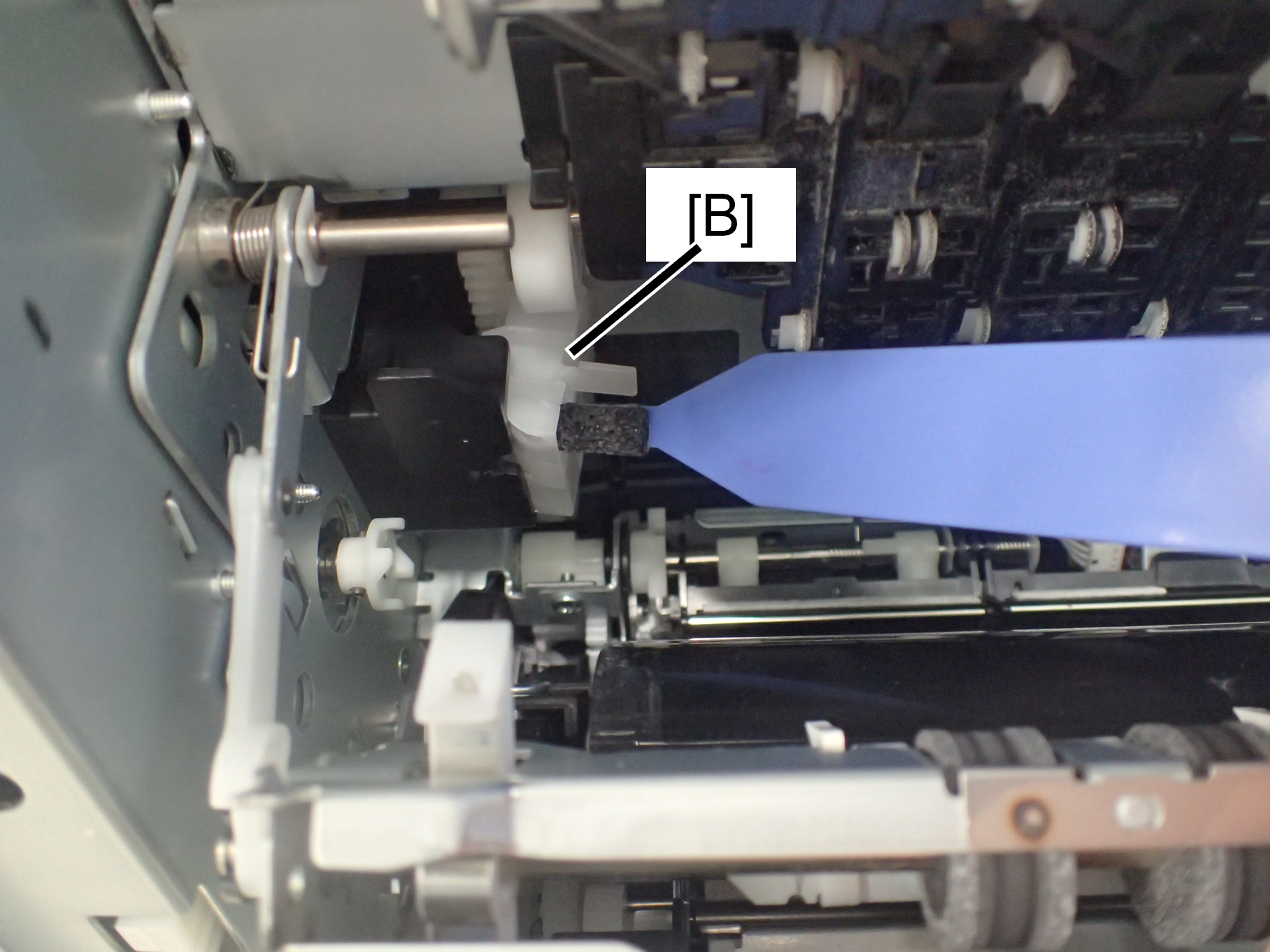
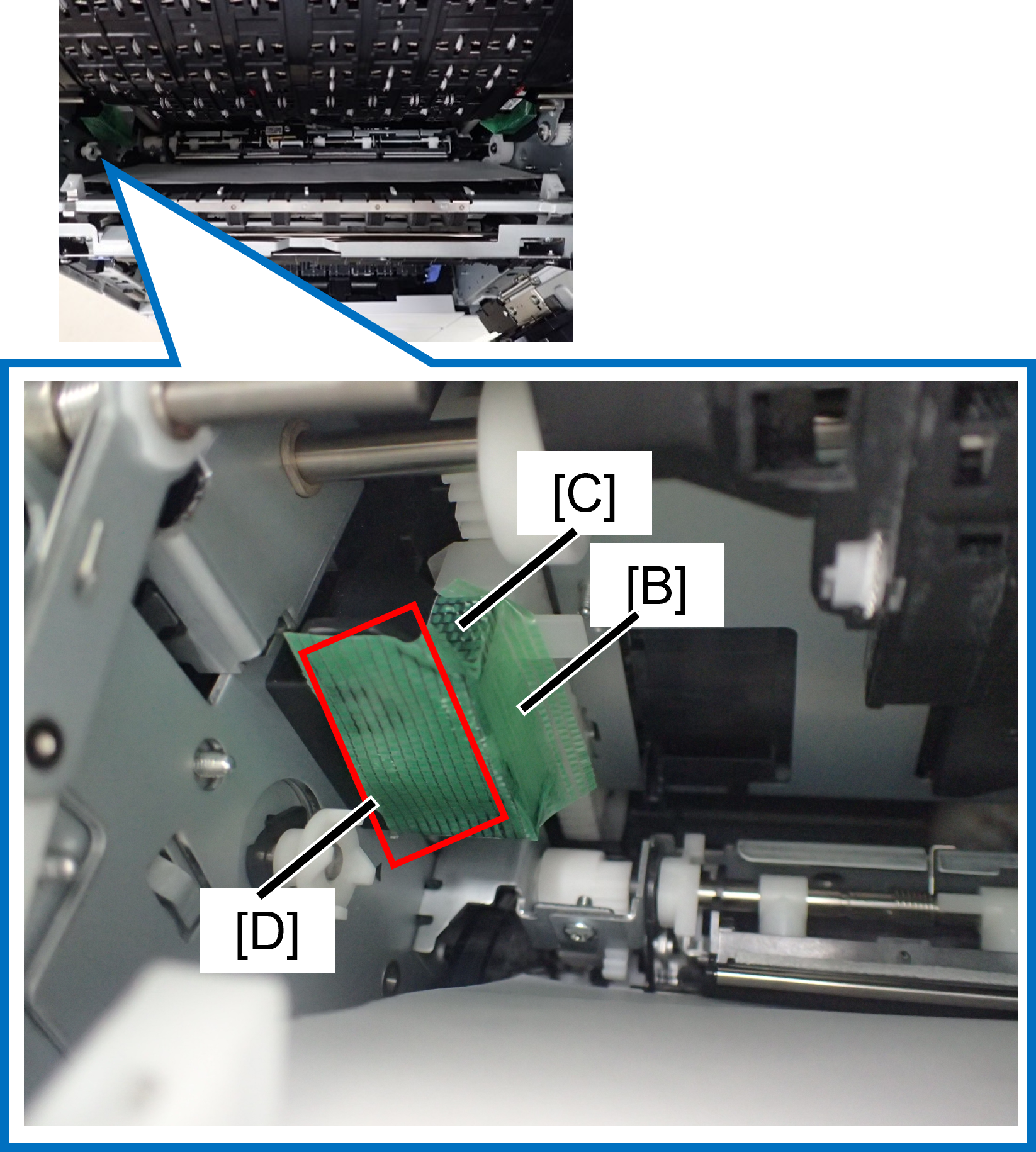
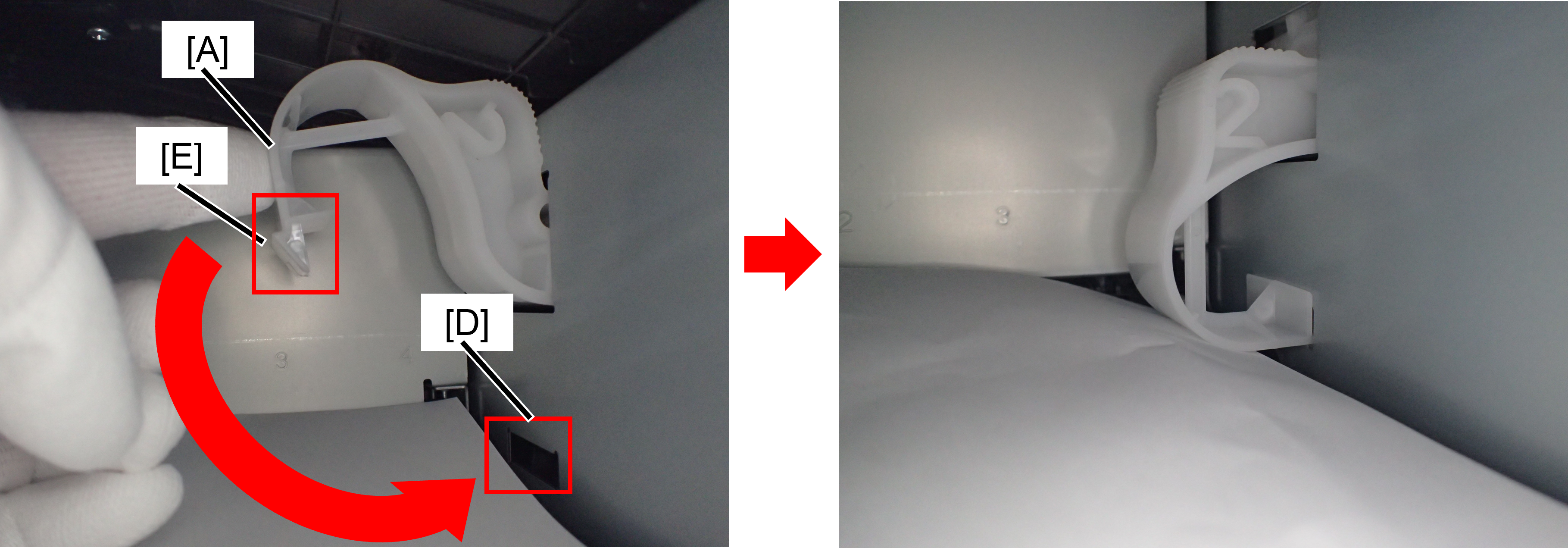
| Preventing lifting gear disengagement of the cap unit due to vibration during transportation.
If it is difficult to attach the cap transport parts, follow the steps below to attach it.
|
| |
|



In A Cover
| Protection Point | Description |
|---|---|
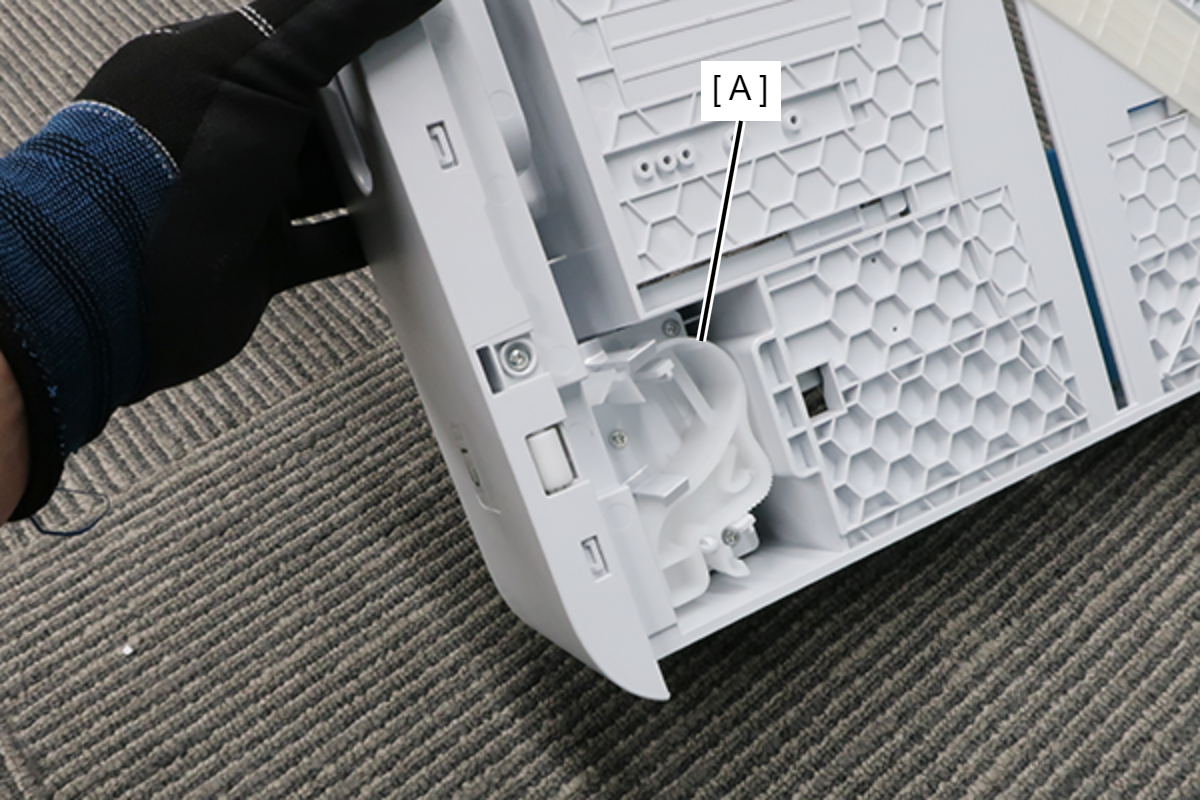
| Prevention of Head unit lifting gear disengagement1
|
| |
| Prevention of Head unit lifting gear disengagement2
 |
|


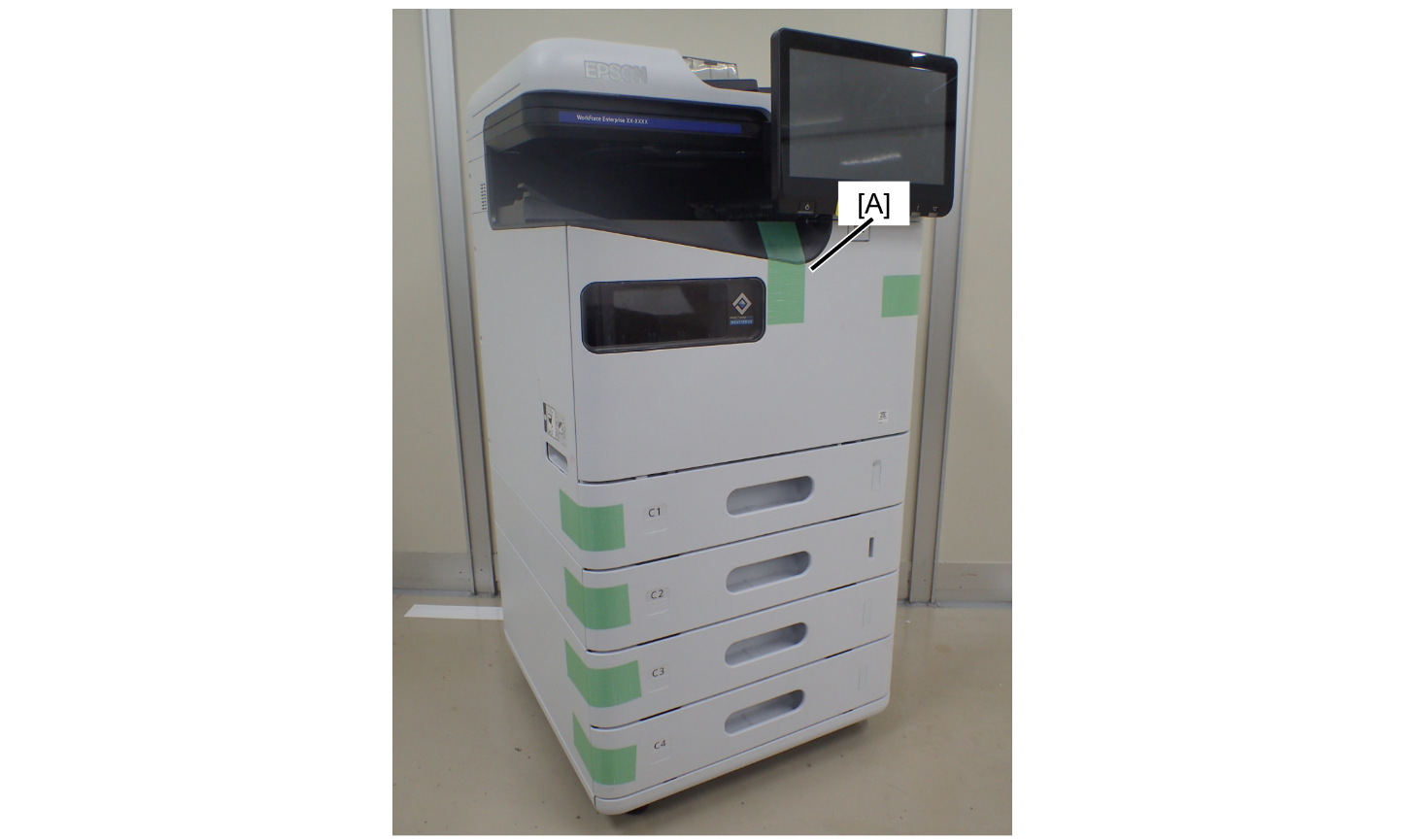
Front
| Protection Point | Description |
|---|---|
| A cover opening prevention
|
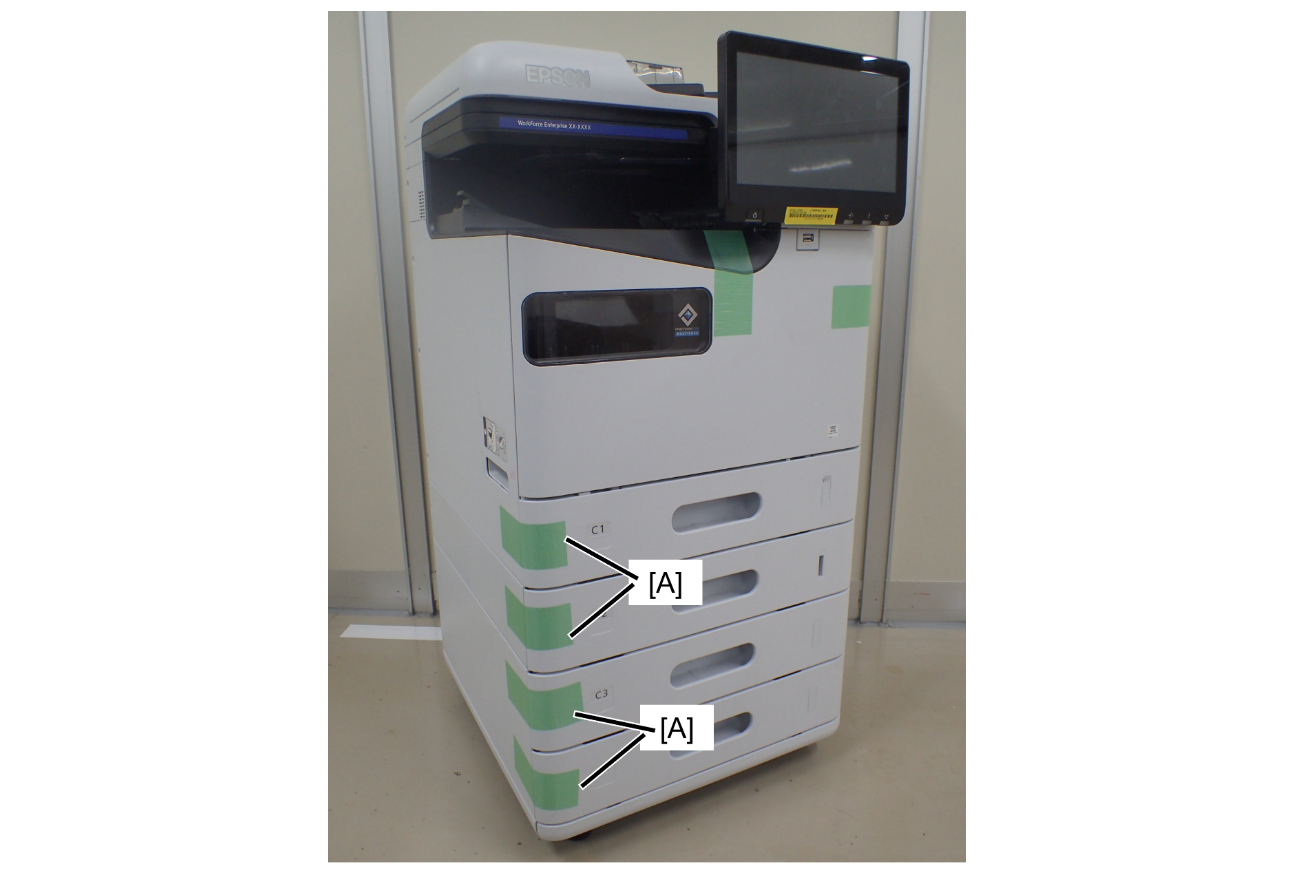
| Cassette tray pop-out prevention
|
Right side
| Protection Point | Description |
|---|---|
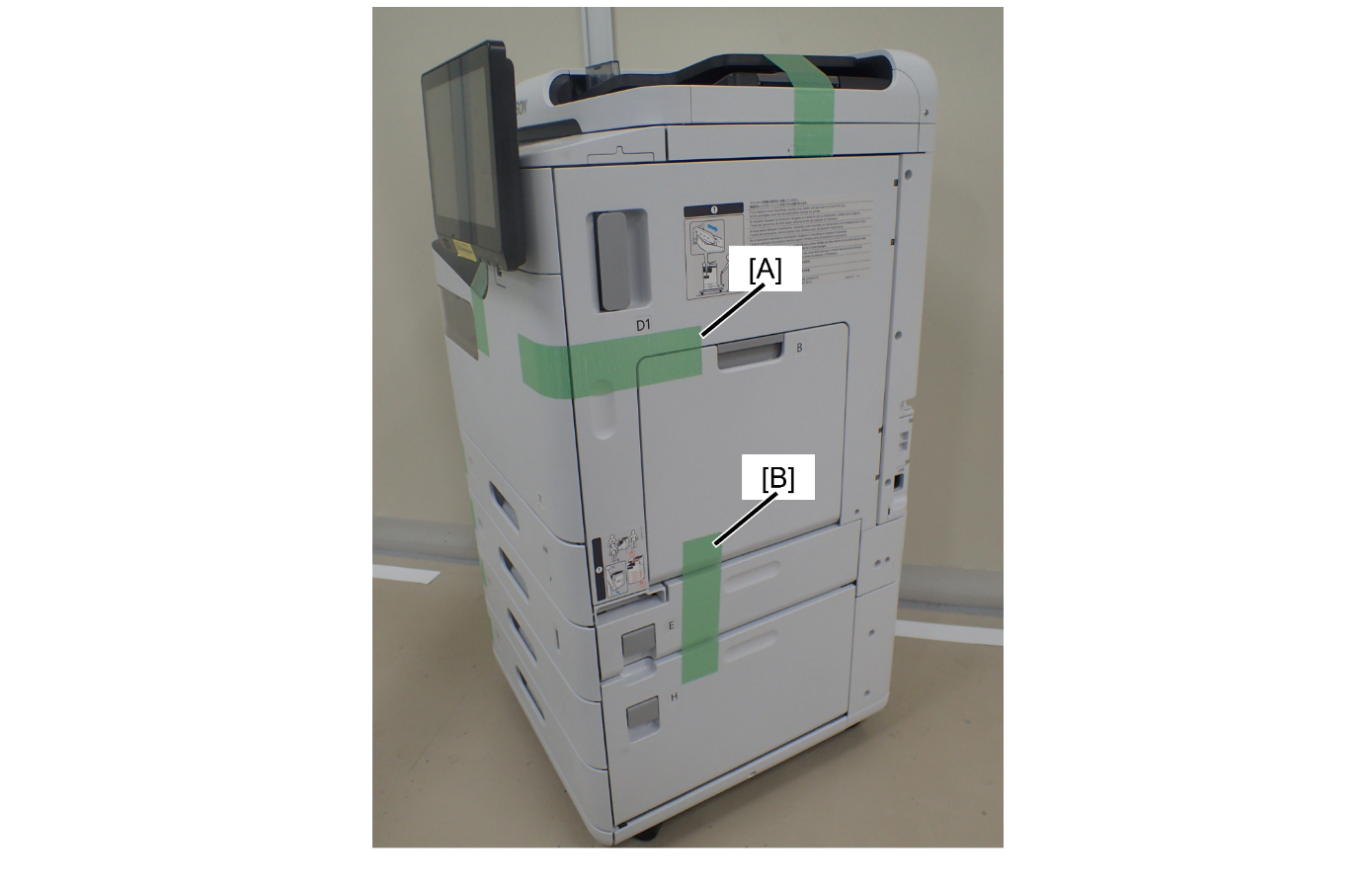
| D1 cover/B cover/Ecover/Hcover opening prevention
|
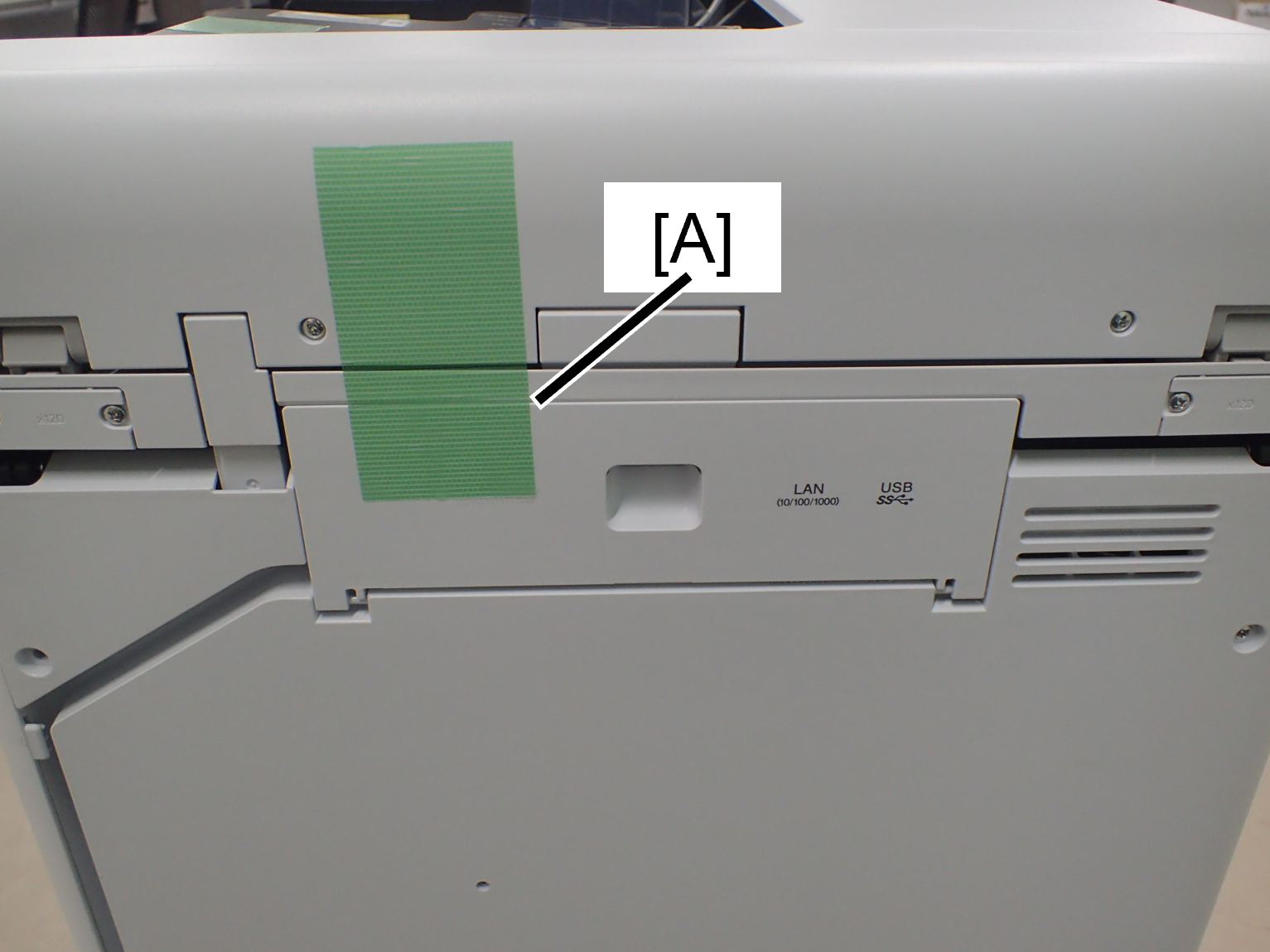
Rear
| interface cover opening prevention
|
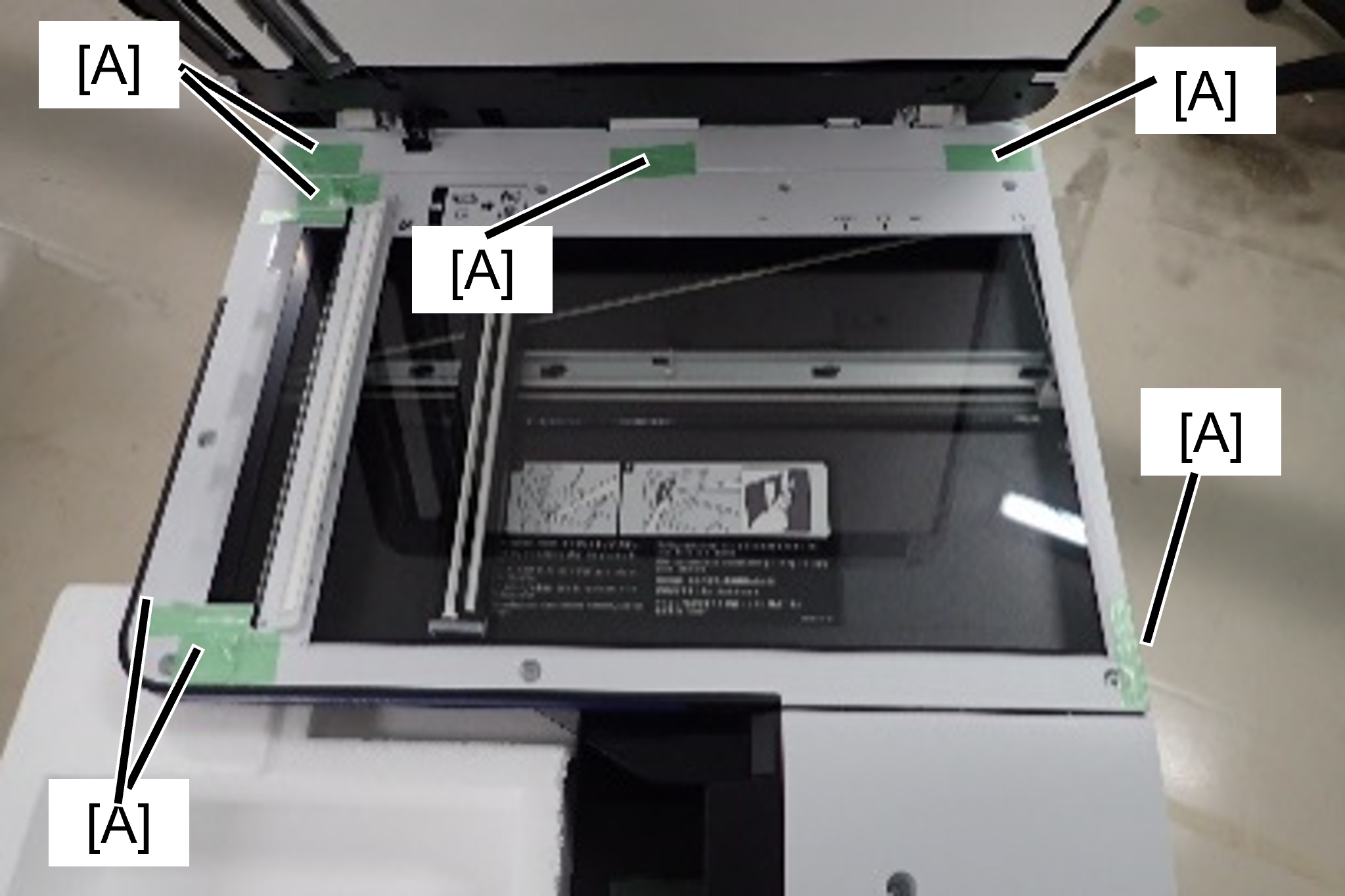
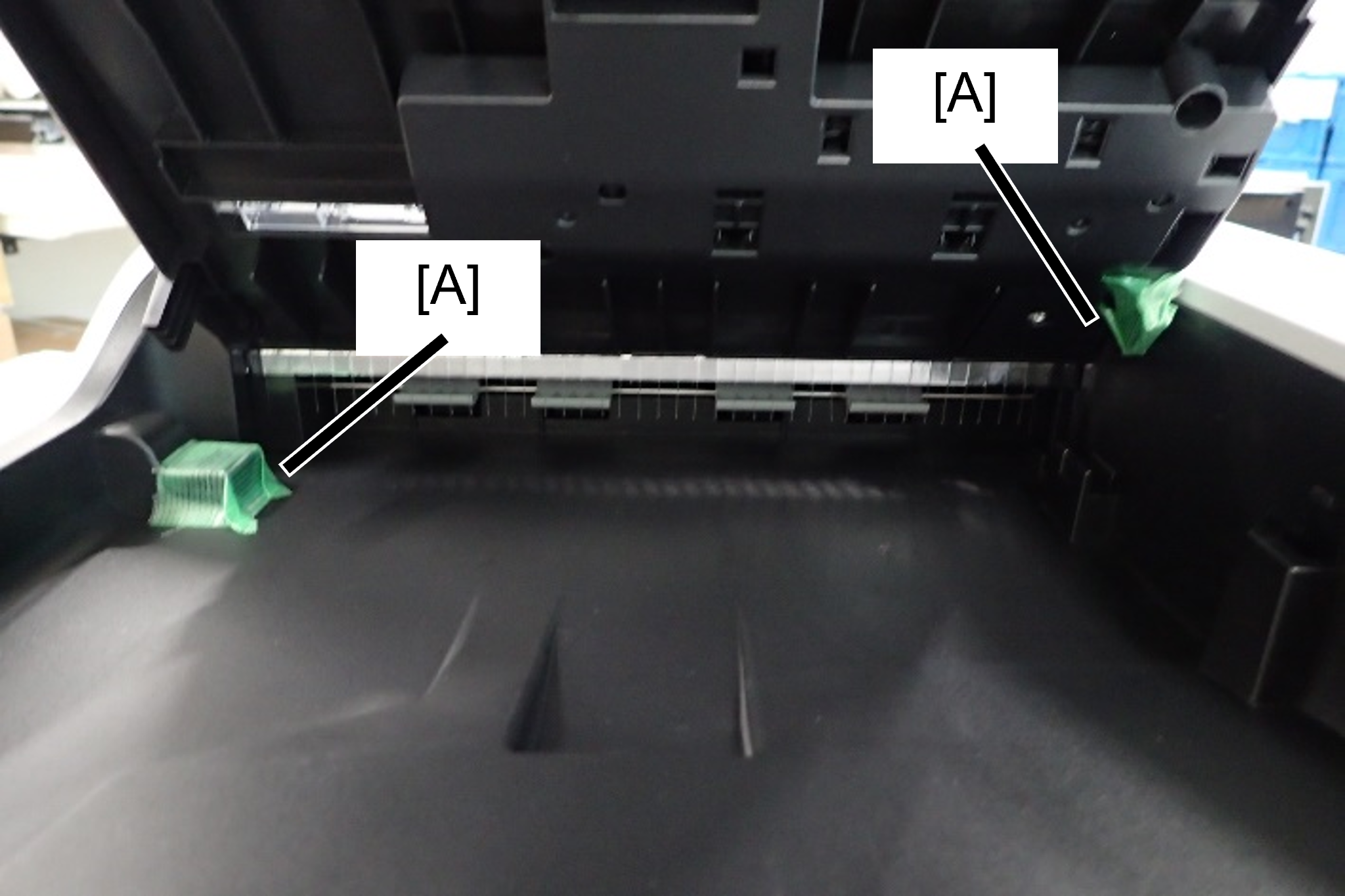
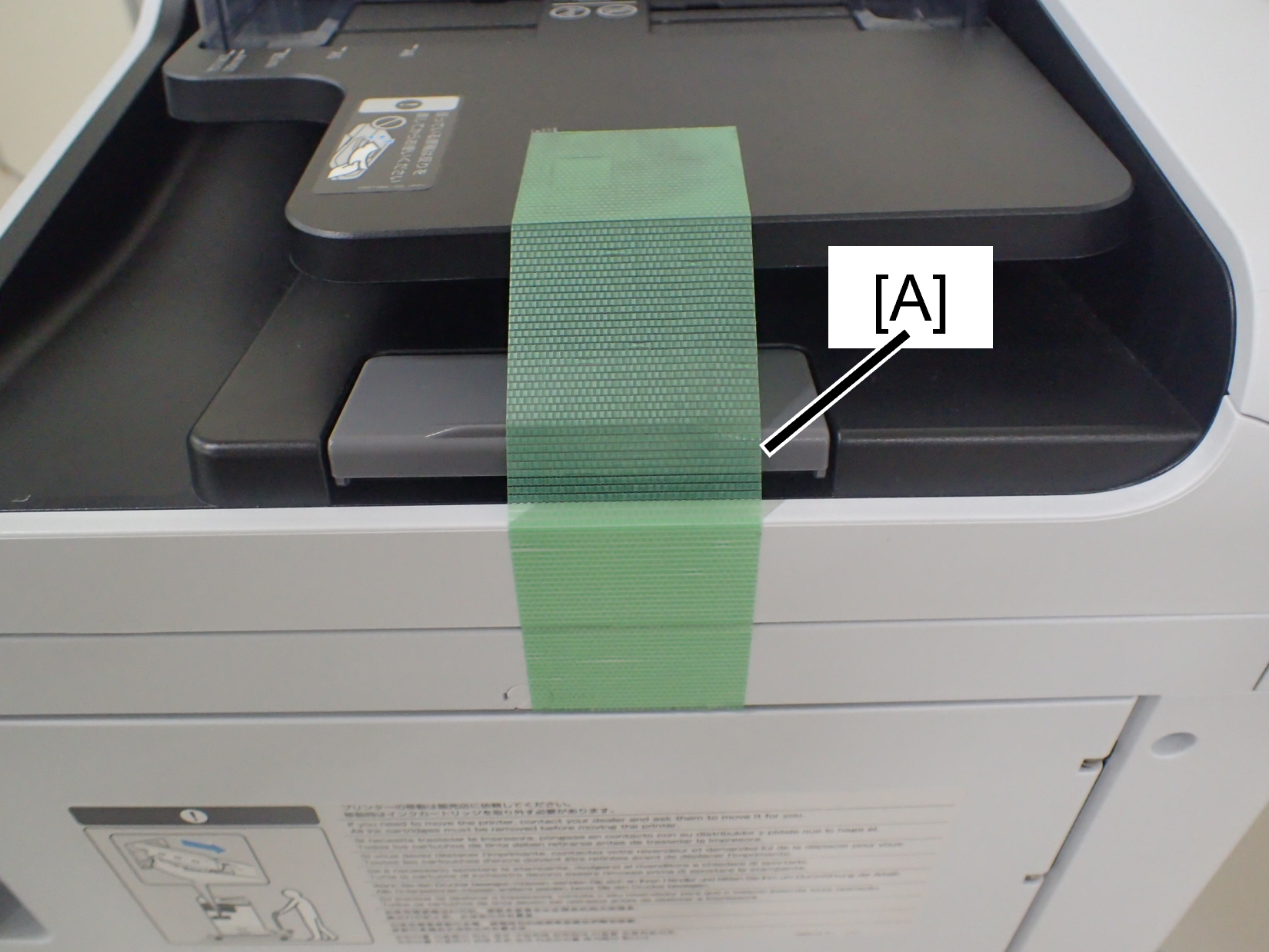
ADF/SCN
| Protection Point | Description |
|---|---|
| Preventing rubbing at the contact point between the flatbed of the SCN unit and the ADF unit
|
| Prevents contact surface abrasion between the ADF tray and ADF output tray
|
| Preventing the ADF document tray from flapping
|
| Stabling point | Description |
|---|---|
| ADF/SCN Unit fall prevention
|
