Installing the DEVICE STATUS AGENT
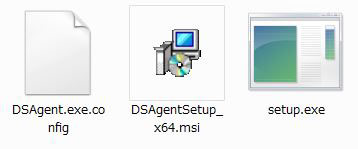
- Double-click on [setup.exe] to start the installation.
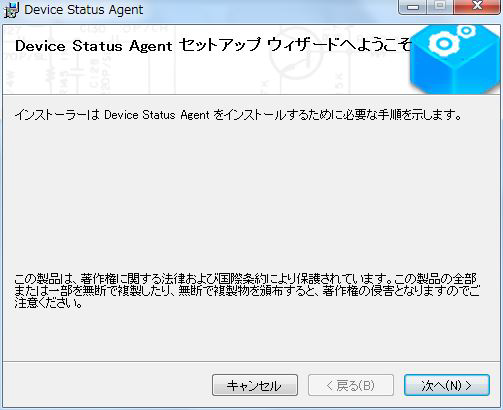
- Click [Next].
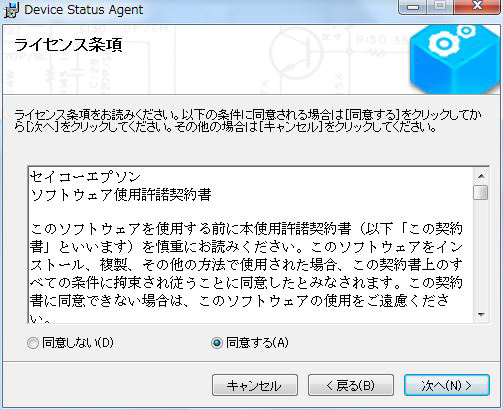
- Read the license agreement, select [Agree], and then click [Next].
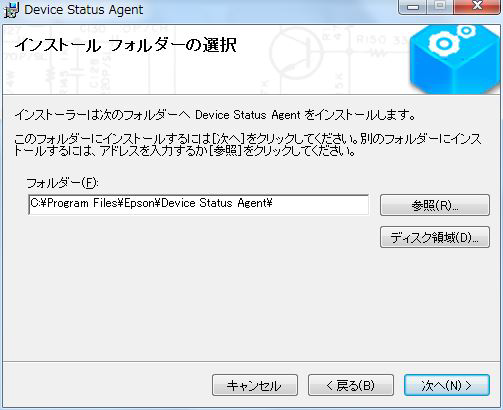
- Confirm the installation folder and click [Next].
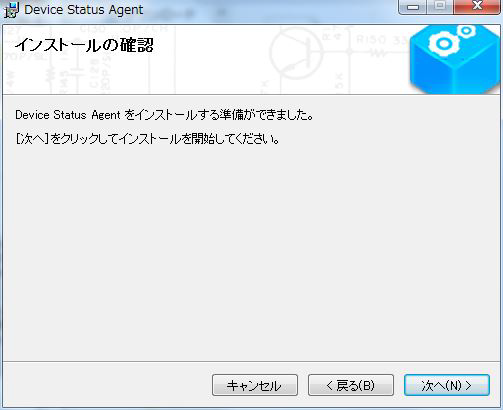
When the installation confirmation screen is displayed, click [Next]. (The installation will start.)
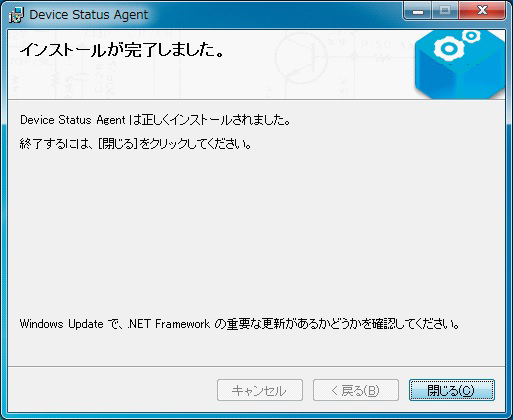
Confirm that the installation is complete and click [Close].
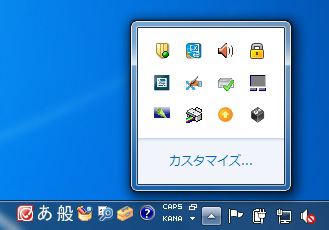
After completing the installation, the Device Status Agent icon will be added to the task tray (notification area). (Gray color)
This is the end of the installation.