
Printer IP address Configuration
- Display the panel home screen.
- Tap the [Network icon].
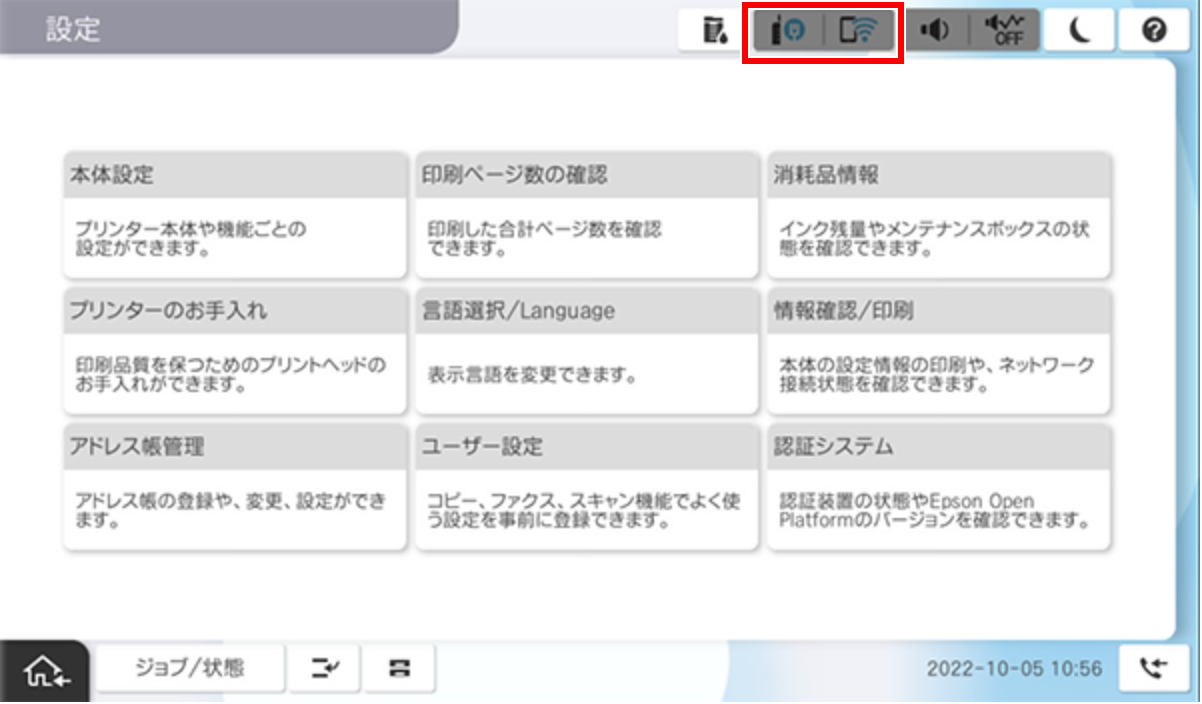
- Tap [Explanation of connection method].
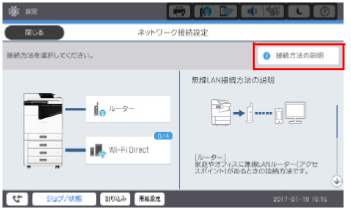
- Tap [How to change the IP address].
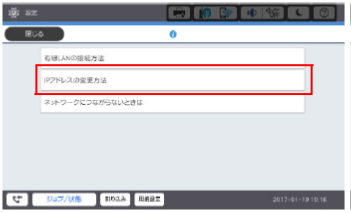
- Tap [Proceed to settings].
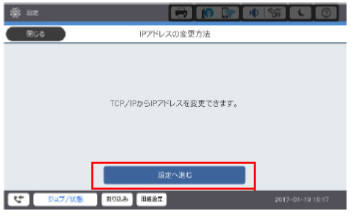
- Check the detailed setting screen is displayed.
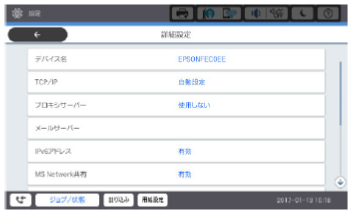
- if you assign a Static IP Address, refer to the static IP address setting configuration. (Method to Assign a Static IP Address)
- if you assign IP address by DHCP(IPv4), refer to the IP Address configuration using DHCP (IP Address Setting Using DHCP)