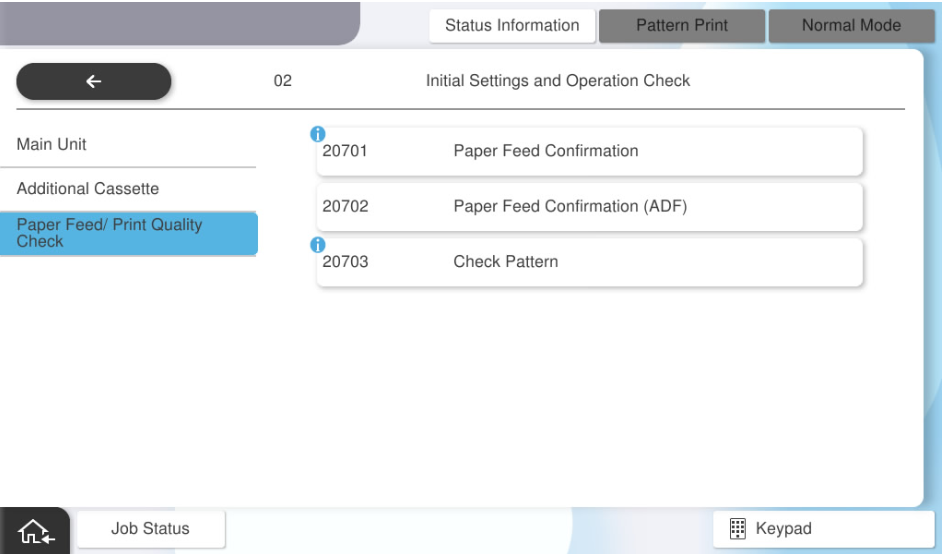
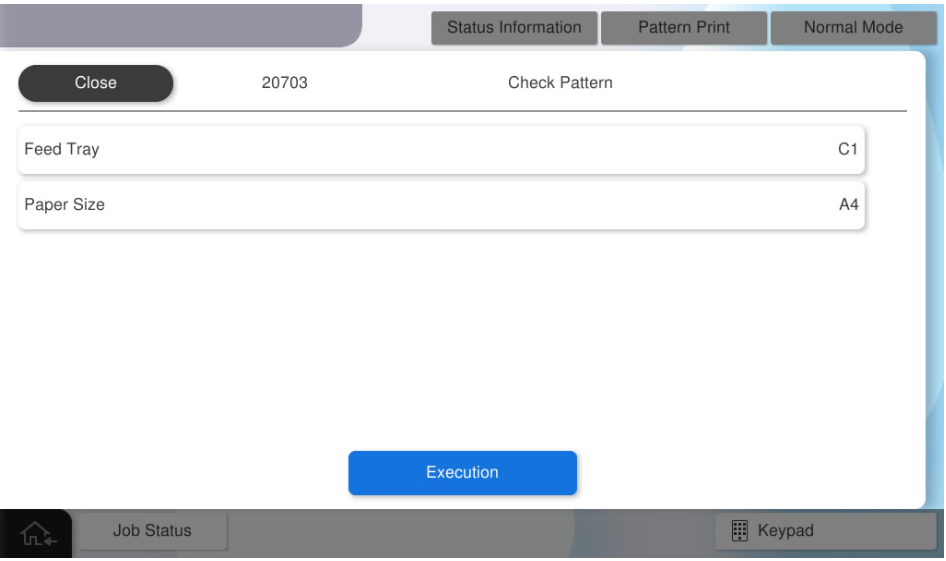
20703 Check Pattern

All of the following patterns will be printed.

  • Paper size: A4/Letter
  • Paper type: Plain paper
  • Number of prints: 6
Pattern NameSpecificationsPattern Image (Paper transport direction: arrow direction)Target image quality defect

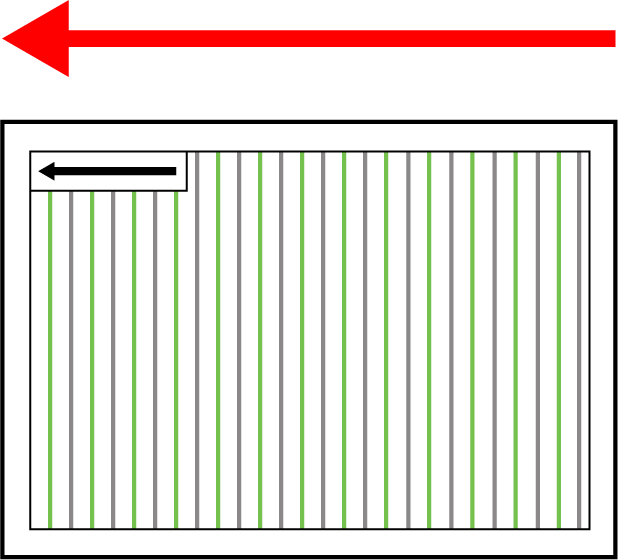
Ruled Line Pattern

  • Pattern outline: Black and green lines are printed evenly spaced apart, and a black box surrounding the lines is also printed.
  • Paper size: A4/Letter
  • Paper type: Plain paper
  • Number of prints: 1

  • Ruled line misalignment

  • Character distortion

  • Color shift

  • Incorrect margins

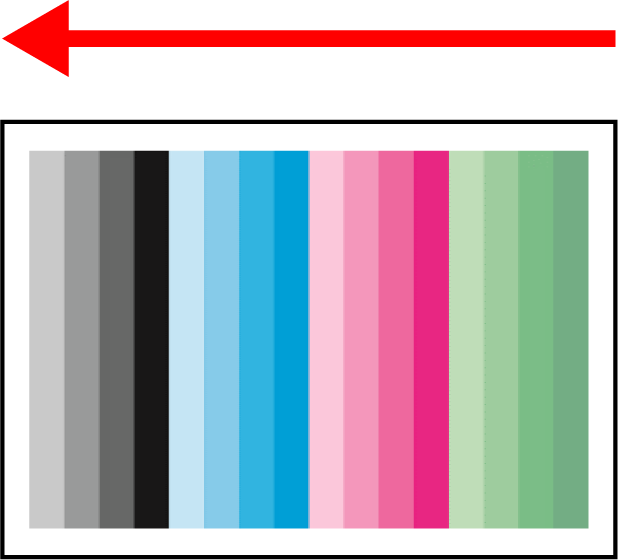
Color Gradation Pattern

  • Pattern outline: 4 gradation patterns
  • Paper size: A4/Letter
  • Paper type: Plain paper

  • Number of prints: 1

  • White or dark lines

  • White or dark smudges

  • Color banding

  • Smeared printout 1 (paper is rubbed against head or rollers)

  • Cockling

  • Wrinkling of paper

  • Blank pages print

  • Entirely too dark printout

  • Ripple pattern

  • Strike-through

  • Faint Printout

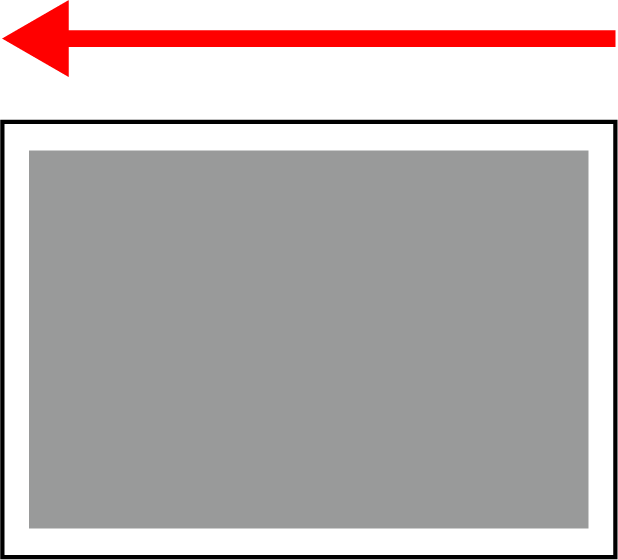
Black 25% Pattern

  • Pattern outline: Black (Duty 25%) uniform pattern

  • Paper size: A4/Letter

  • Paper type: Plain paper

  • Number of prints: 3

  • Diagonal Unevenness

  • Failure in fixing ink

  • White or dark banding

Adsorption Check Pattern

  • Pattern outline:

    • Prints 20103 gradation pattern on one side, and feed through duplex path..

    • It ejects paper without printing on the other side.

  • Paper size: A4/Letter

  • Paper type: Plain paper

  • Number of prints: 1

  • Ruled line misalignment

  • Color shift


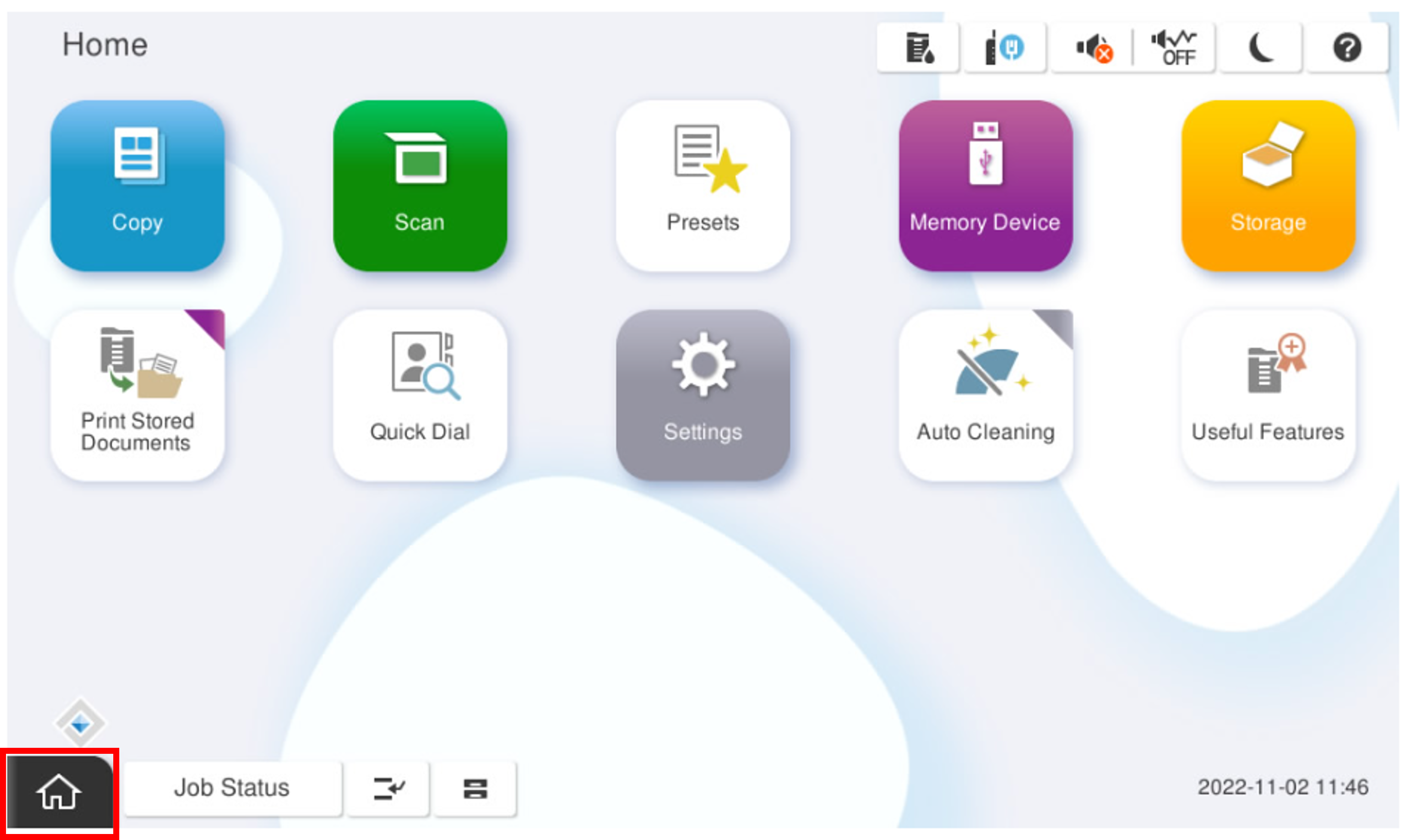
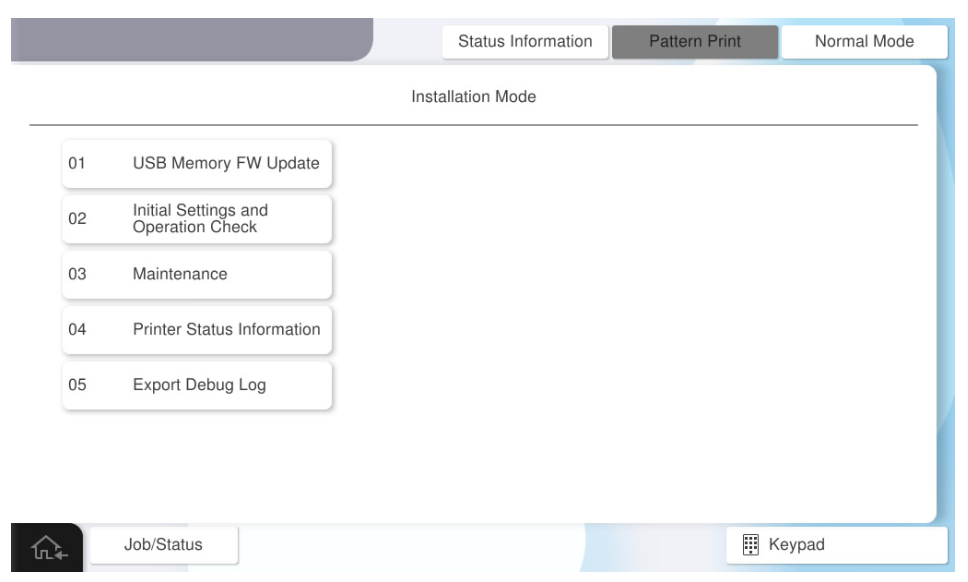
  1. Start installation mode.
  2. Select [02 Initial Settings and Operation Check].
  3. Select [20703 Check Pattern].
  4. Select [Check Pattern Print].
  5. Press each setting item button to make the print settings.
    The selectable items are as follows.

    Program No.Pattern NameSetting ItemsChoice
    20703Check Pattern PrintFeed TrayC1, C2, C3, C4, MP Tray
    Paper SizeA4, Letter
  6. Press [Execution].