
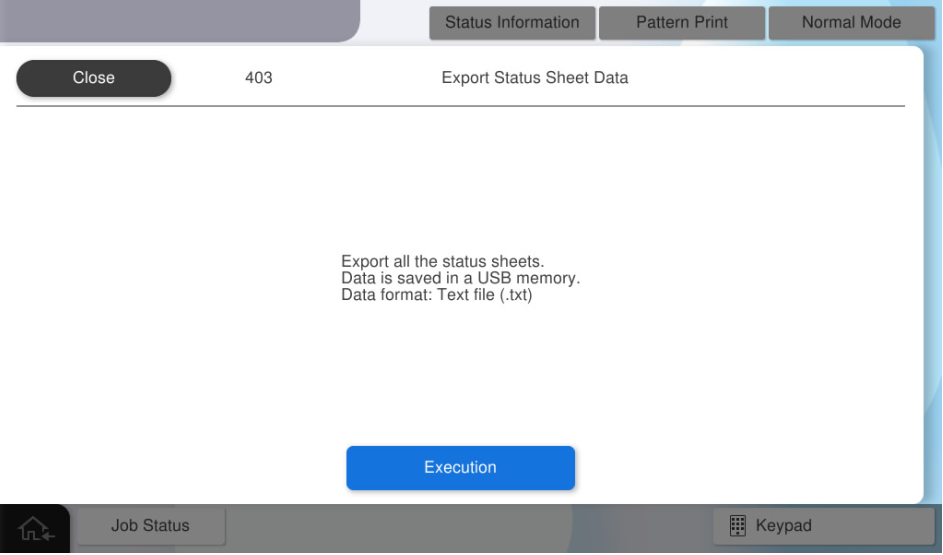
403 Export Status Sheet Data
Save the status sheet of this product to a USB memory in txt. format.
| No. | Status Sheet Name | The string to be displayed in the output file |
|---|---|---|
| 1 | Printer information sheet | (Product name)_(Serial No)_(Date and time)_PrinterConfigurationSheet_(Language).txt |
| 2 | Consumables information sheet | (Product name)_(Serial No)_(Date and time)_SupplyStatusSheet_(Language).txt |
| 3 | Usage history sheet | (Product name)_(Serial No)_(Date and time)_UsageHistorySheet_(Language).txt |
| 4 | Service Status Sheet | (Product name)_(Serial No)_(Date and time)_ServiceStatusSheet_(Language).txt |
| 5 | Network Status Sheet (Main Unit) | (Product name)_(Serial No)_(Date and time)_StdNetworkStatusSheet_(Language).txt |
| 6 | Network Status Sheet (Optional Ethernet) | (Product name)_(Serial No)_(Date and time)_OptNetworkStatusSheet_(Language).txt |
| 7 | Fax Setting List | (Product name)_(Serial No)_(Date and time)_FaxSettingList_(Language).txt |
| 8 | Communication Log (fax) | (Product name)_(Serial No)_(Date and time)_FaxCommunicationLog_(Language).txt |
| 9 | Communication Results (fax) | (Product name)_(Serial No)_(Date and time)_FaxCommunicationResult_(Language).txt |
| 10 | Protocol Monitor Log (Main Unit) | (Product name)_(Serial No)_(Date and time)_StdProtocolMonitorLog_(Language).txt |
| 11 | Protocol Monitor Log (Optional FAX 1) | (Product name)_(Serial No)_(Date and time)_Opt1ProtocolMonitorLog_(Language).txt |
| 12 | Protocol Monitor Log (Optional FAX 2) | (Product name)_(Serial No)_(Date and time)_Opt2ProtocolMonitorLog_(Language).txt |
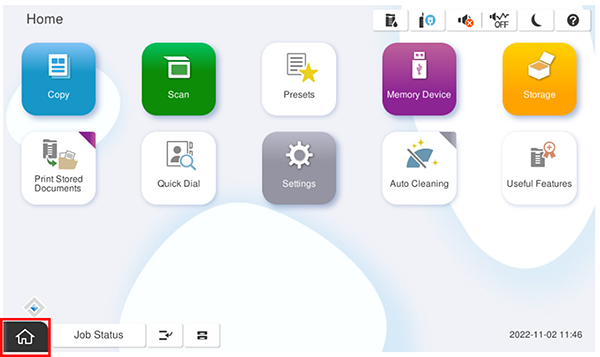
- Start installation mode.
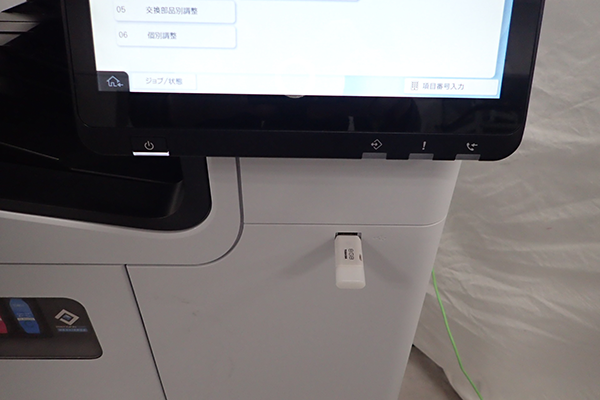
- Connect a USB memory to the front USB port.
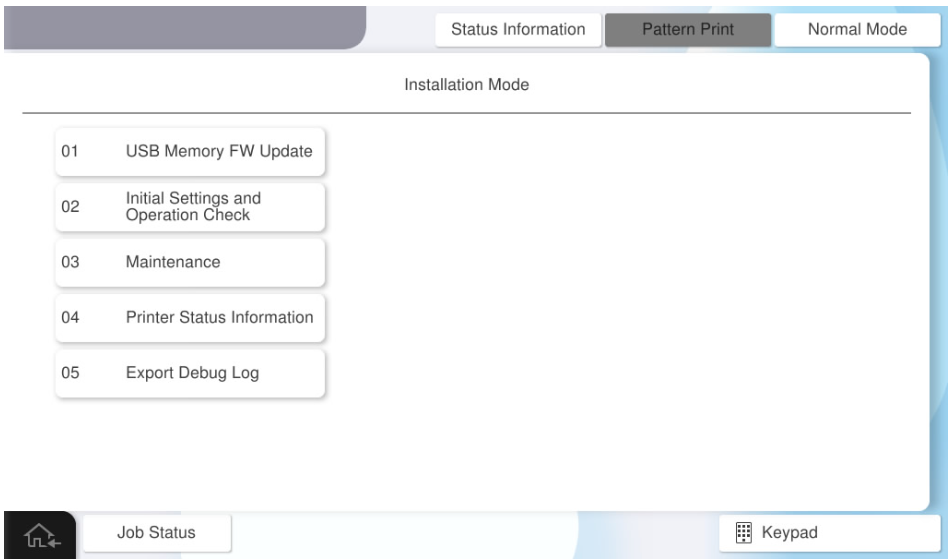
Select [04 Printer Status Information].
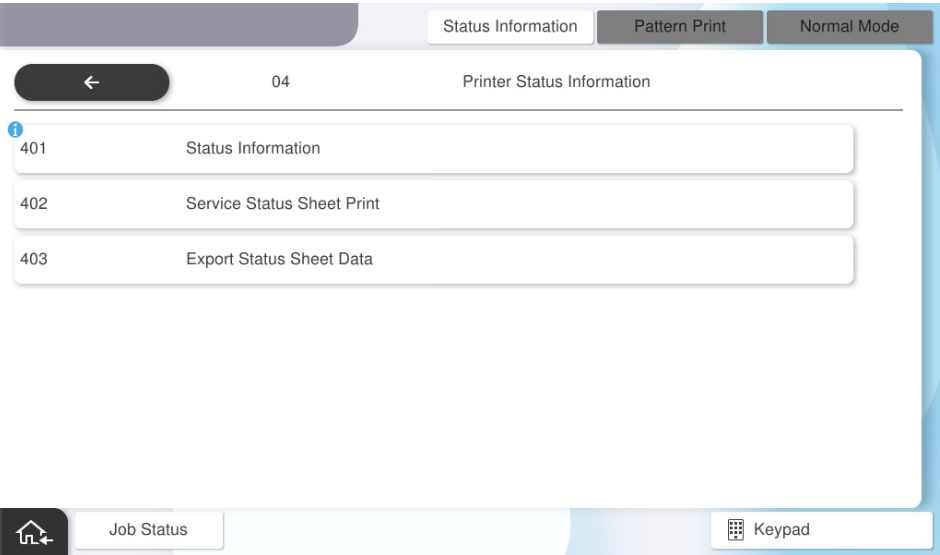
Select [403 Export Status Sheet Data ].
- Press [Execution].
 Note / 補足
- For a single Status Sheet type, 2 files are output: the language used in the panel and in English.
- Output files are sorted into folders by date.