
402 Service Status Sheet Print
Print the service status sheets.
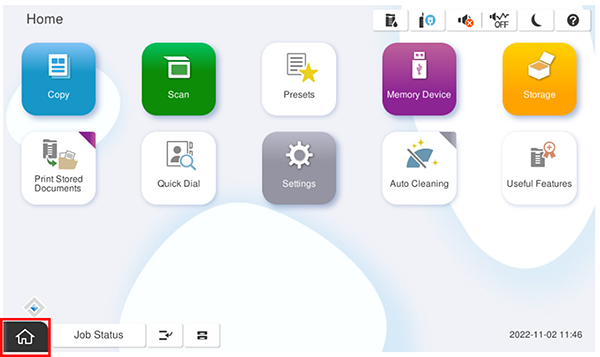
Start installation mode.
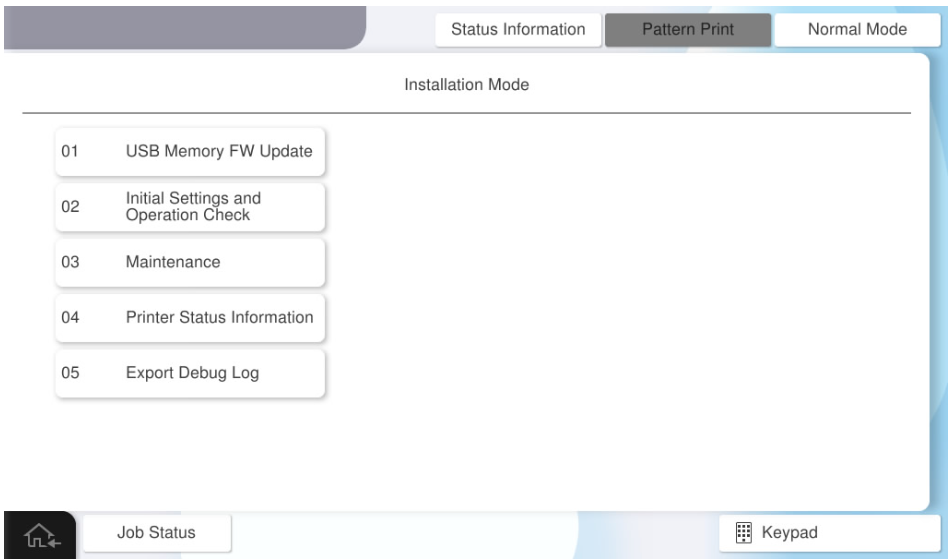
Select [04 Printer Status Information].
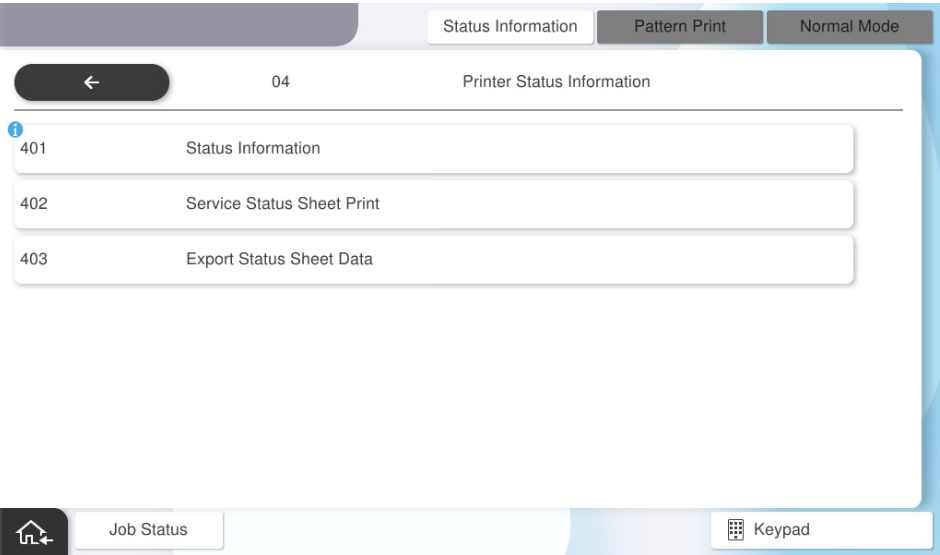
Select [402 Service Status Sheet Print].
- Press each setting item button to make print settings.
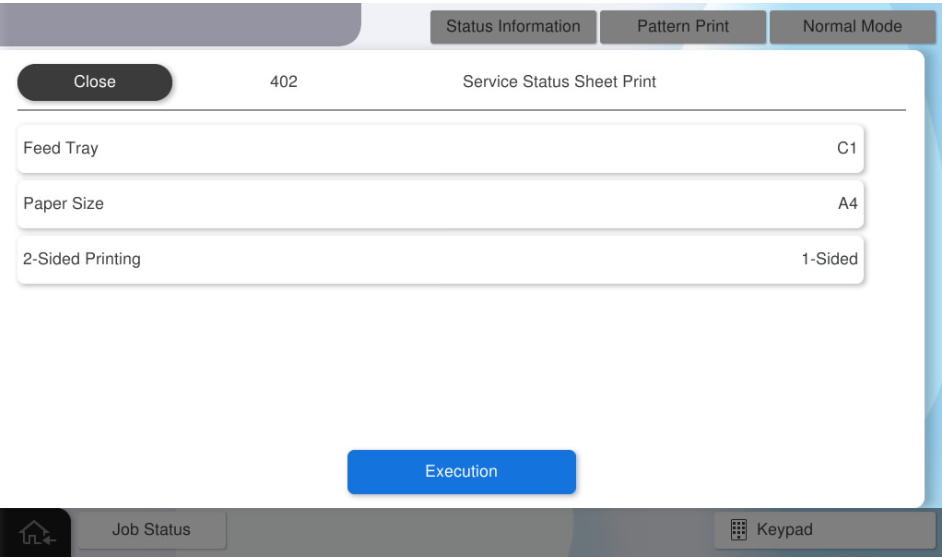
The parameters that can be set are as follows.
Setting Items Choice Feed Tray C1, C2, C3, C4, MP Tray Available Paper Sizes A4 / Letter Duplex setting 1-sided, 2-sided - Press [Execution].