Wireless LAN Setting
- Method to switch the access point settings.
- Display the panel home screen.
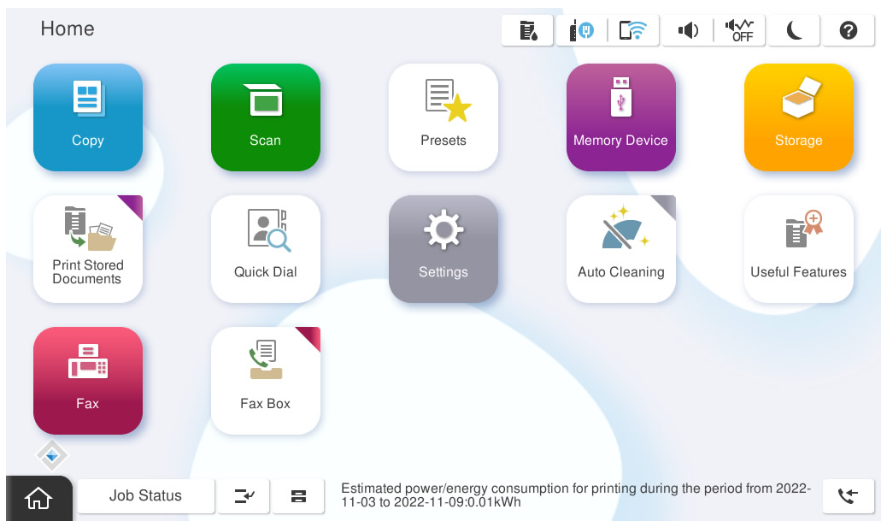
- Tap the [Network icon].
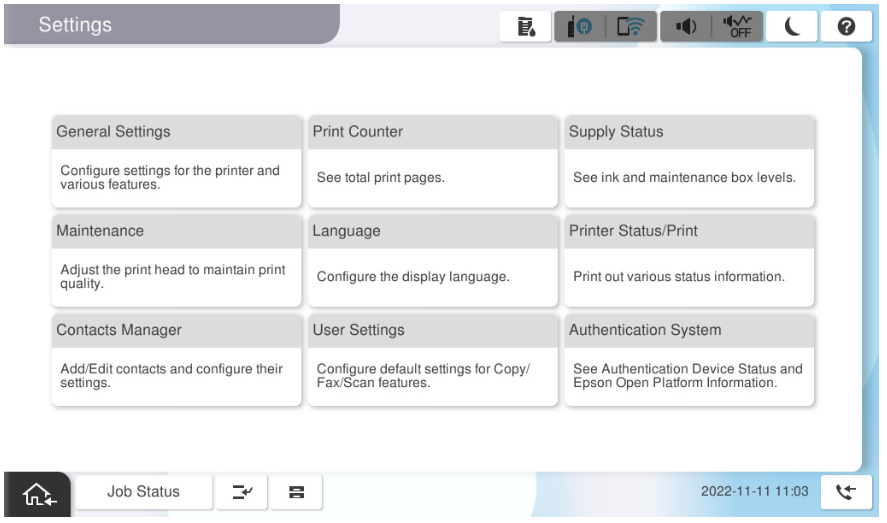
- Tap [Router].
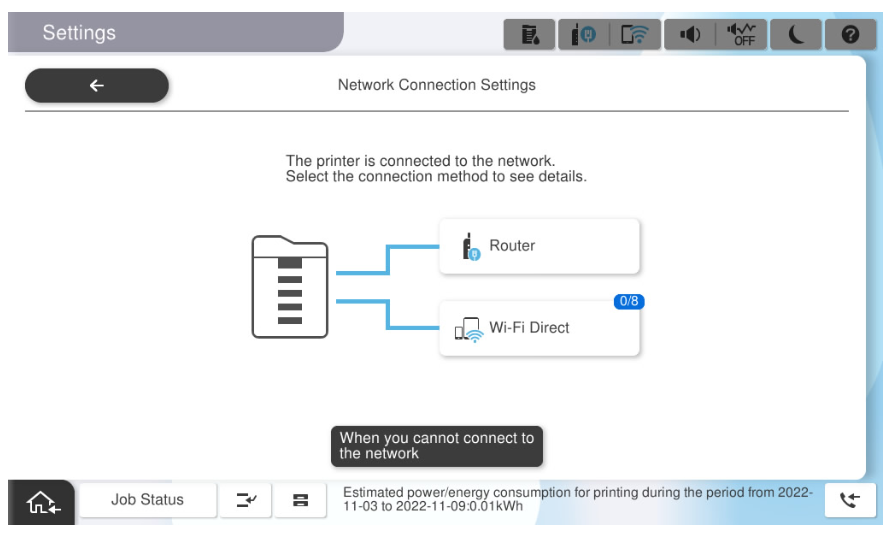
- Tap on [Change Setup].
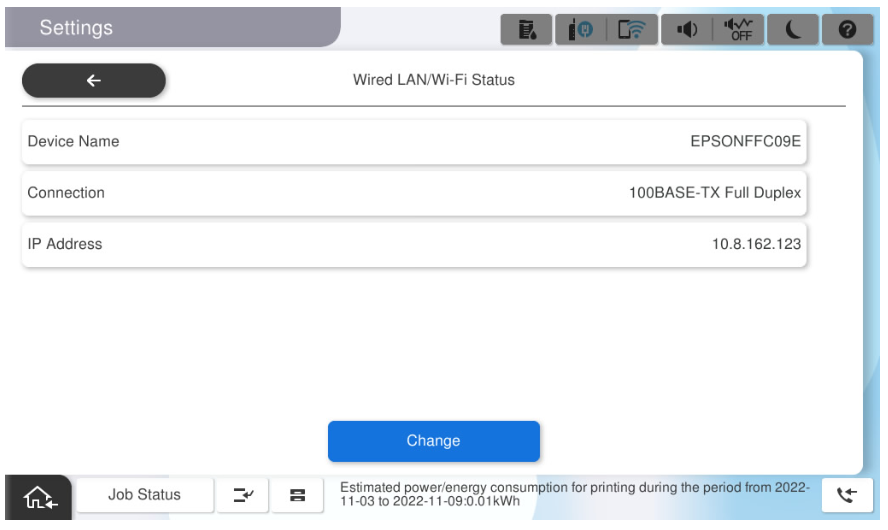
- Tap [Wireless LAN connection settings].
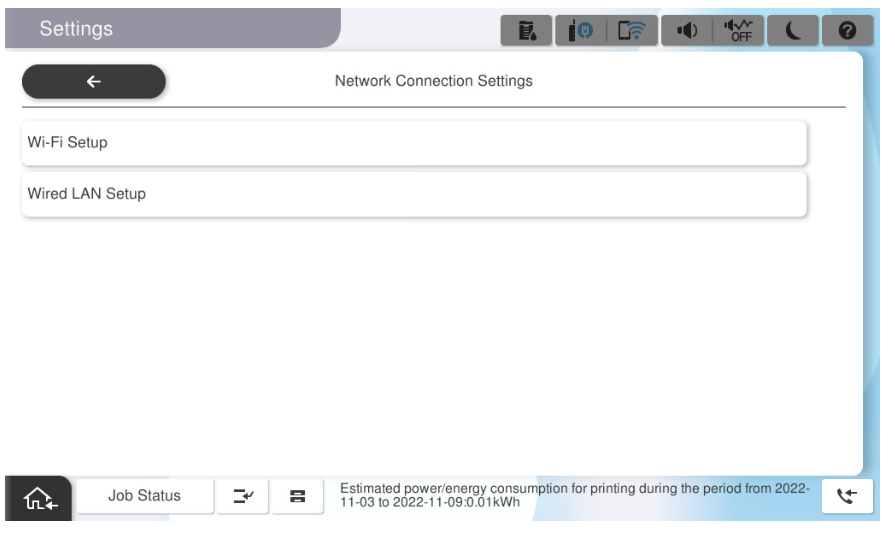
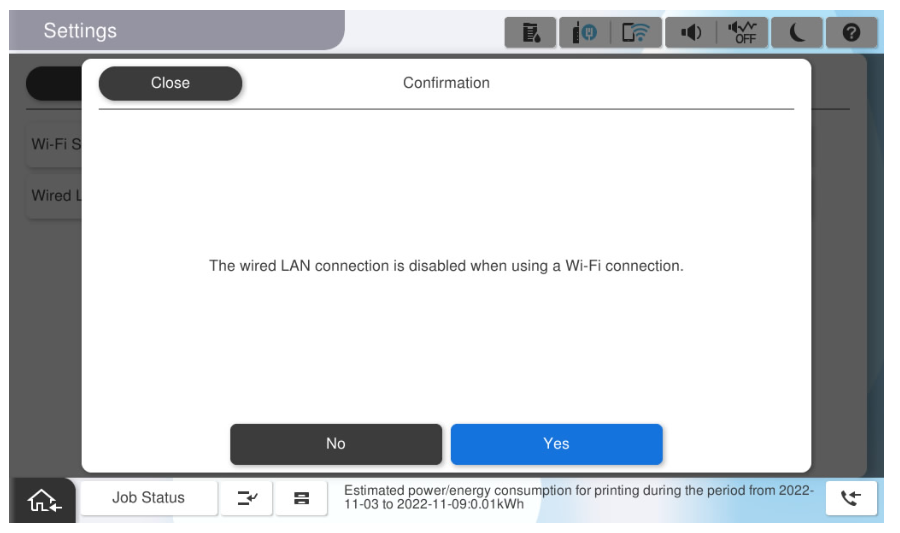
- Tap [Yes].
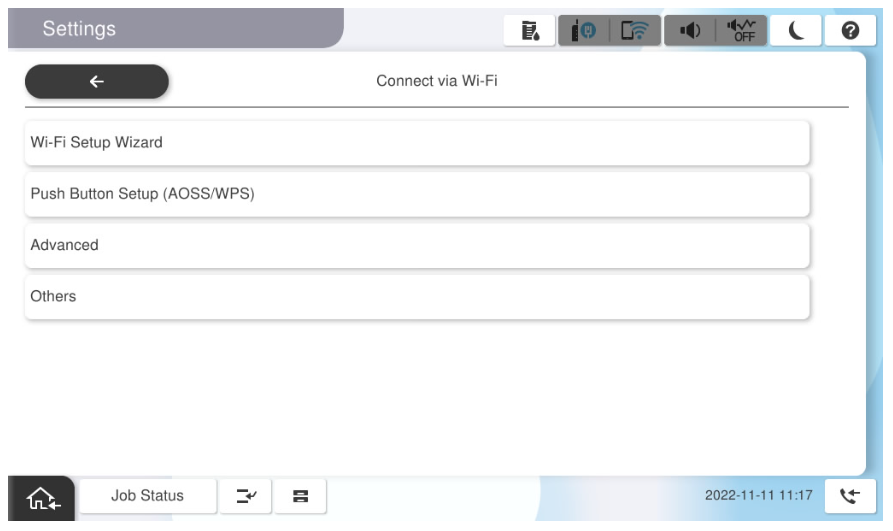
- SSID settings.
- Tap [Search for access points].
- Select the SSID from the search results.
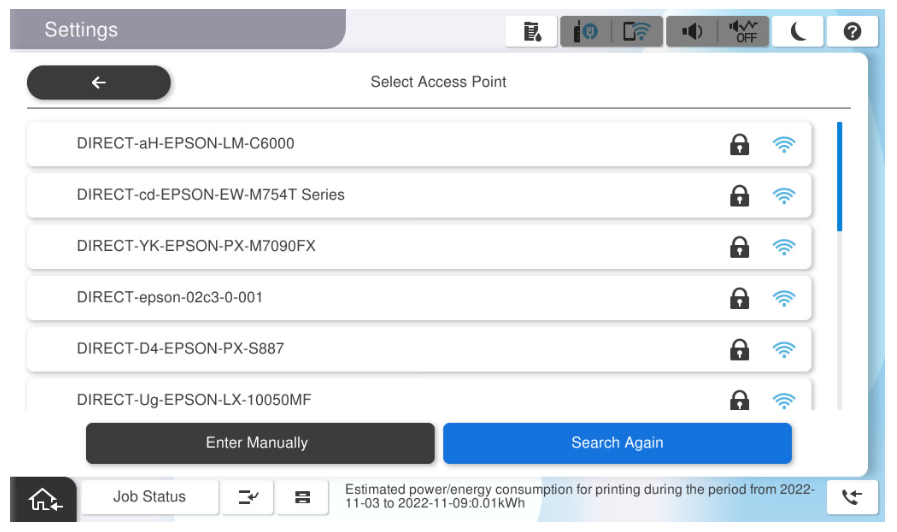
- Tap [Enter values] for the password input.
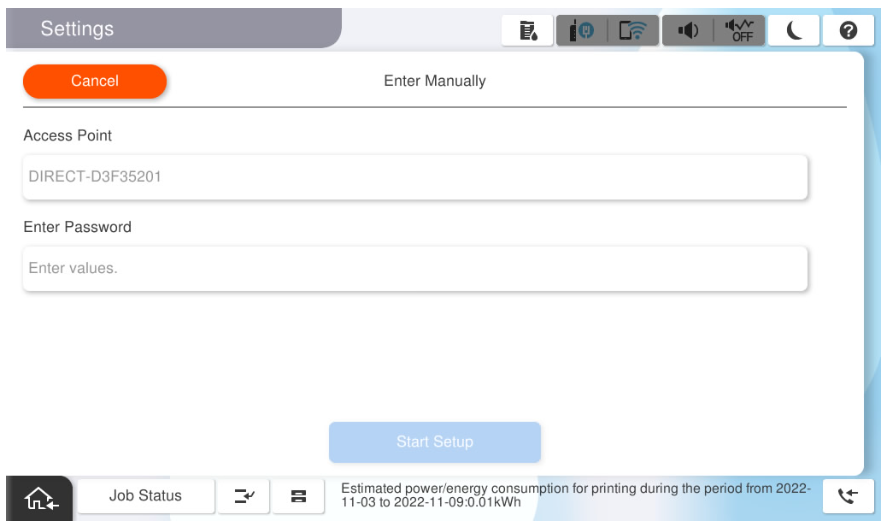
- Enter the password and tap [OK].
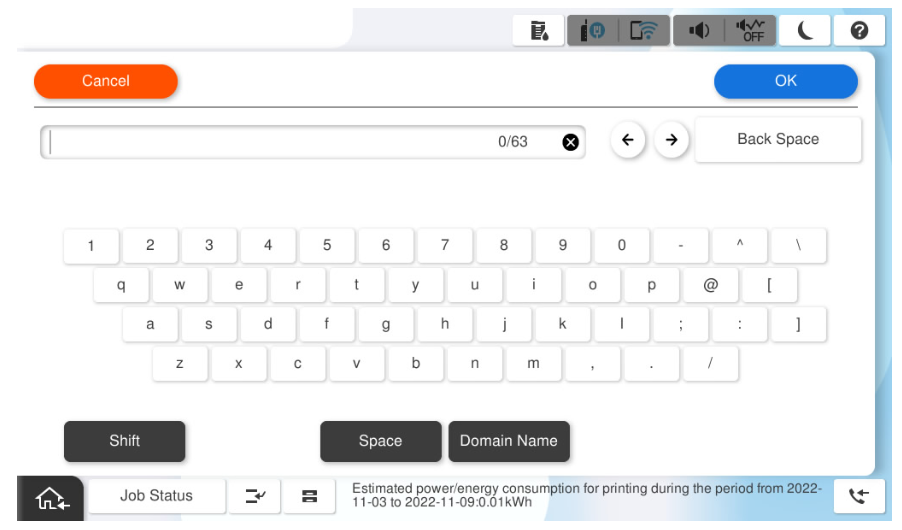
- Tap on [Start Setup].
- Print the Network Connection Report and confirm that the check result is "OK".
If it is "FAIL", take action according to the error code (A) and details (B).
