
20702 Paper Feed Confirmation (ADF)
Check the paper passing of the ADF input tray. When all the sheets set in the sheet feed tray are passed, the sheet passing operation ends.
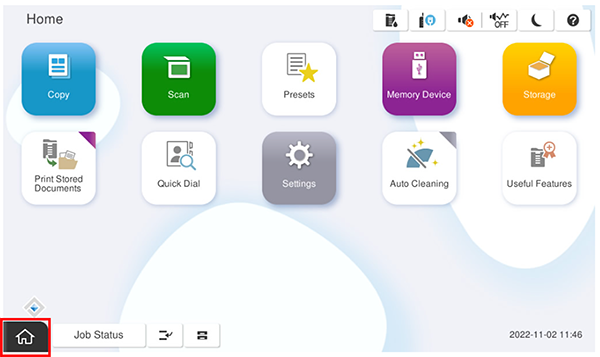
- Start installation mode.
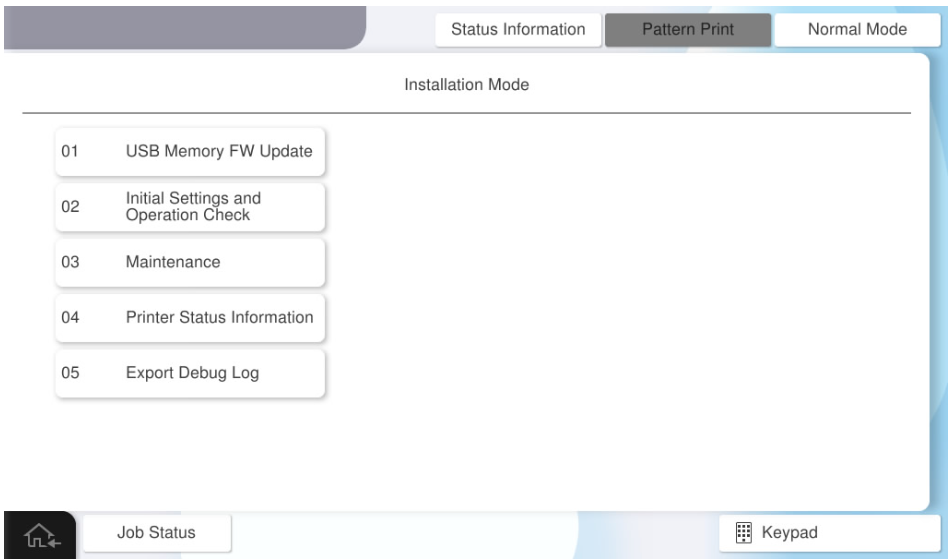
- Select [02 Initial Settings and Operation Check].
- Select [Paper Feed/ Print Quality Check] tab.
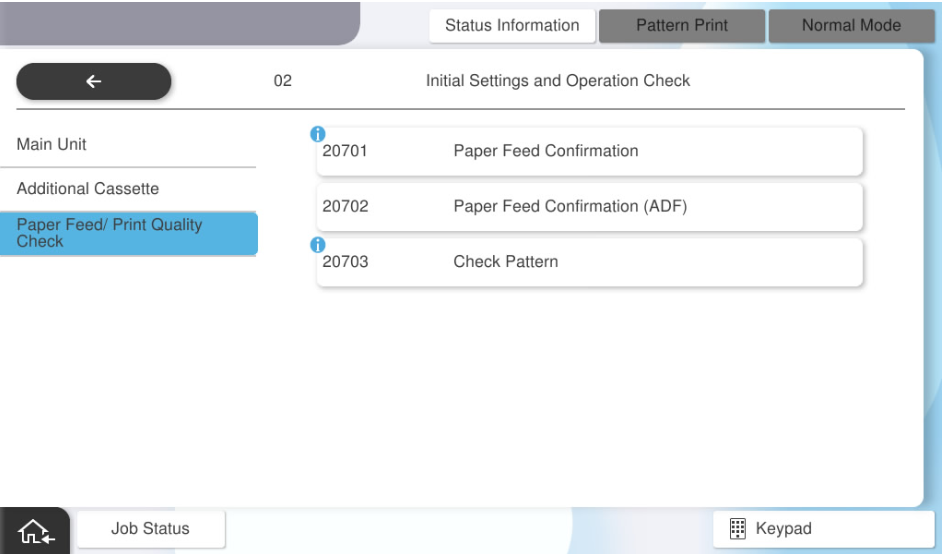
- Select [20702 Paper Feed Confirmation(ADF)].
- Set the paper to confirm in the ADF tray and press [Execution].
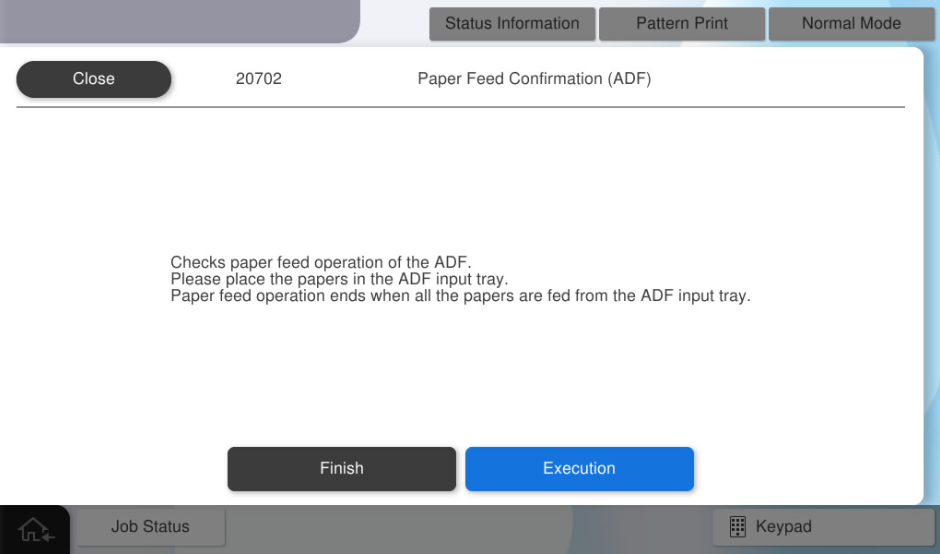
Paper is fed until all the paper from the ADF tray is exhausted.
- When paper passing is completed, press [OK].