
OCR option installation procedure
Bundled Items
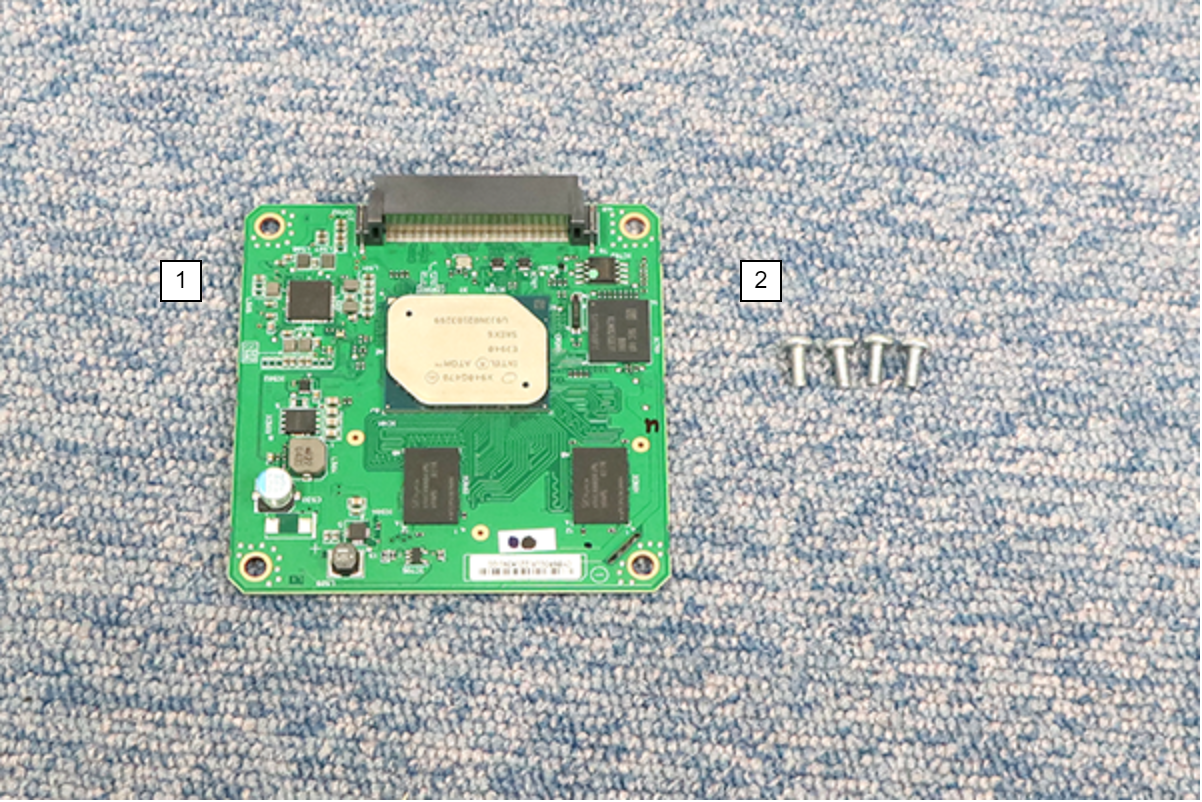
| No. | Bundled Items | Qty. |
|---|---|---|
| 1 | OCR Board | 1 |
| 2 | Screw M3 × 8 | 4 |
Installation Procedure
Items to Prepare
- Gloves
- Phillips (+) screwdriver
Minimum number of workers
1 person
 Caution / 注意 Caution / 注意 |
|
Installation Procedure
- Remove the 3 screws and remove the Right Cover Sub (A).

 : 3x8D
- Remove the 5 screws and pull the rear cover (A) toward to remove it.

- : 3x8D
 Assembly / 組み立て
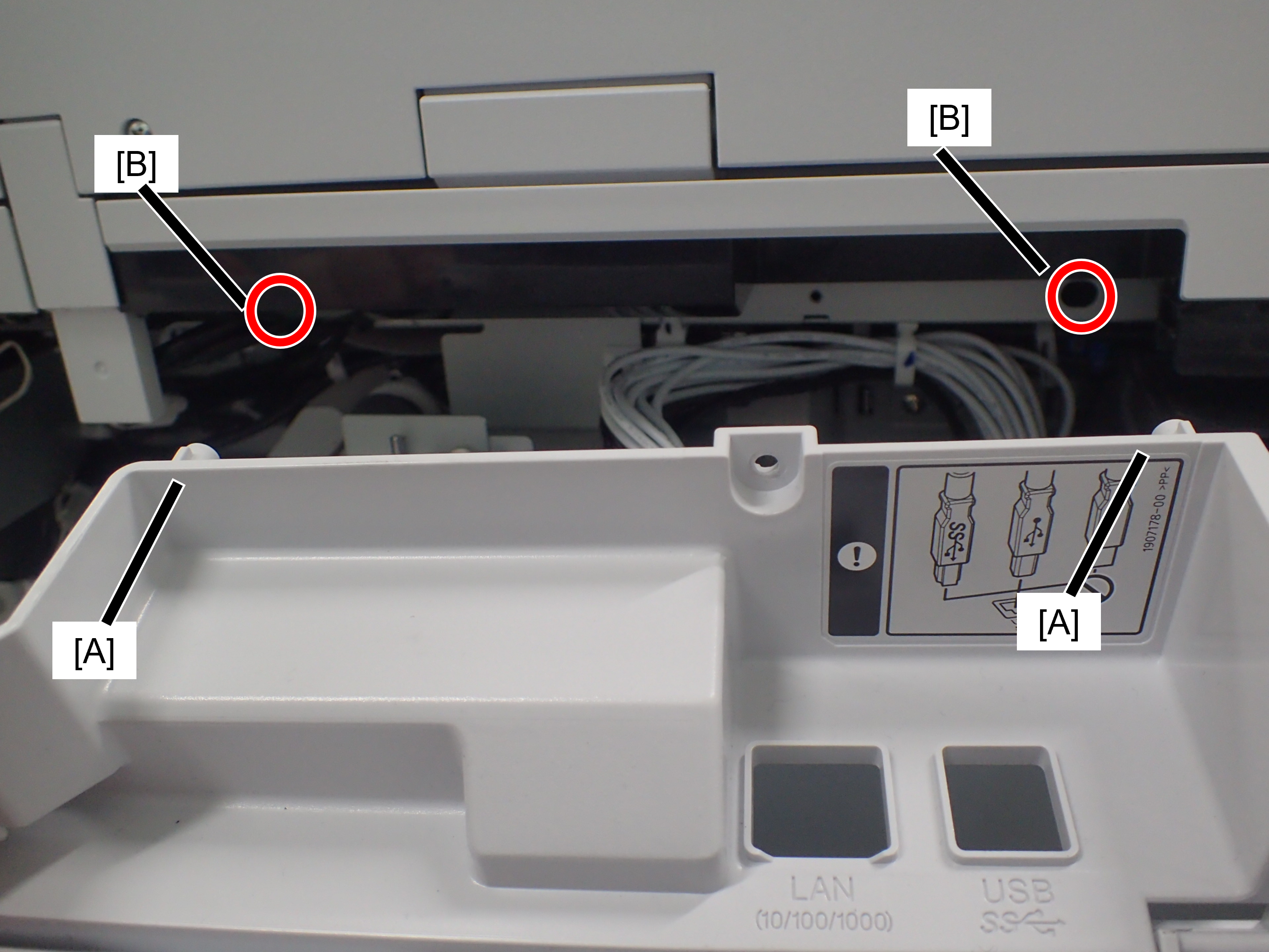
Confirm that the rear cover is not floating. The positioning pin (A) may not fit into the hole (B).
- Remove the 5 screws and open the Upper Case (A) of the Board Box.

- : 3x8D
- Connect the OCR board (A) to the connector (B) on the main board and secure it with four screws.

- : 3x8D/P
- Reassemble the removed parts.
 Check Point / チェックポイント Check Point / チェックポイント |
After installing OCR, please activate it. |