2010303 Manually Release (Head unit DOWN)
Overview
Change the position of the head unit (lower) so that the head transport parts are not locked.
 Check Point / チェックポイント Check Point / チェックポイント |
|
Step
- Start the installation mode.
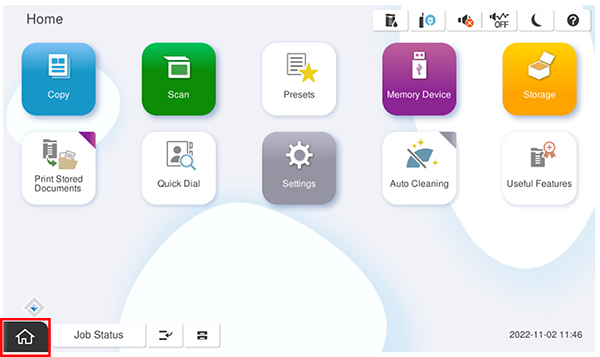
- Select [02 Initial Setting and Operation Check].
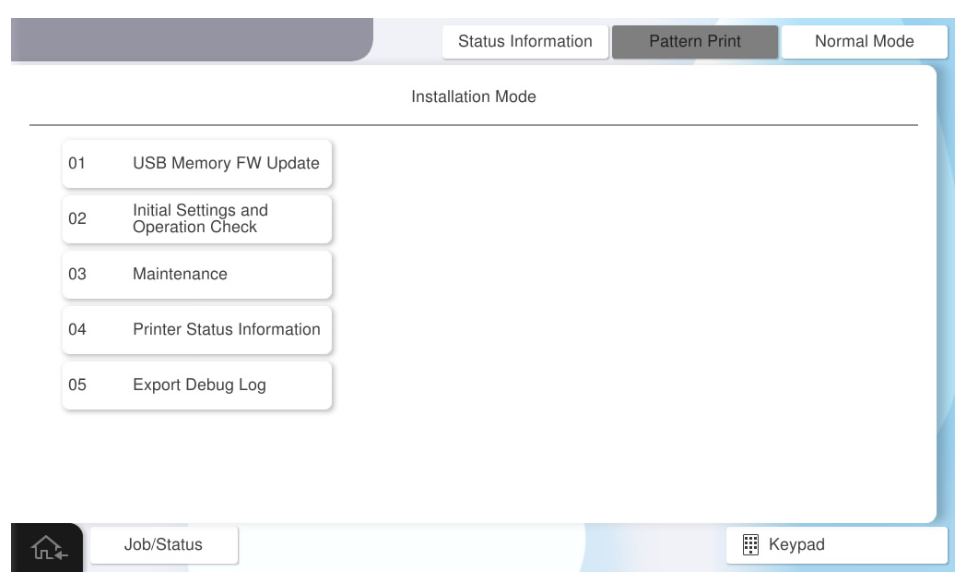
- Select [2010303 Manually Release (Head unit DOWN)].
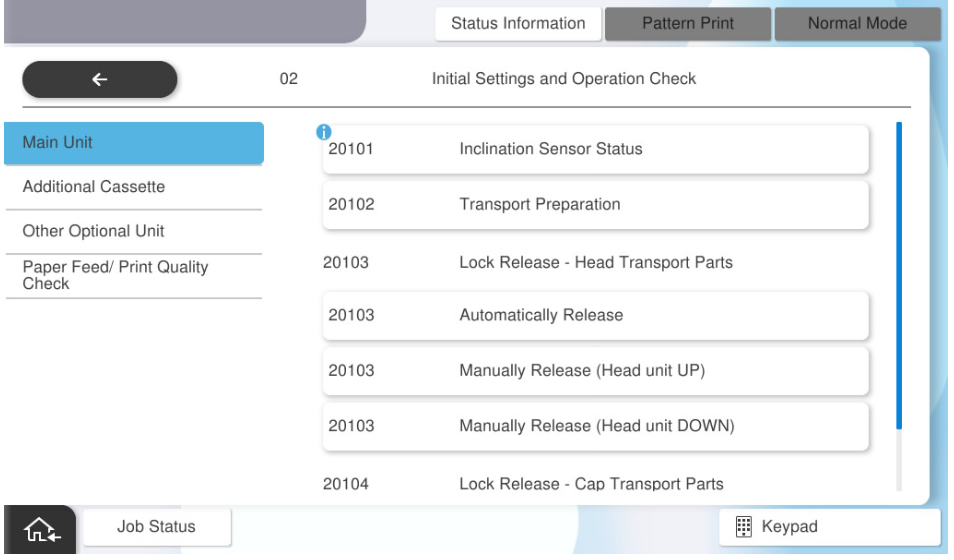
- Press [Execution].
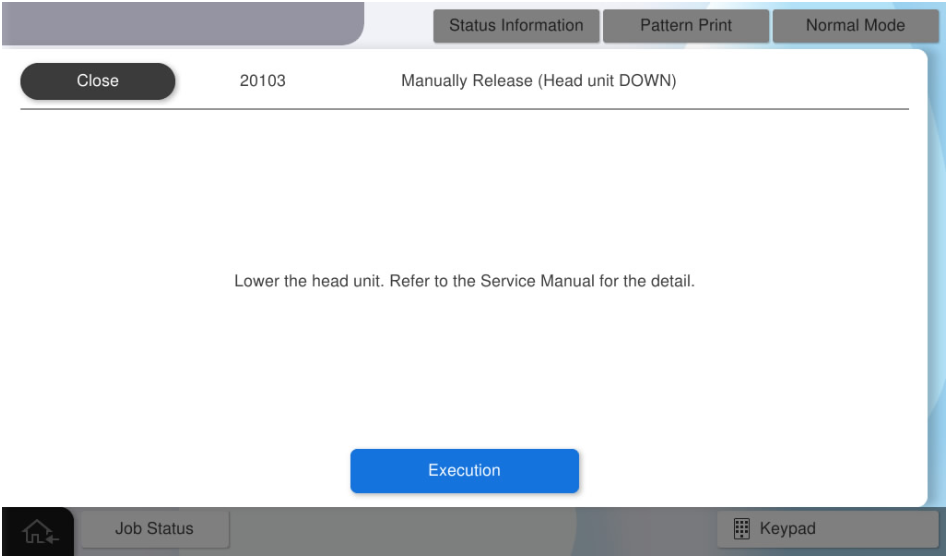
- Press [OK].
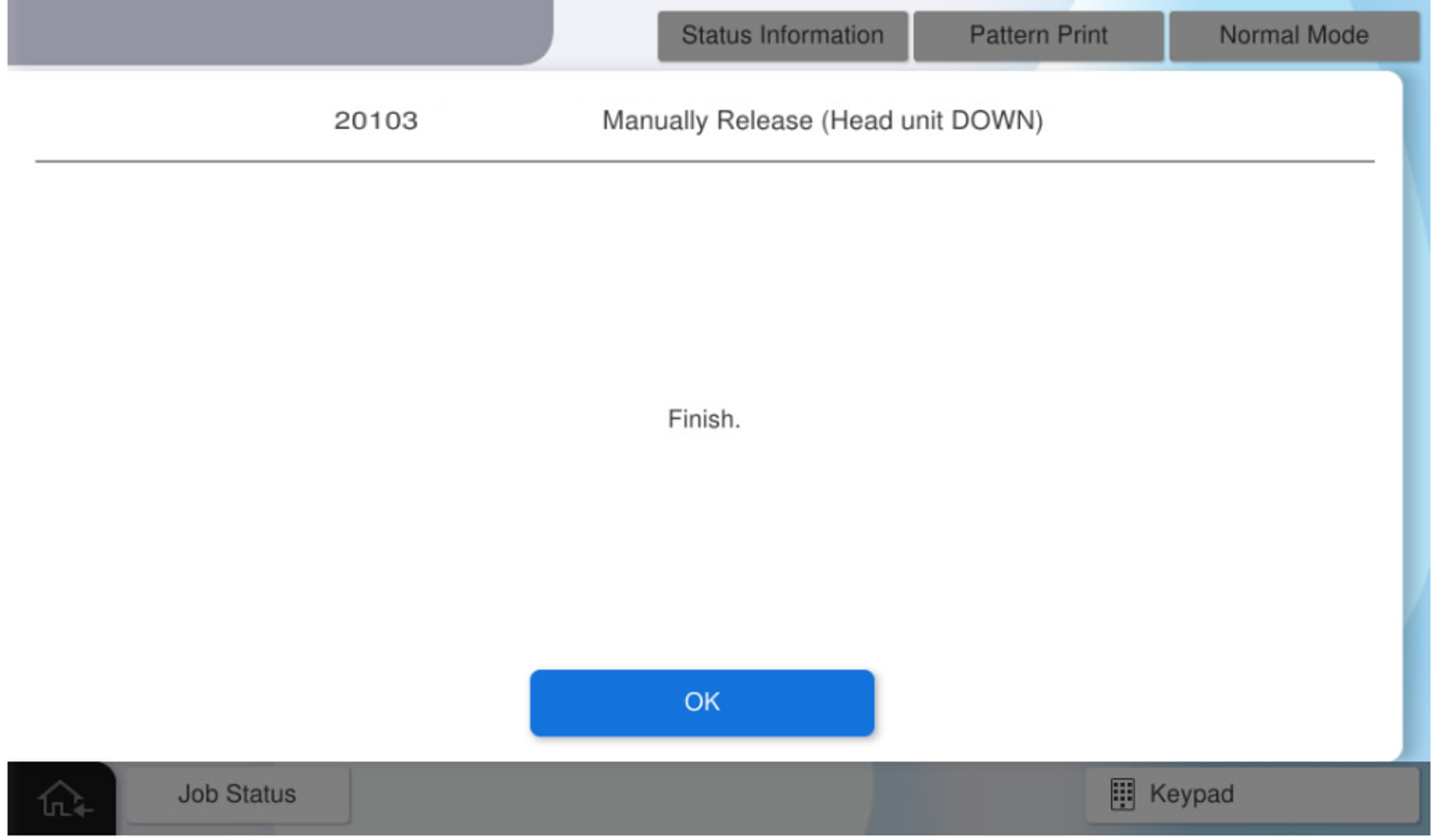
Turn off the power and try to remove the head transport parts.
If the locked state cannot be cleared, perform Manually Release (Head unit UP). Note / 補足
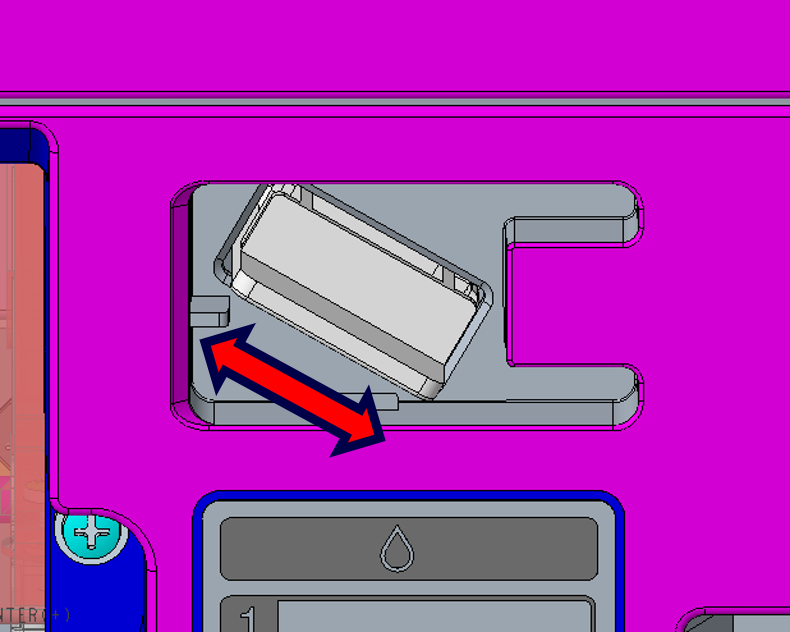
Head Transportation Parts
Open the front cover, hold the handle of the transport parts, and pull it forward while rocking it left and right.