
Service support mode Pre-Transport preparations cannot be executed
If you cannot turn on the power of the main unit due to a failure or other reason, and you cannot execute pre-transport preparations from the service support mode, you need to manually close the 2 valves (selector valve and flow path valve 1) according to the following procedure.
*Tube Clip x2 is required. * Please purchase from ASP.
- Remove the 2 screws and remove the Front Left Cover (A). (S7:
 )
)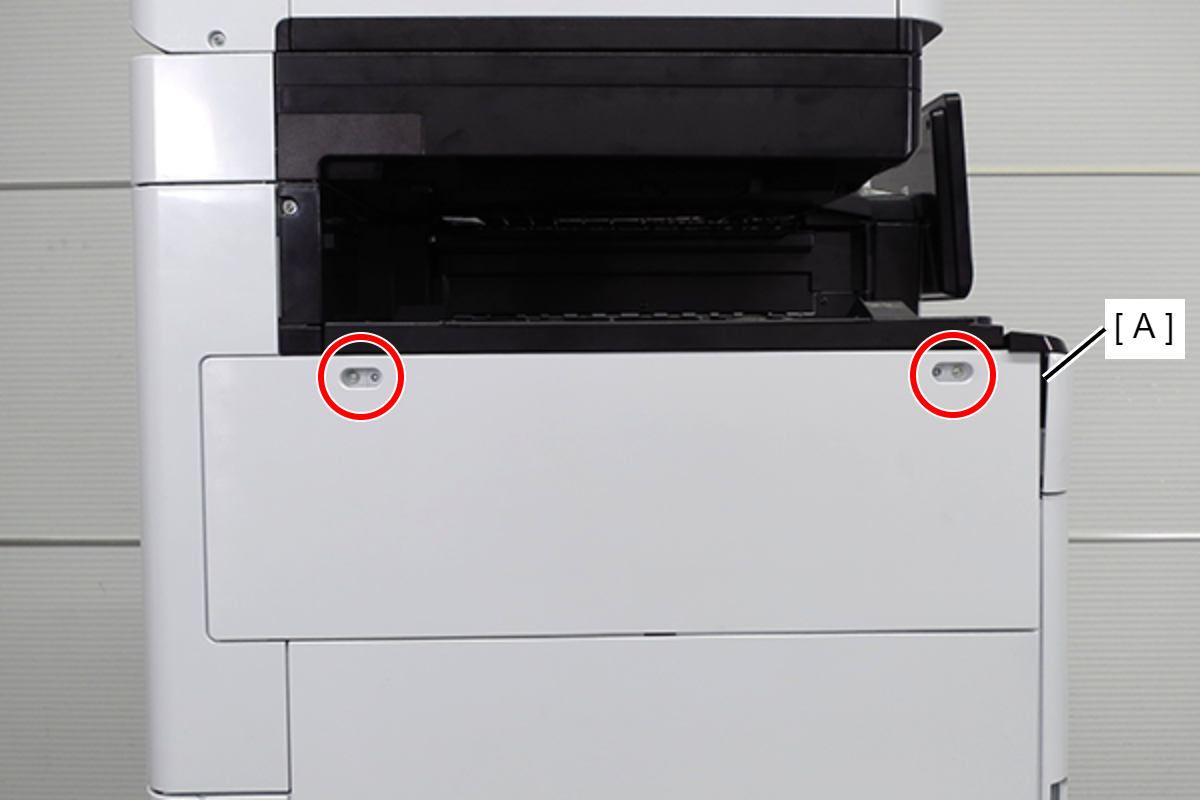
- S7: C.B.STITE(P4), SCREW, 3X10, F/ZN3C
- Pull out the C1 cassette (A).
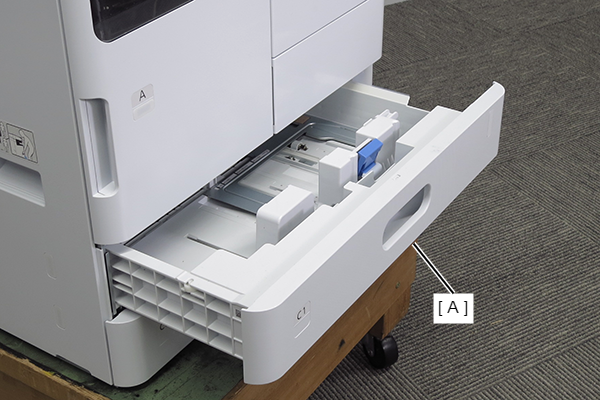
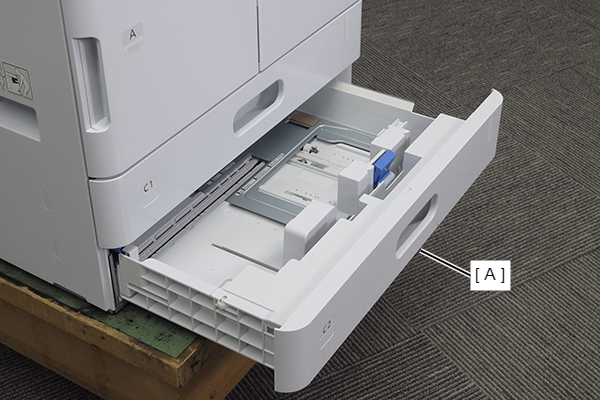
- Pull out the C2 cassette (A).
- Remove 2 screws and remove the Left Cover Lower (A) in the direction of the arrow.
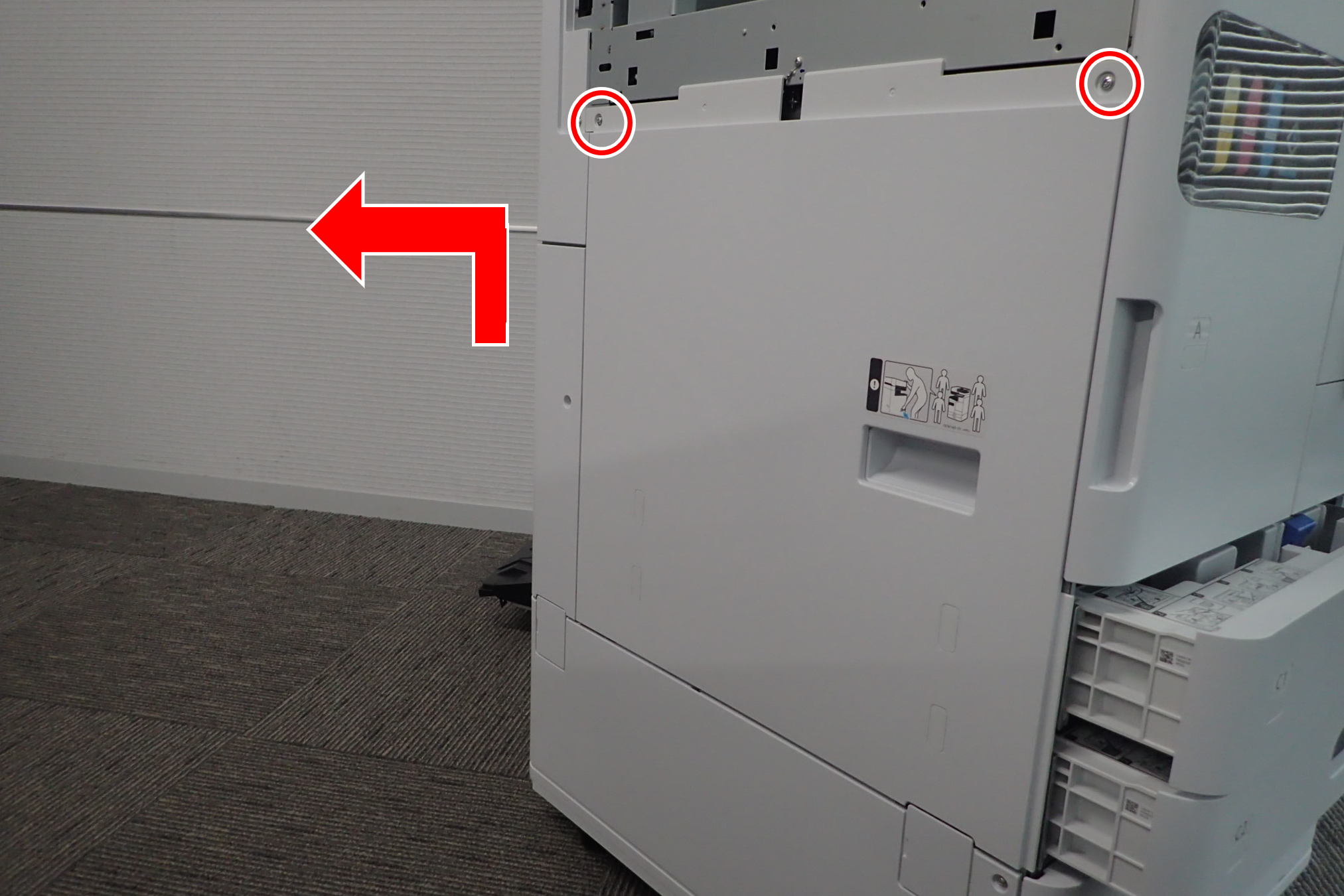
 : 3x10DW
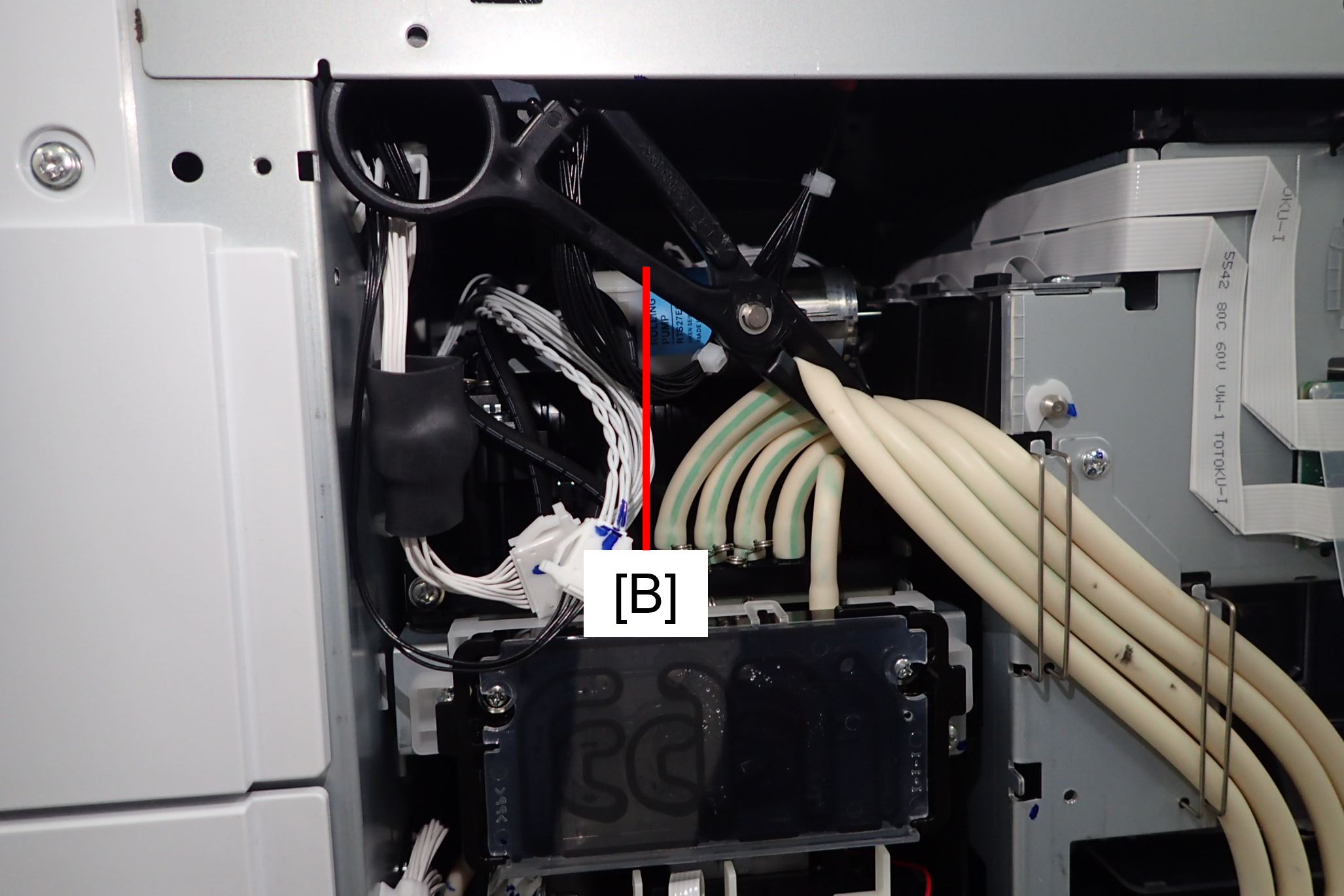
- Insulate the two air tubes (A) of the selector unit with tube clips (B). By doing this work, the condition is the same as when the selector valve is closed.

- While paying attention to the wiring and internal mechanism, place the tube clip (B) on the back of the sheet metal of the fuselage. In order not to interfere with the tube clip when assembling on the left cover.
Push the valve opening/closing plate (A) of the ink supply unit downward with a flathead screwdriver.

 Caution / 注意
Check that the valve opening/closing plate (A) of the ink supply unit is horizontal.
Tilt: Flow path valve 1 open

Horizontal: Flow path valve 1 closed
