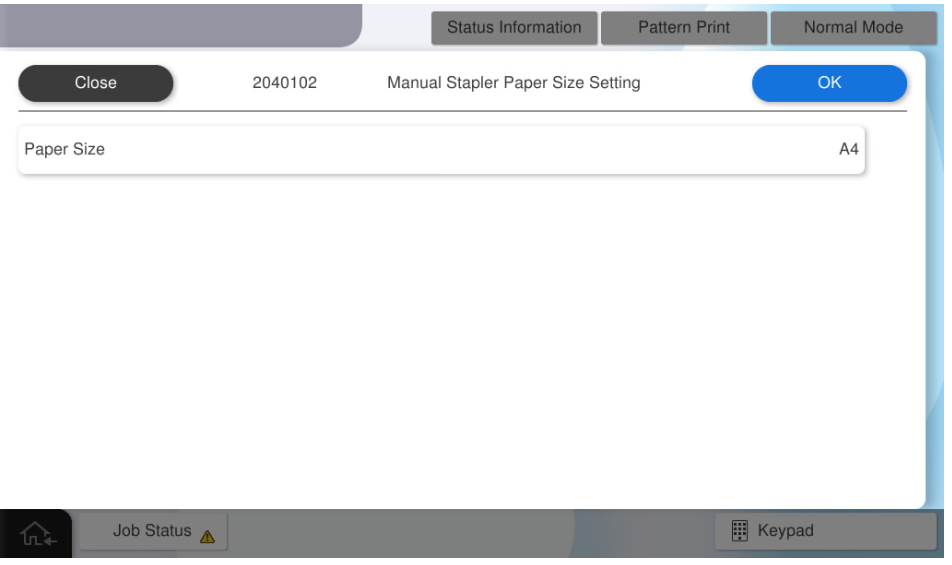
2040102 Manual Stapler Paper Size Setting
Overview: Switches the staple paper size (A4 or Letter).
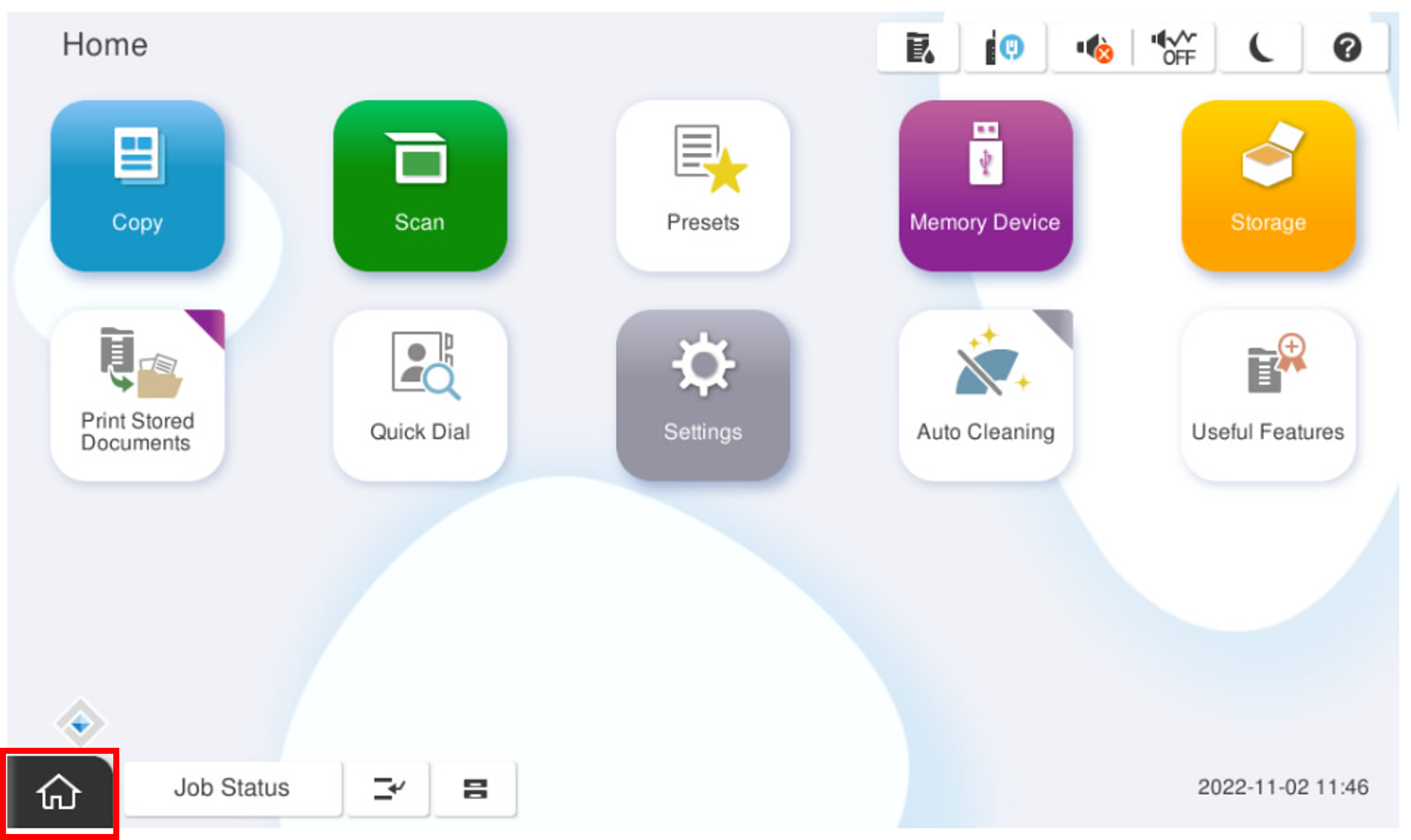
- Start the installation mode.
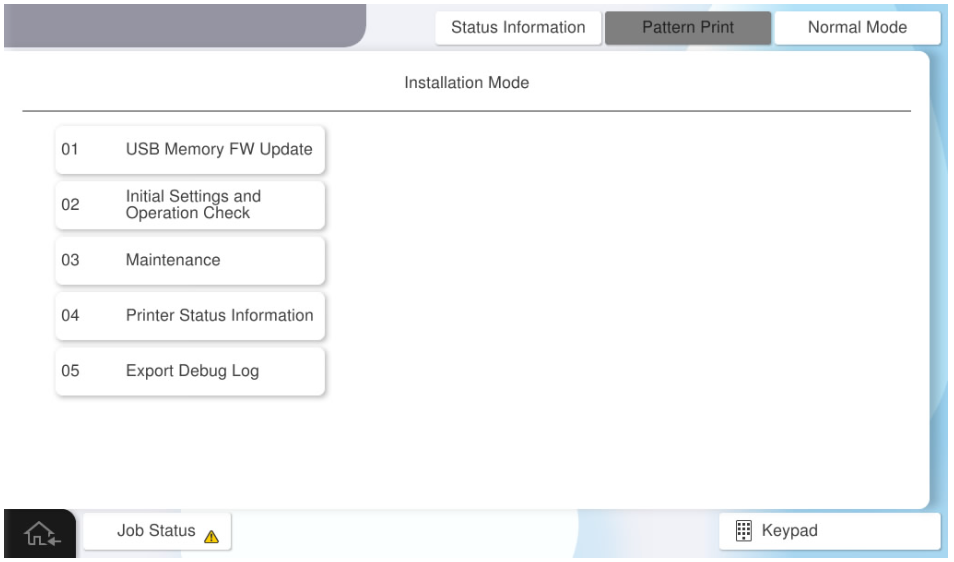
- Select [02 Initial Settings and Operation Check]
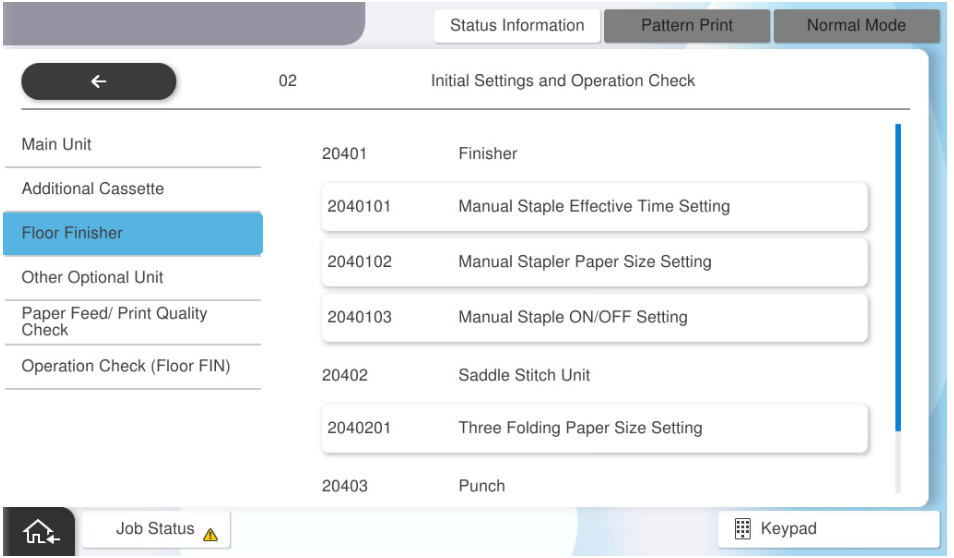
- Select [2040102 Manual Stapler Paper Size Setting].
Set the paper size, select the desired paper size (A4 or Letter), and press [OK].