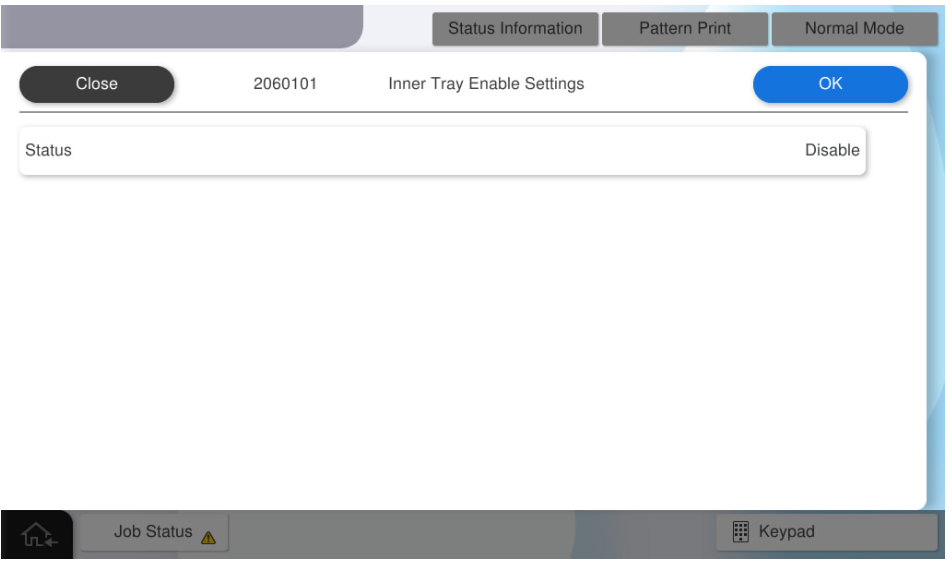
2060101 Inner Tray Enable Settings
Overview: Activates the inner tray.
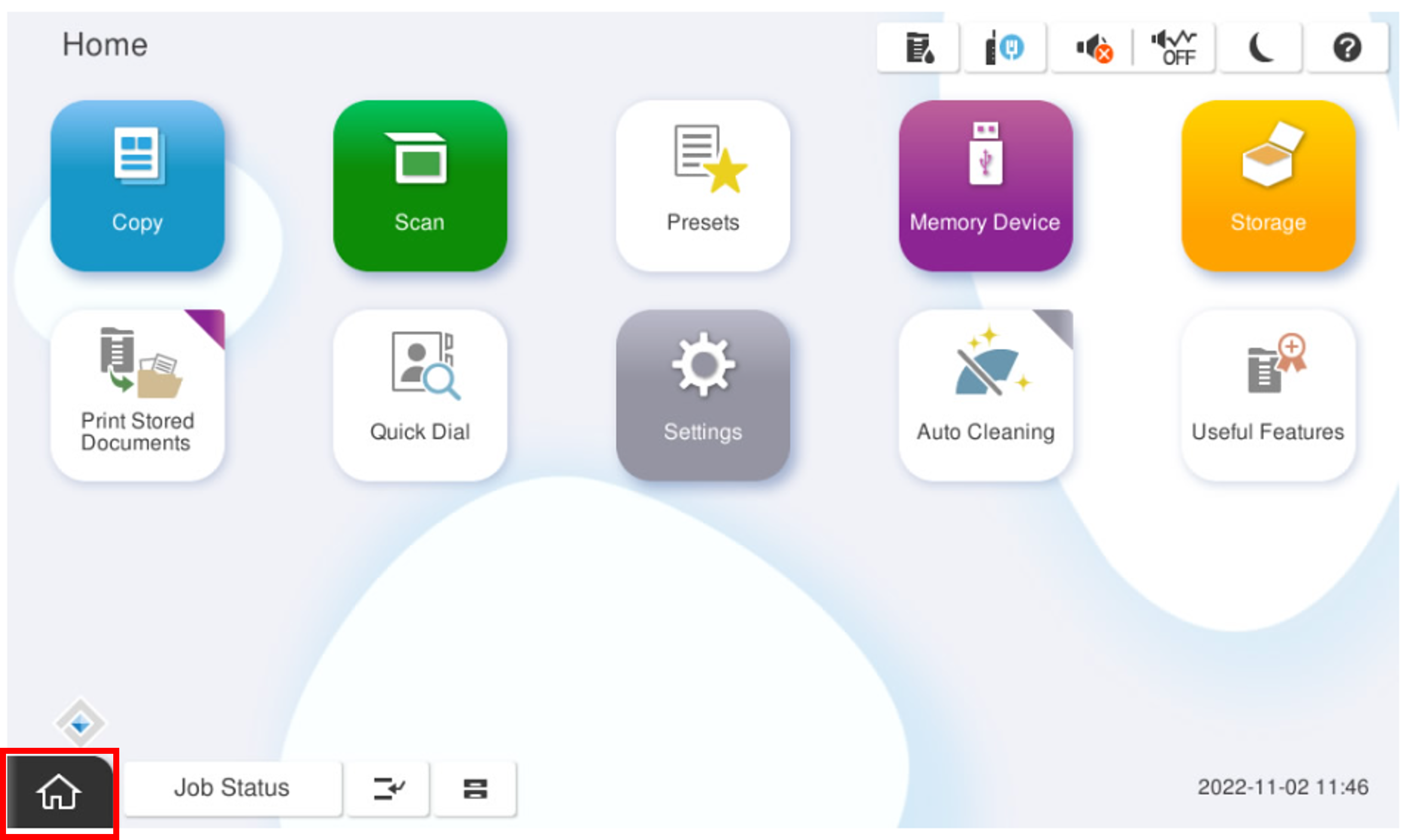
- Start the installation mode.
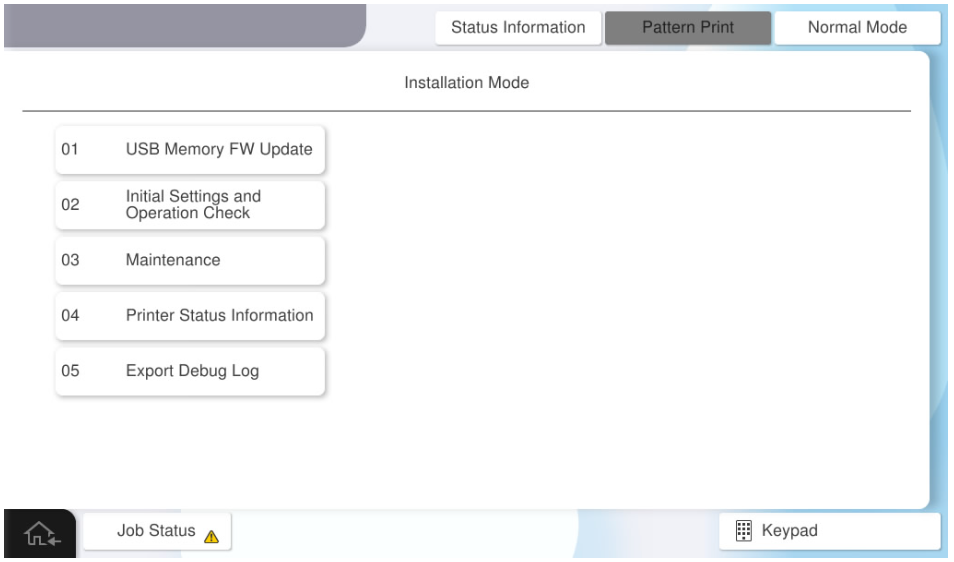
- Select [02 Initial Settings and Operation Check]
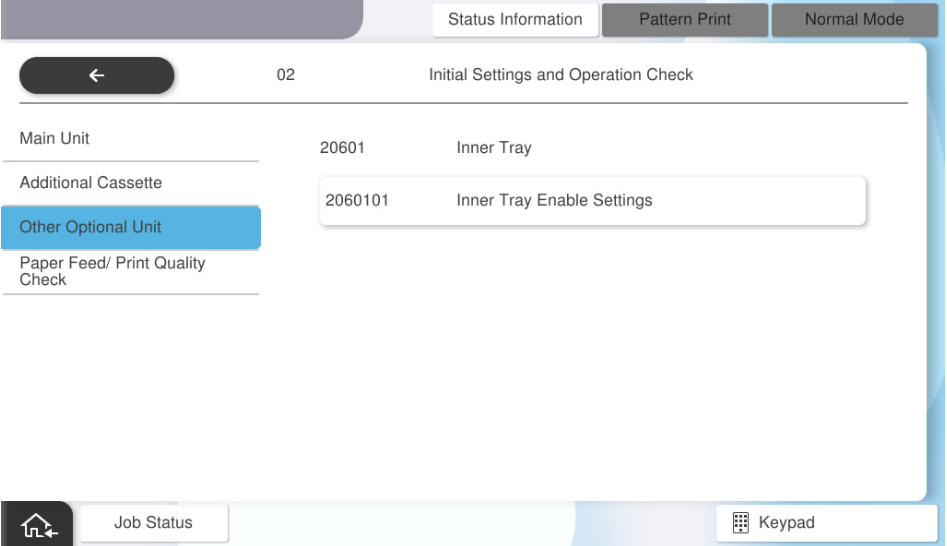
- Select [2060101 Inner Tray Enable Settings].
Press Status to select the inner tray setting (disabled or enabled), then press [OK].