
20701 Paper Feed Confirmation
Check the paper passing of the main unit (blank paper passing). Various settings, such as the Feed Tray, Output Tray, and Feed Speed, can be changed to any values.
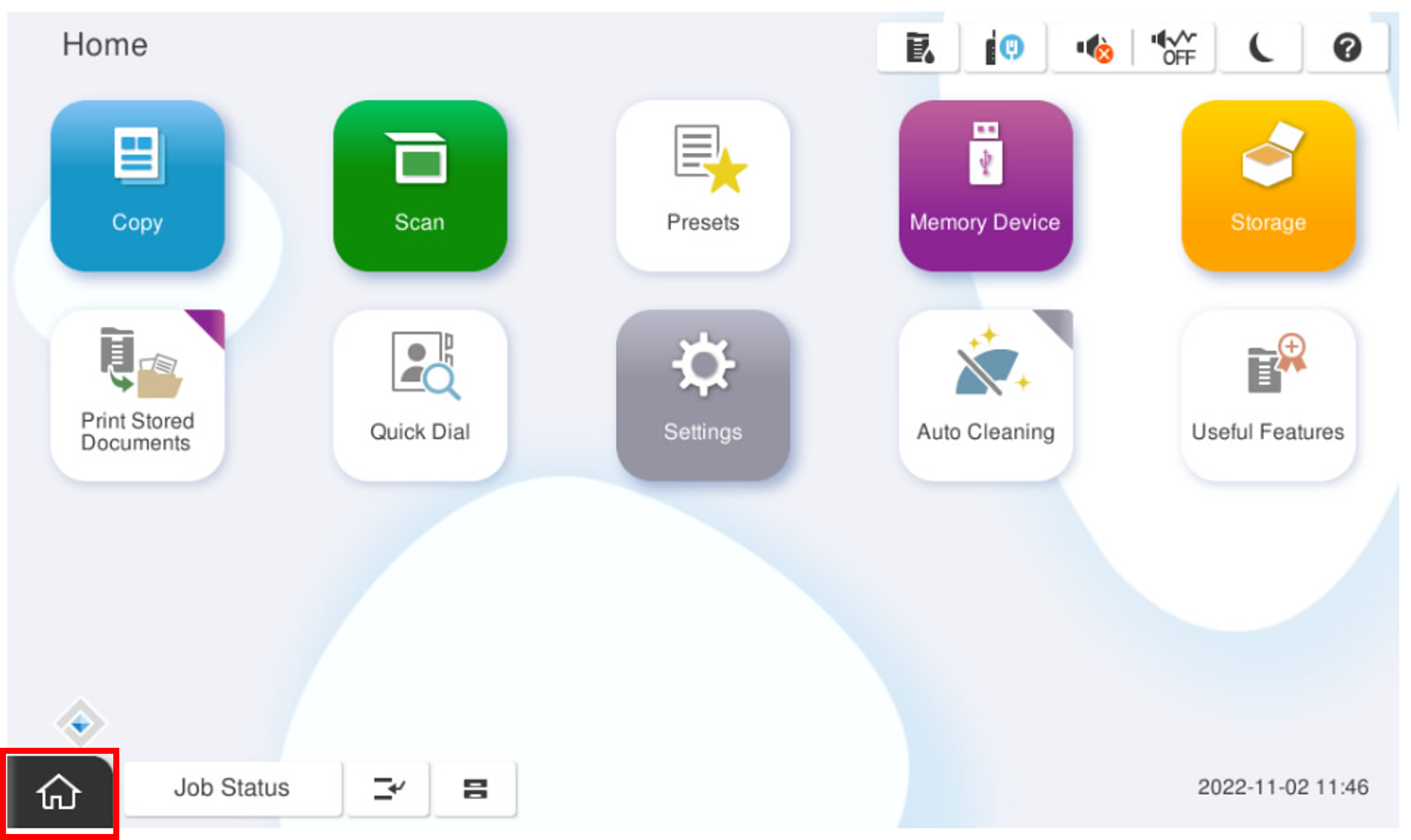
- Start installation mode.
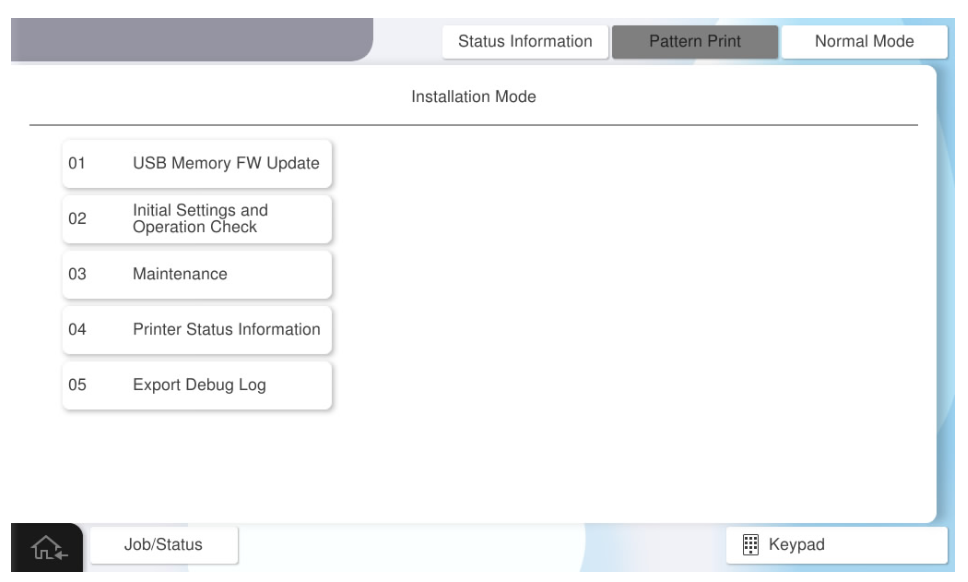
- Select [02 Initial Settings and Operation Check].
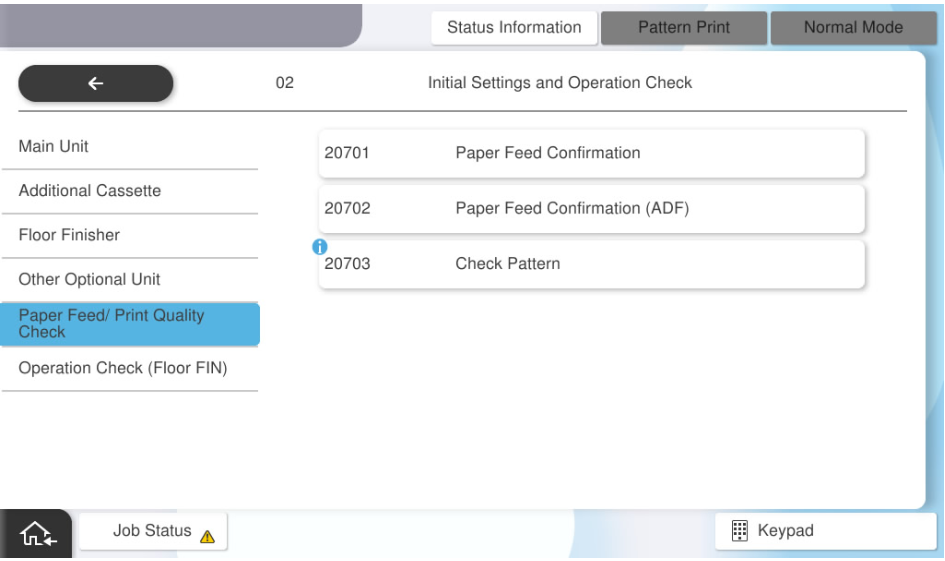
- Select [Paper Feed/ Print Quality Check].
Select [20701 Paper Feed Confirmation].
- Press each setting item button to make the print settings.
The selectable items are as follows.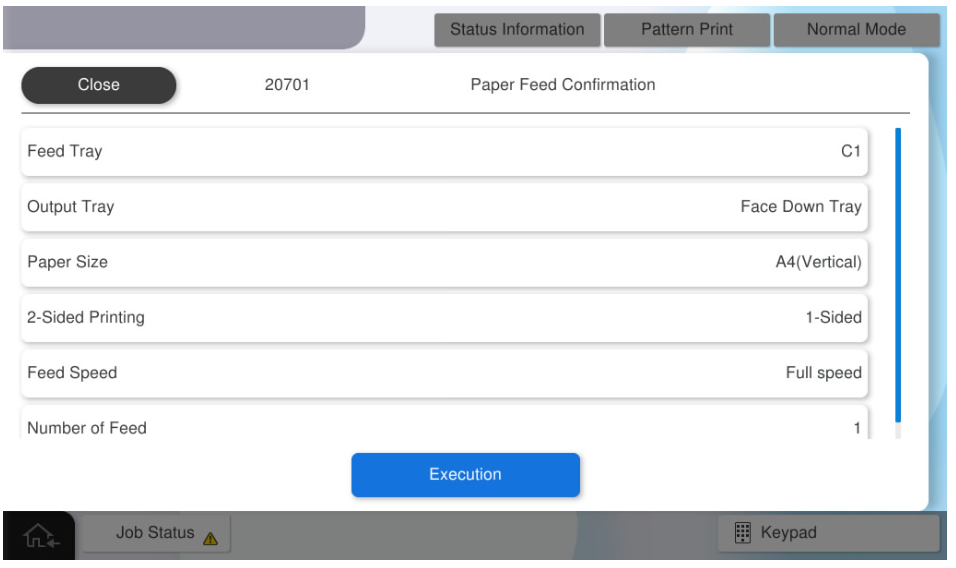
Setting Items Choice Feed Tray C1, C2, C3, C4, MP Tray, High Capacity Tray Output Tray Face-down Tray / Inner Tray Paper Sizes A4 (Vertical) / Letter (Vertical) / A3 / Ledger 2-Sided Printing 1-side / 2-side Feed Speed Full speed / Low speed Number of Feed 1~100 sheets  Note / 補足
Full speed varies by model. (60/50/40 ppm)