
20802 Staple Stack (front 1 position)
Perform stapling (front 1 position) and discharge the paper.
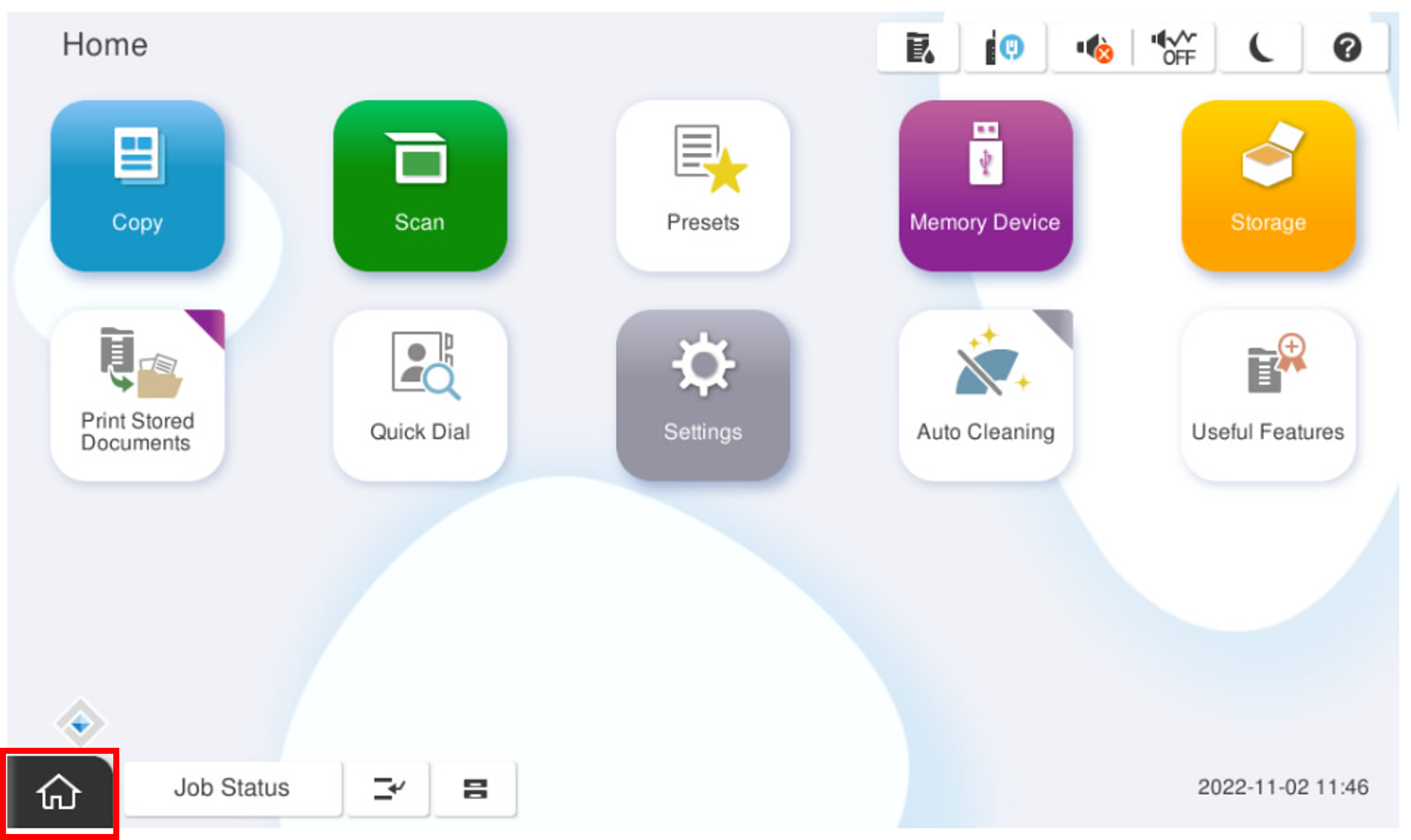
Start installation mode.
- Select [02 Initial Setting and Operation Check].
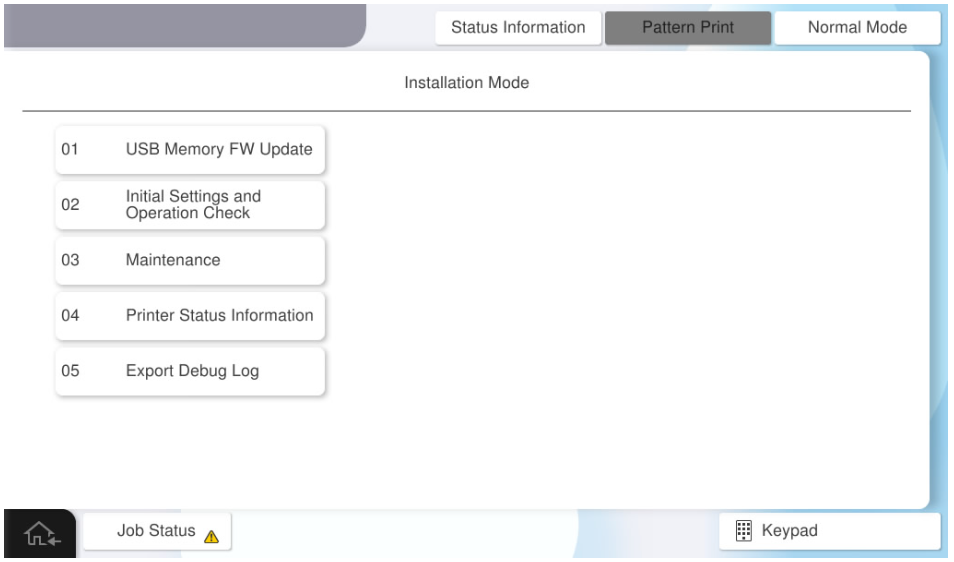
- Select [Operation Check (Floor FIN)] tab.
- Select [20802 Staple Stack (front 1 position)].
Press each setting item button to make print settings.
The parameters that can be set are as follows.
Setting Items
Choice
Feed Tray C1 / C2 / C3 / C4 / MP Tray Paper Size A4(Vertical) / Letter(Vertical) / A3 / Ledger Number of Feed 2~50 Sheets  Check Point / チェックポイント
- The maximum number of A3 size sheets that can be passed is 30. Even if 30 or more options are entered for the number of sheets to be passed, the actual number of sheets to be passed is 30.
- Press [Execution] after completing the settings.