
01 USB Memory FW Update
Procedure for firmware update using a USB flash drive. In addition, preparation of storing the firmware in the USB memory is required.
 important / 重要 important / 重要 |
|
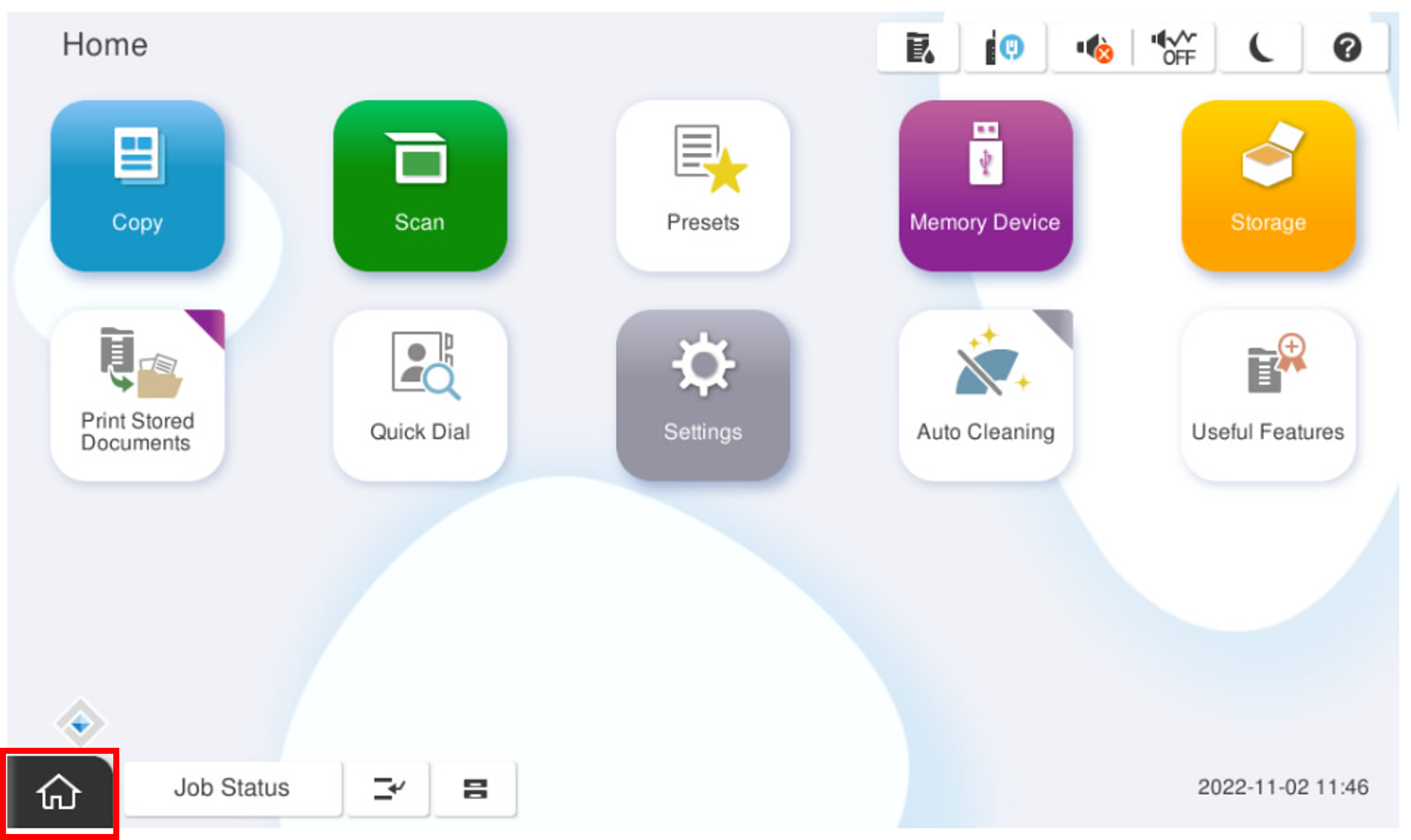
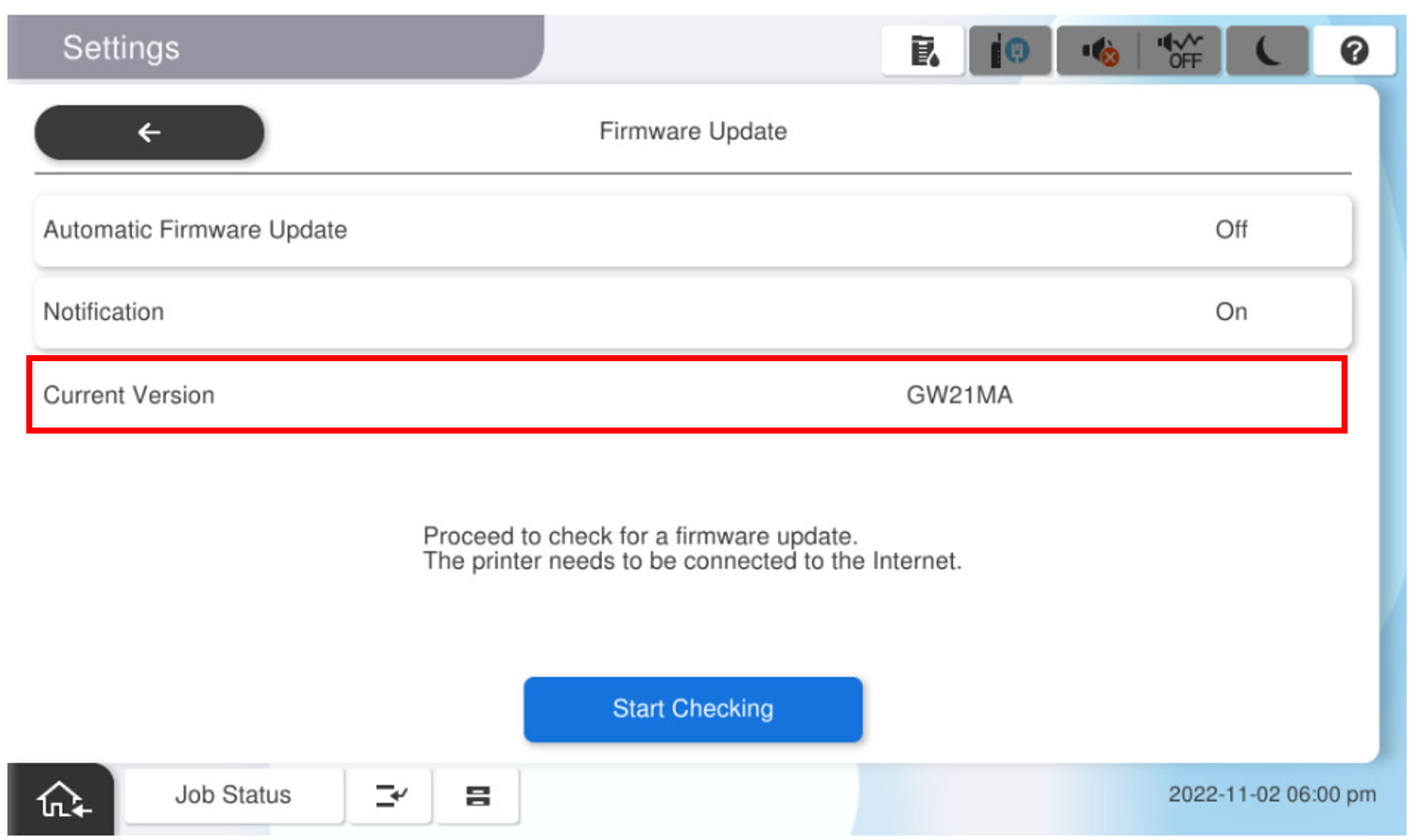
- Start the installation mode.
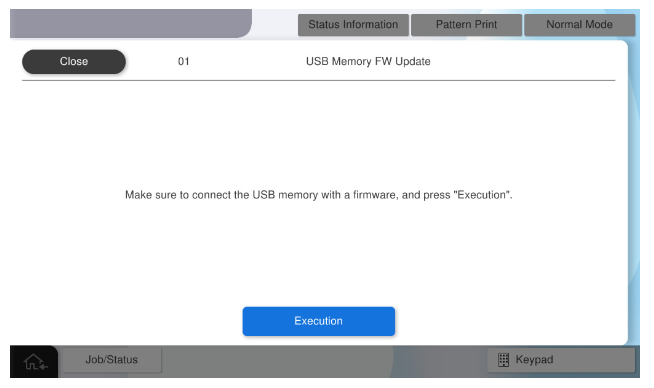
- Select [01 USB Memory FW Update].
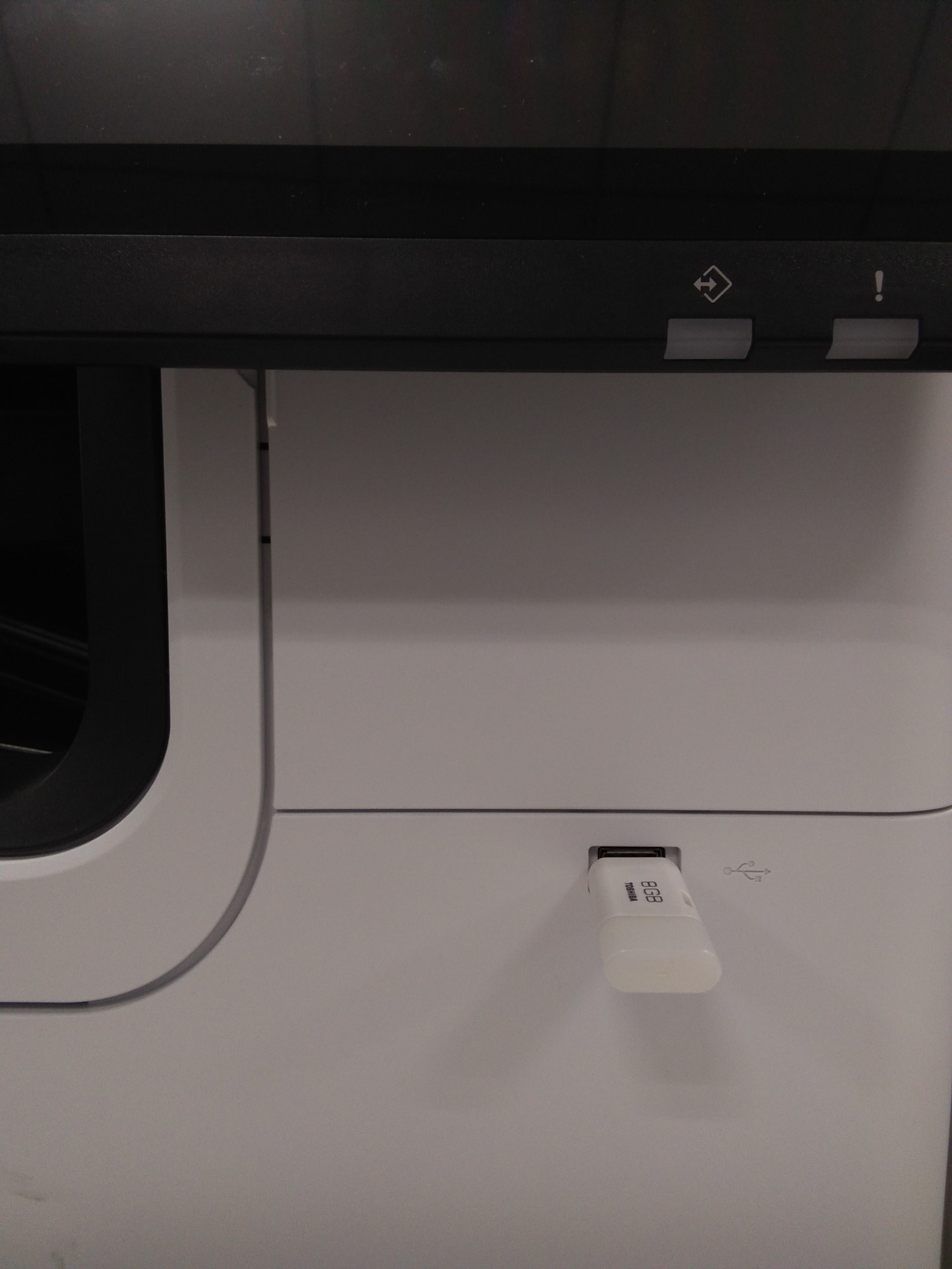
- When the following screen is displayed, connect the USB memory device with the saved firmware to the USB port and press the [Execution].
- The firmware execution confirmation screen is displayed, and the current firmware version and the updated firmware version are displayed.
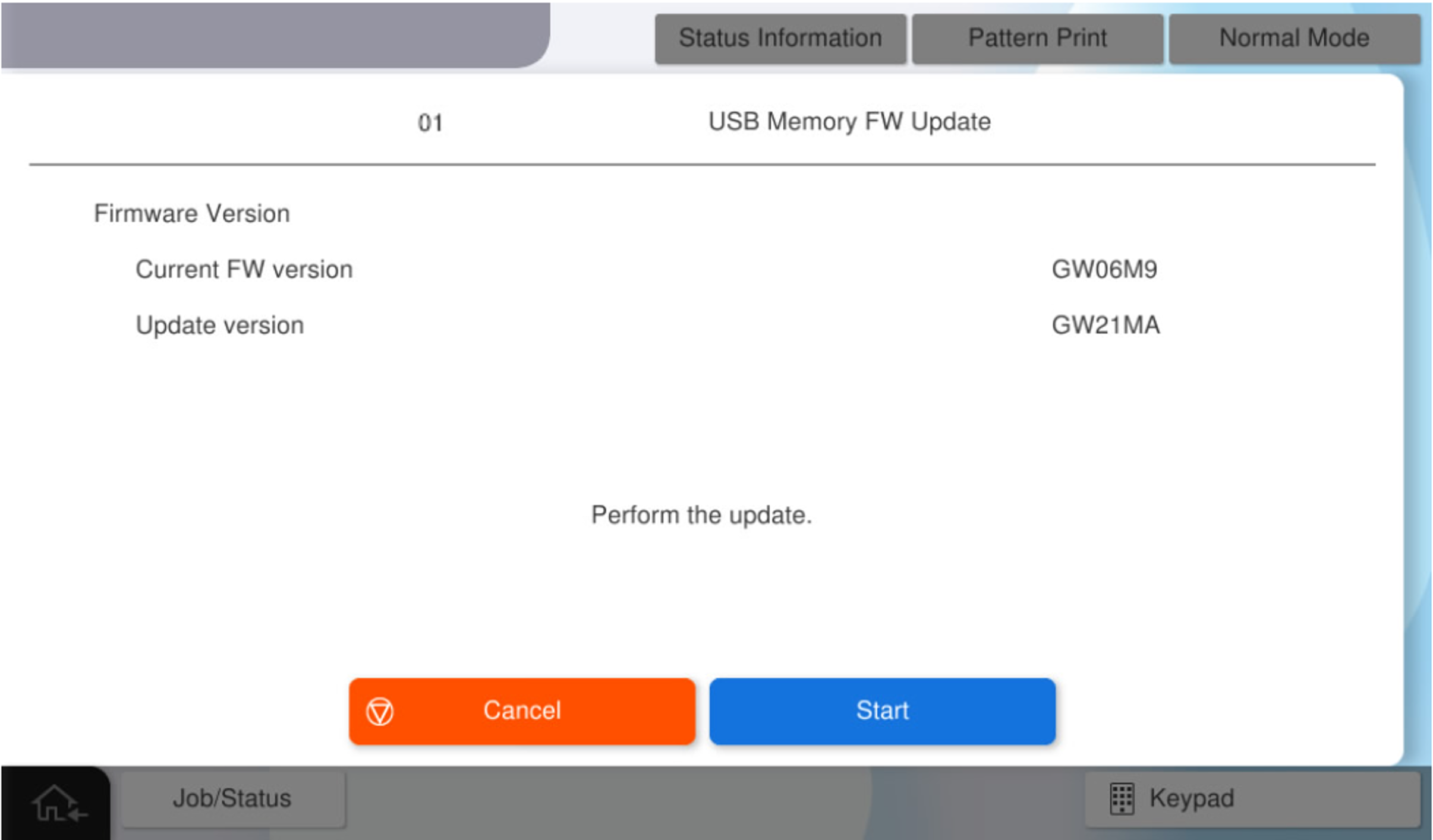
Check the firmware version, and select [Start] to start updating."Firmware updating” screen displays and power lamp blinking repeatedly.
 Check Point / チェックポイント
- Make sure to update latest firmware.
- If the firmware is older than the firmware applied to the main unit, the update cannot be performed.
After the firmware update is completed, restart automatically.
- When the product restarts, disconnect the USB memory.