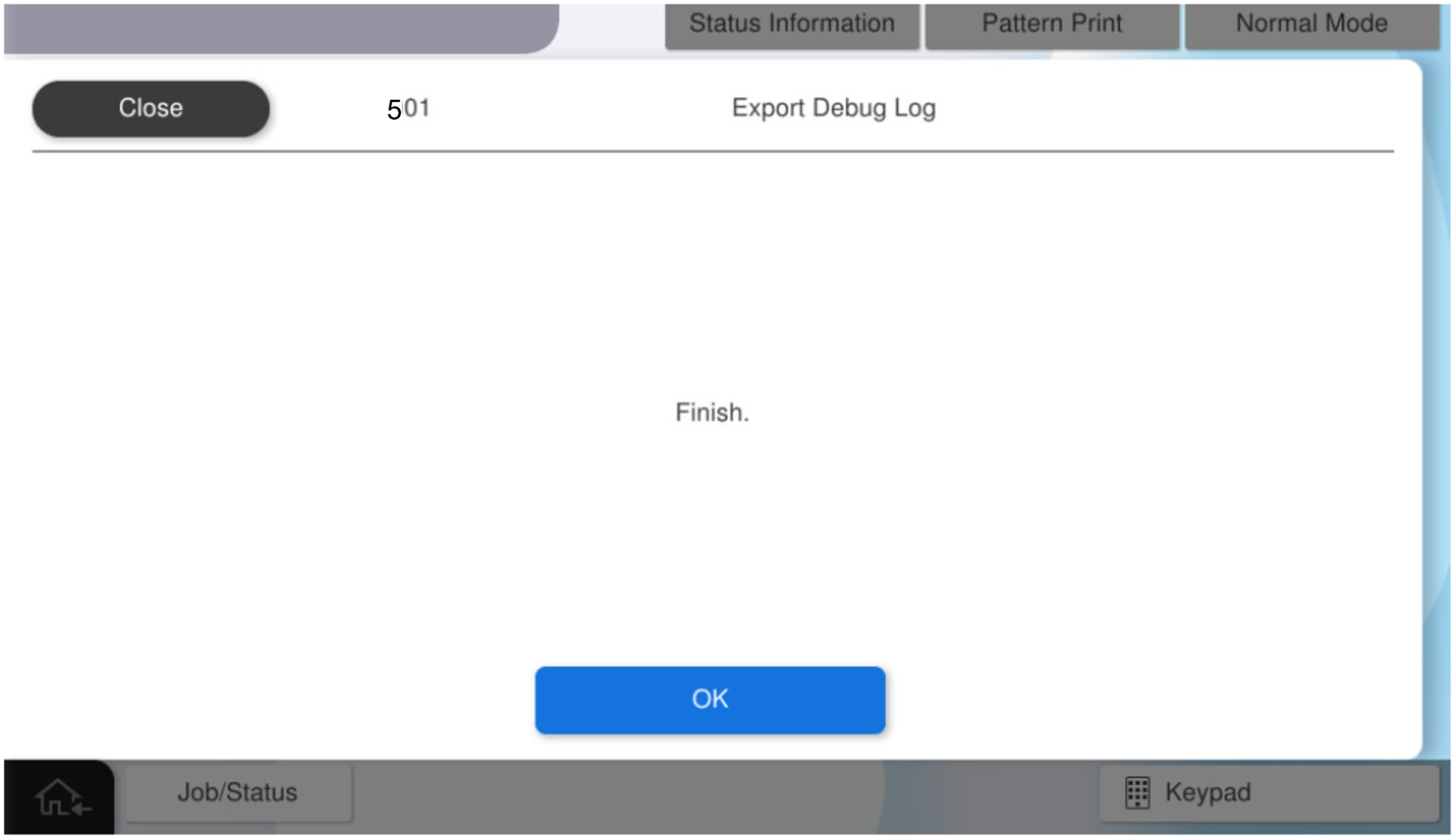
501 Export Debug Log
Save log data for analysis to a USB memory.
 important / 重要 important / 重要 |
|
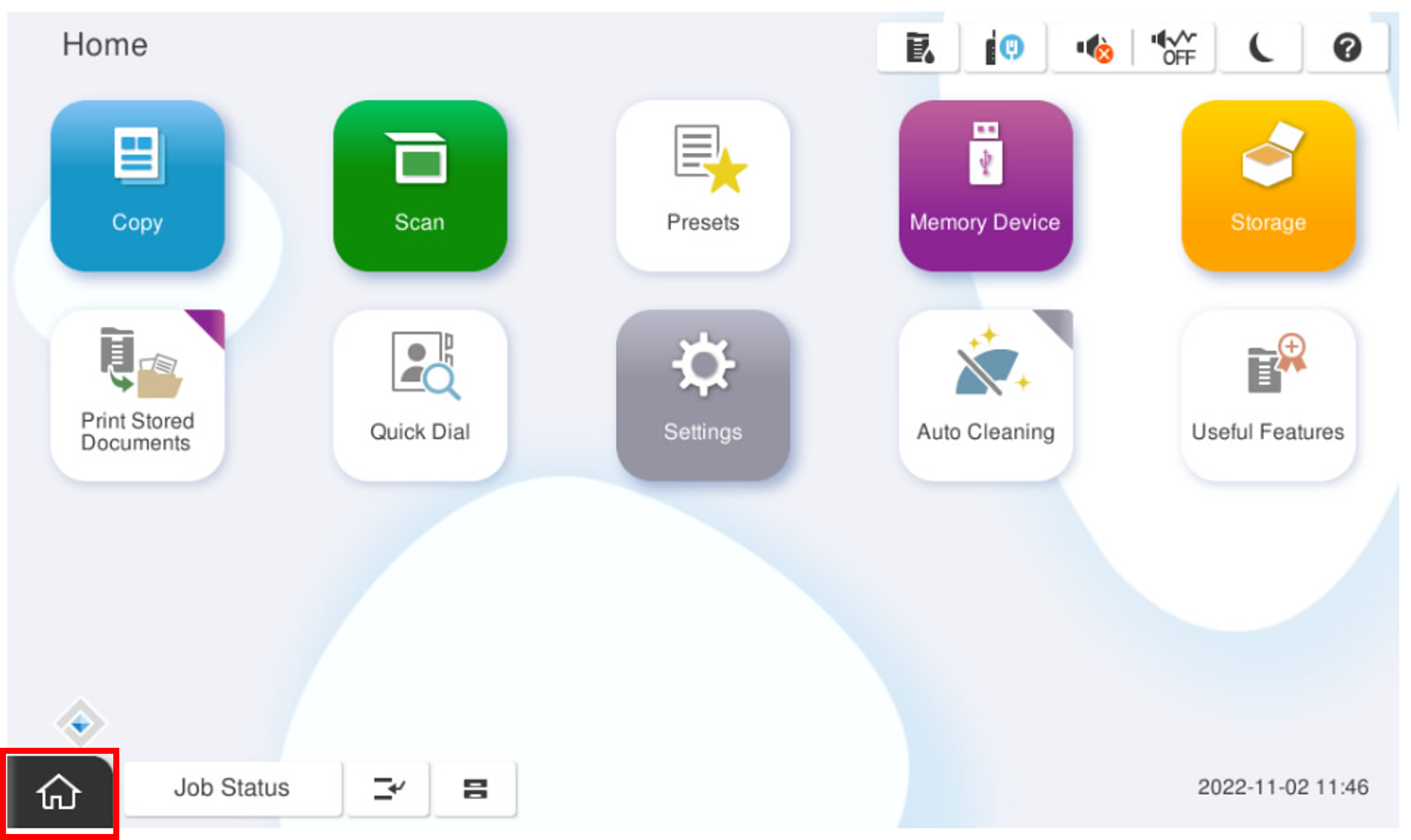
- Start the installation mode.
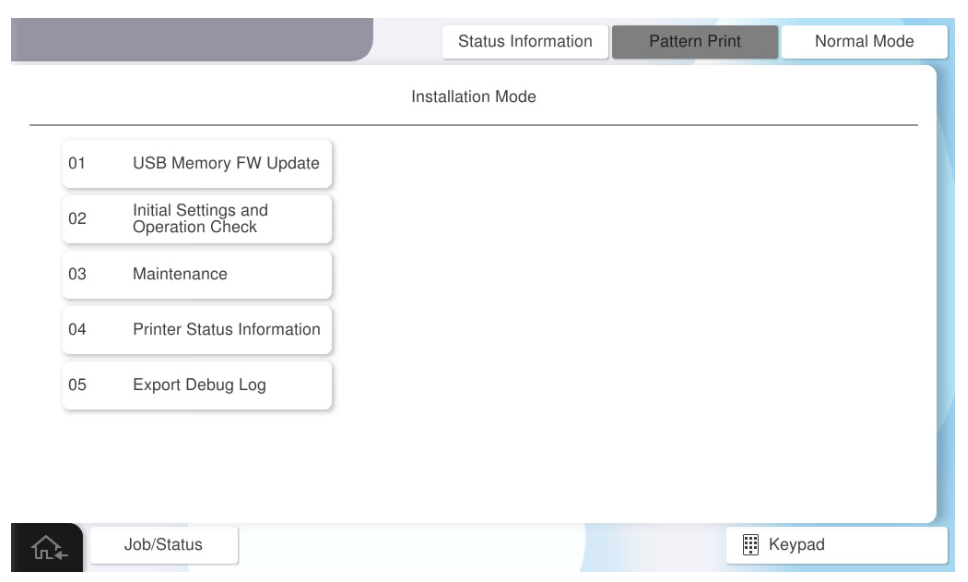
- Select [05 Export Debug Log].
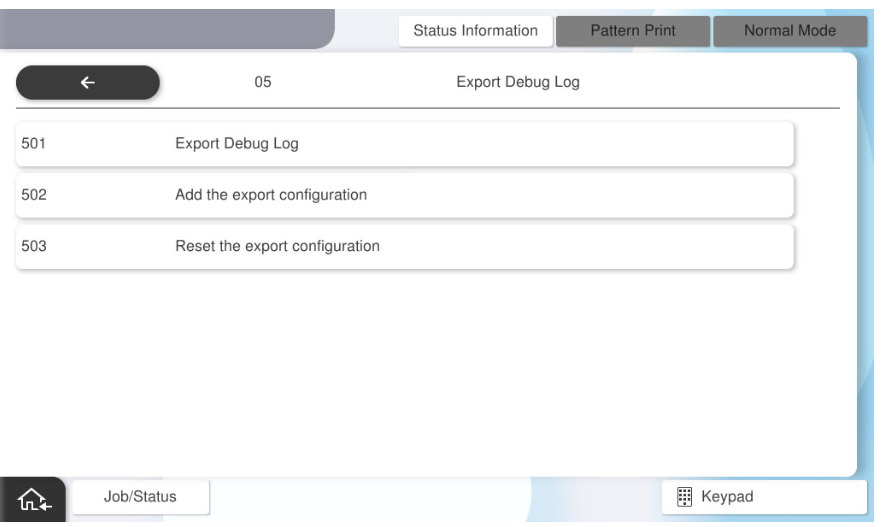
- Select [501 Export Debug Log].
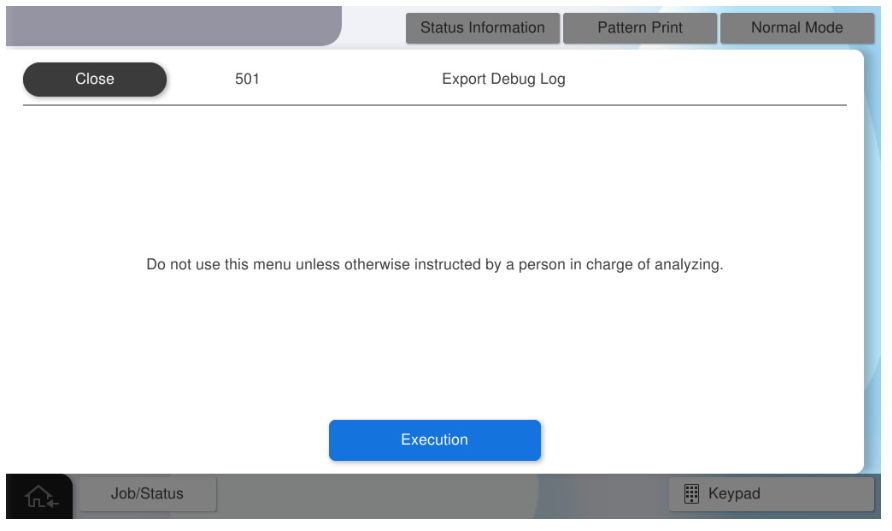
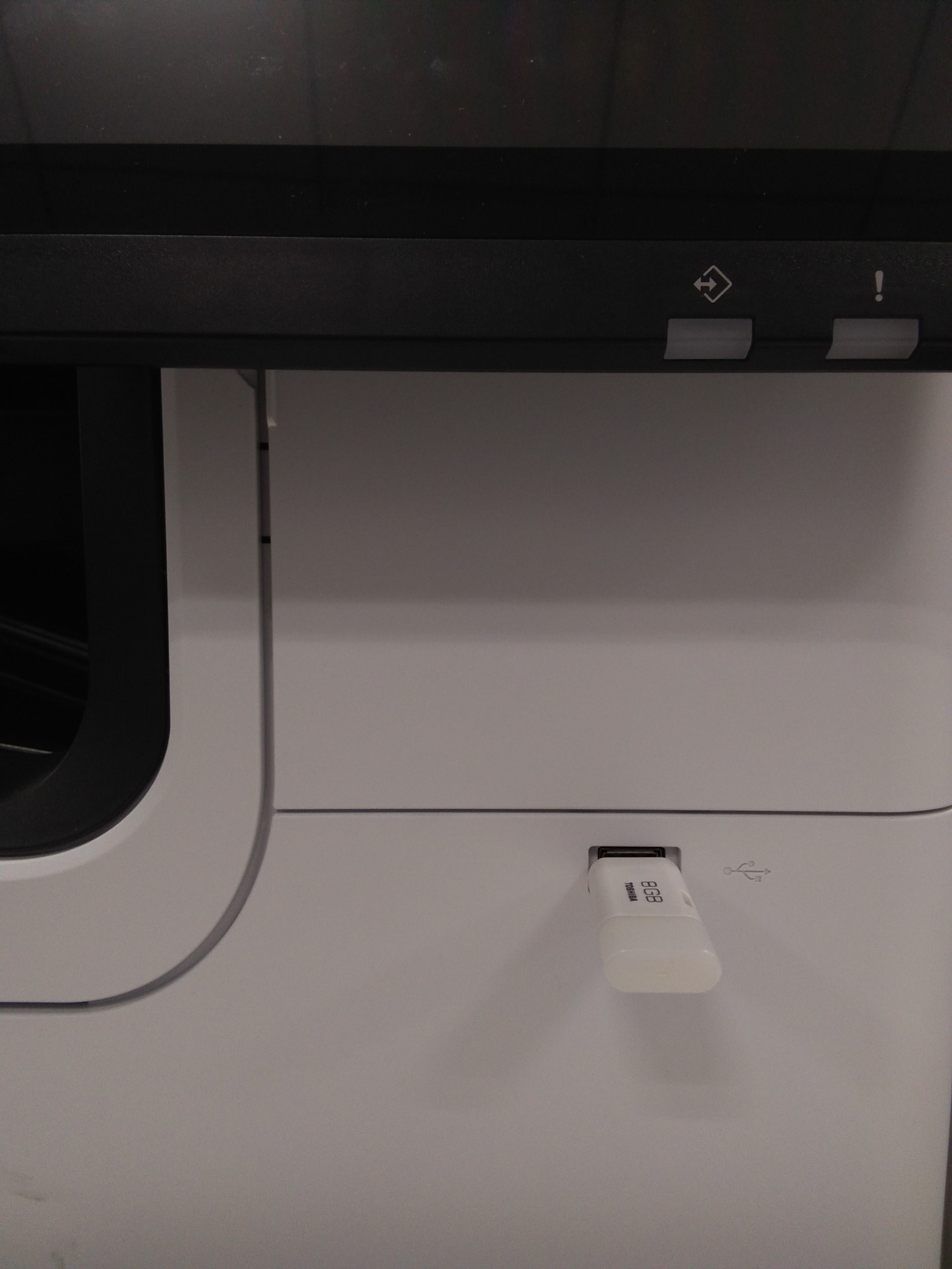
- When the following screen is displayed, connect the USB memory device to the USB port, and press the [Execution].
 Note / 補足
- The analysis log acquisition time varies depending on the amount of data stored in the internal memory and the specifications (communication speed) of the USB memory itself (about 3 to 30 minutes).
- An error occurs when the [OK] button is pressed when the USB memory is disconnected.
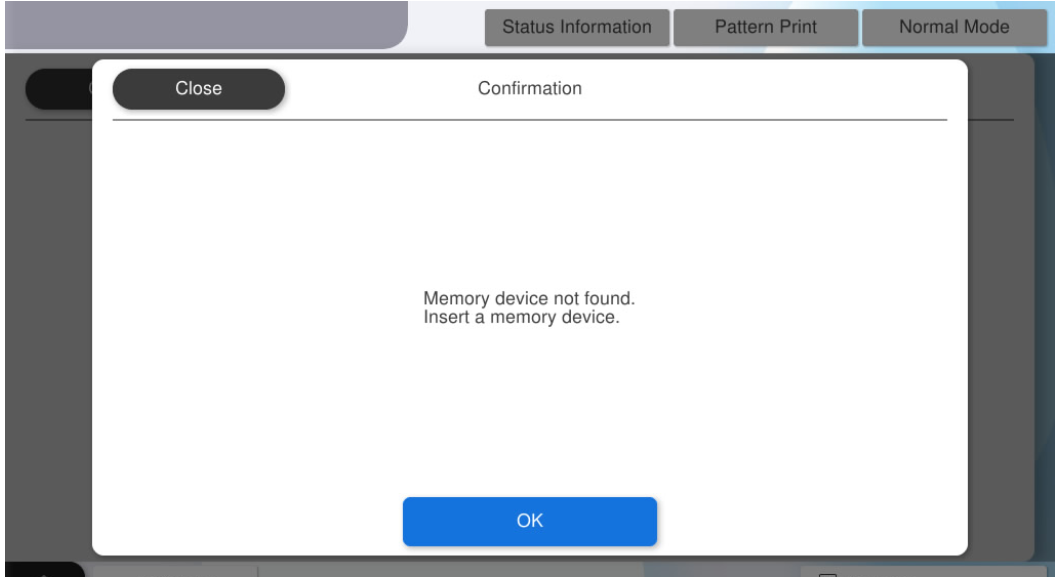
- Press [OK] to complete the menu.