
20806 Straight Stack (Top Output Tray)
Discharge paper to the top output tray of the floor finisher.
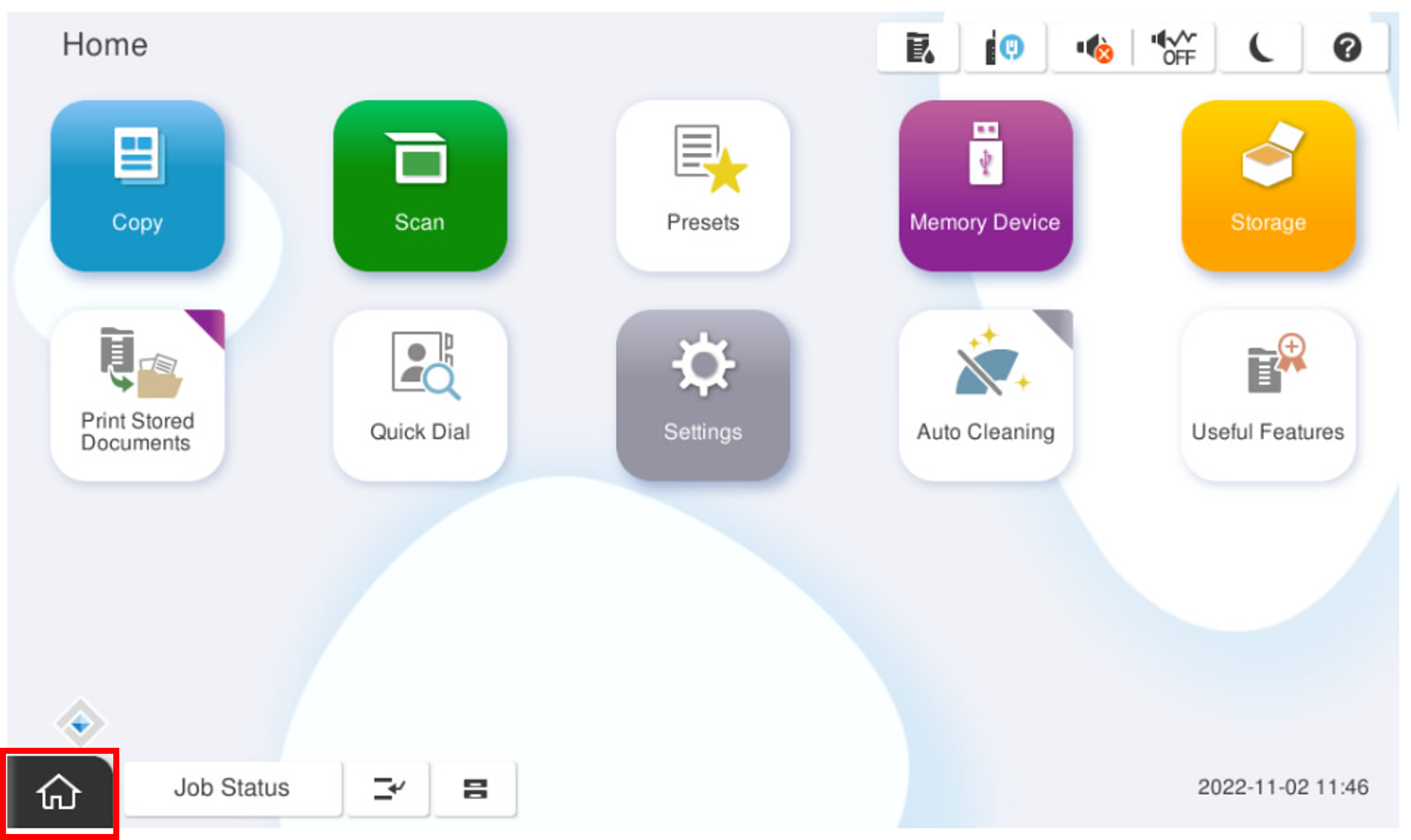
- Start the installation mode.
- Select [02 Initial Settings and Operation Check].
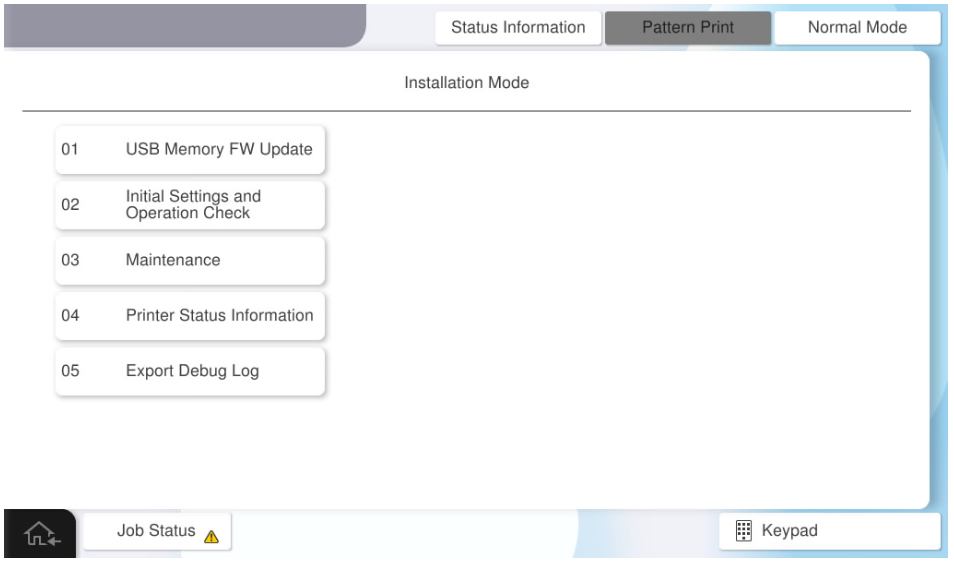
- Select [Operation Check (Floor FIN)] tab.
- Select [20806 Straight Stack (Top Output Tray)].
Press each setting item button to make print settings.
The parameters that can be set are as follows.Setting Items
Choice
Feed Tray C1 / C2 / C3 / C4 / MP Tray Paper Size A4(Vertical) / Letter(Vertical) / A3 / Ledger Number of Feed 1~100 Sheets - Press [Execution] after completing the settings.