
Inner Tray Initial Adjustment Procedure
Inner Tray Enable Settings
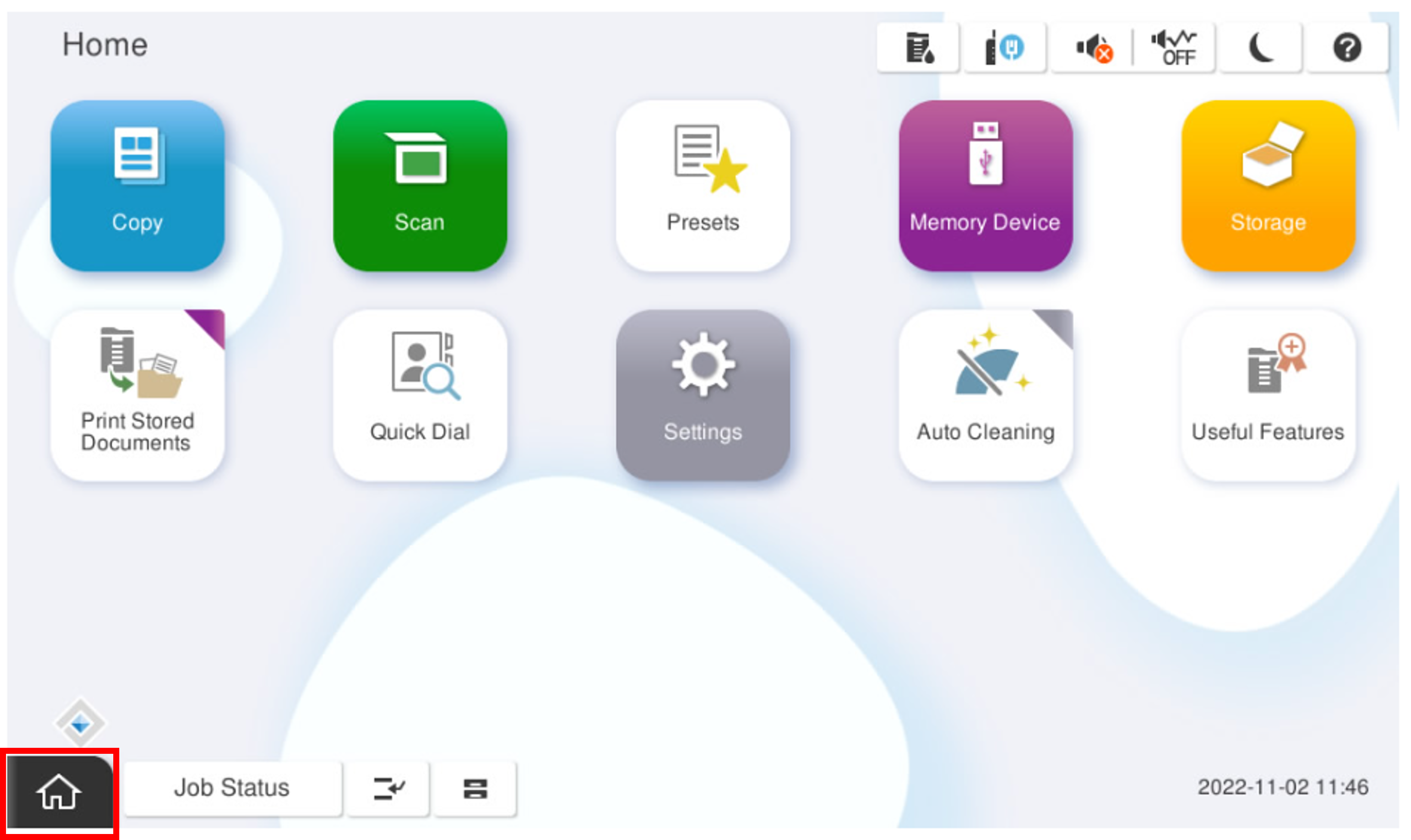
- Start the installation mode.
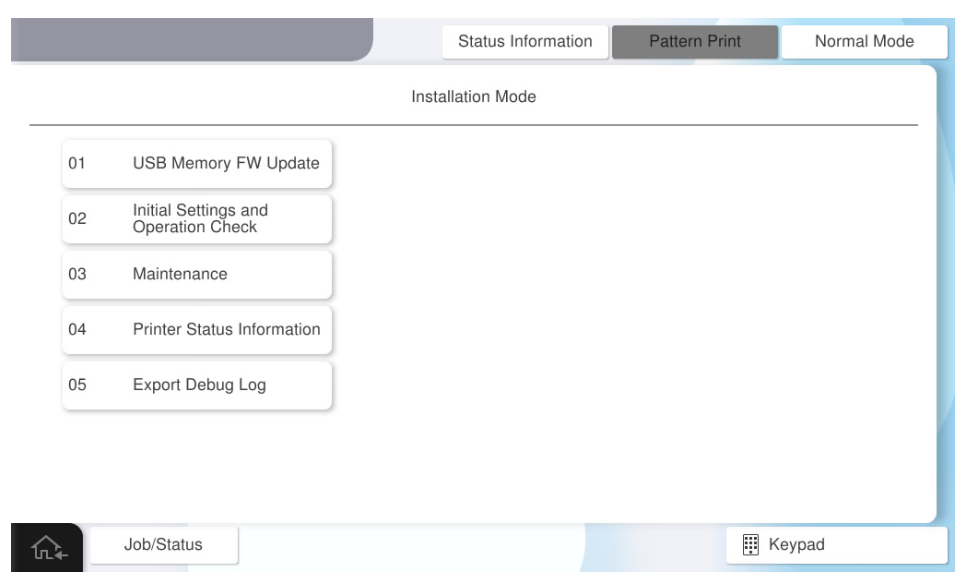
- Select [02 Installation Setting / Operation Check].
- Select the [Other Optional Unit] tab.
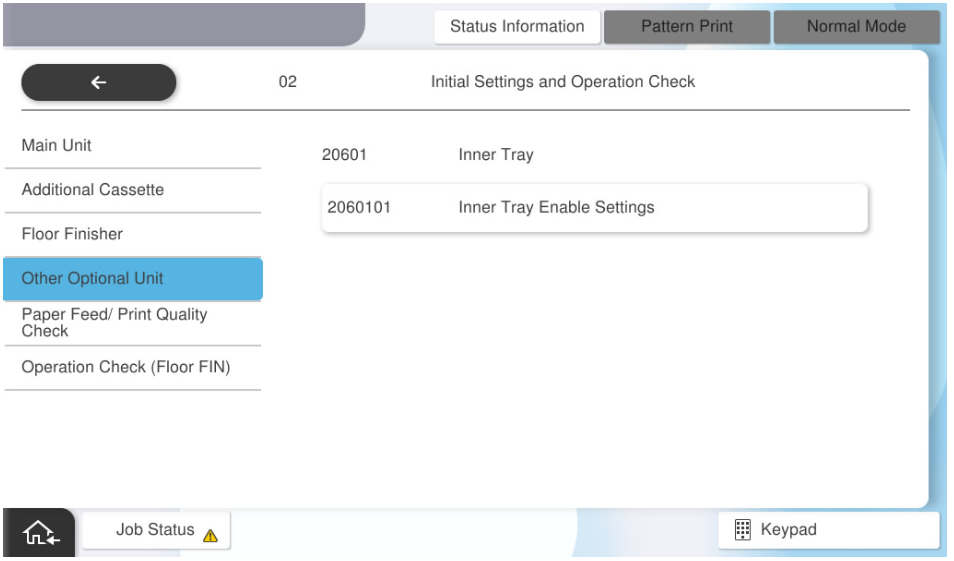
- Select [Inner Tray Enable Setting].
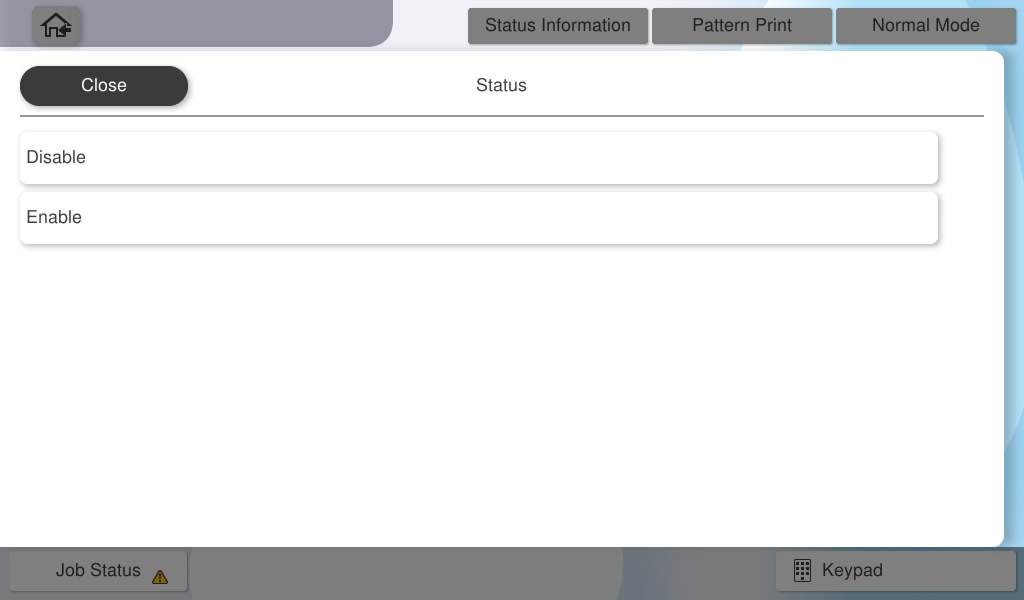
- Select [Status].
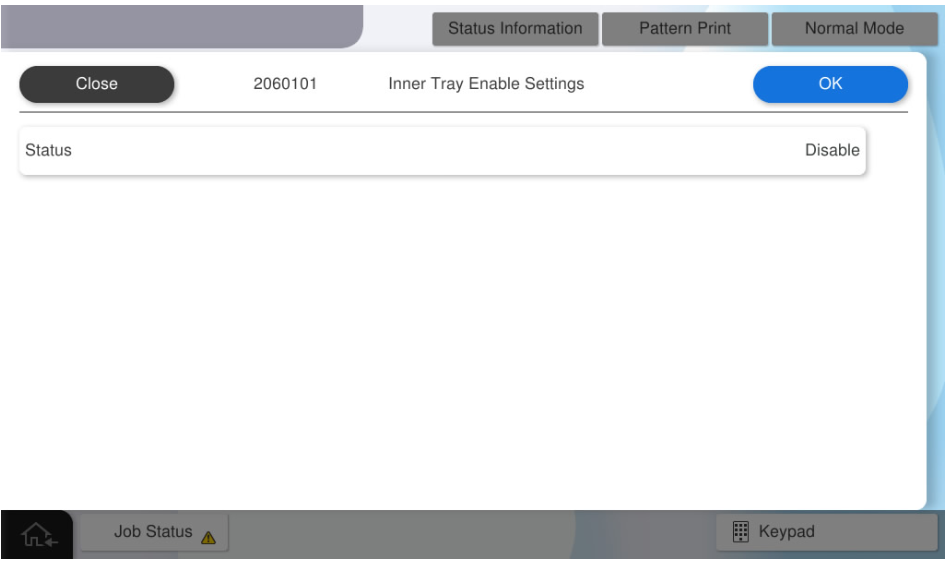
- Select [Enable].
- Press [OK].