
Inner Finisher Initial Adjustment Procedure
Adjustment Procedure
No initial adjustment is required when installing the inner finisher. Operation check only.
Operation Check
When installing the inner finisher, check the following operations.
- Staple Stack (Rear 1 position)
- Staple Stack (Front 1 position)
- Staple Stack (2 positions)
- Shift Stack
- Straight Stack
- Start the installation mode.
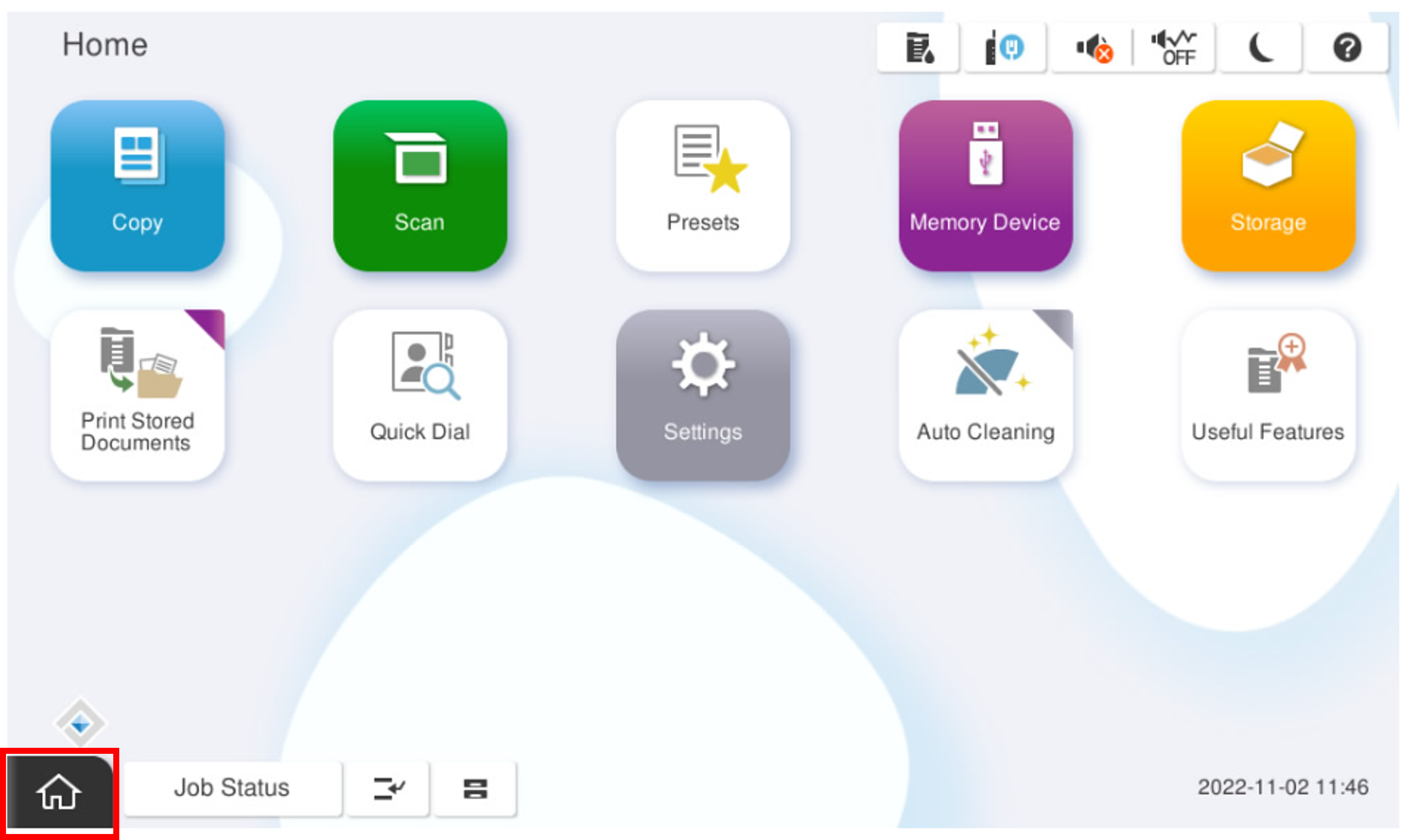
- Select [02 Installation Setting / Operation Check].
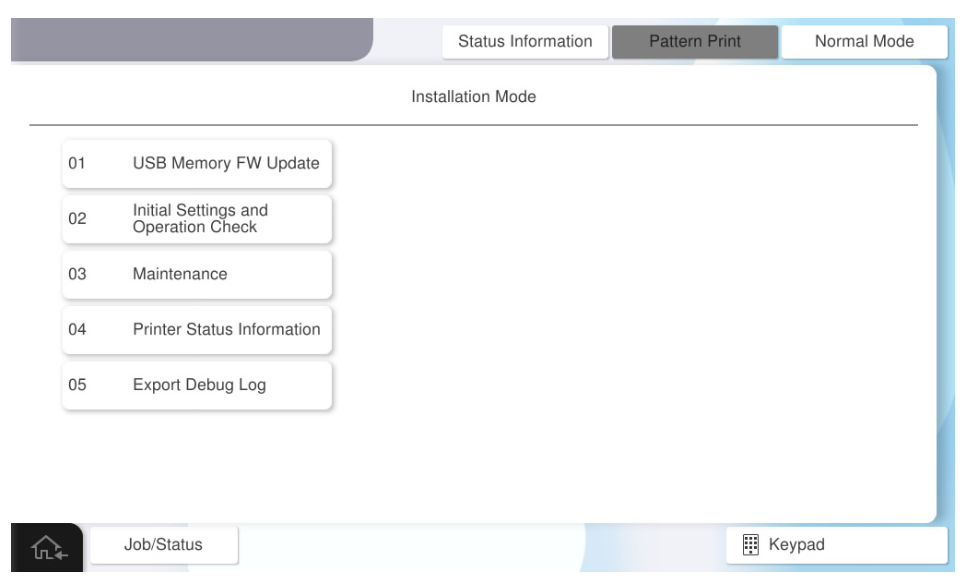
- Select the [Inner Finisher Operation Check] tab.
- Select [Staple Stack (rear 1 position)].
- Select [Paper Tray].
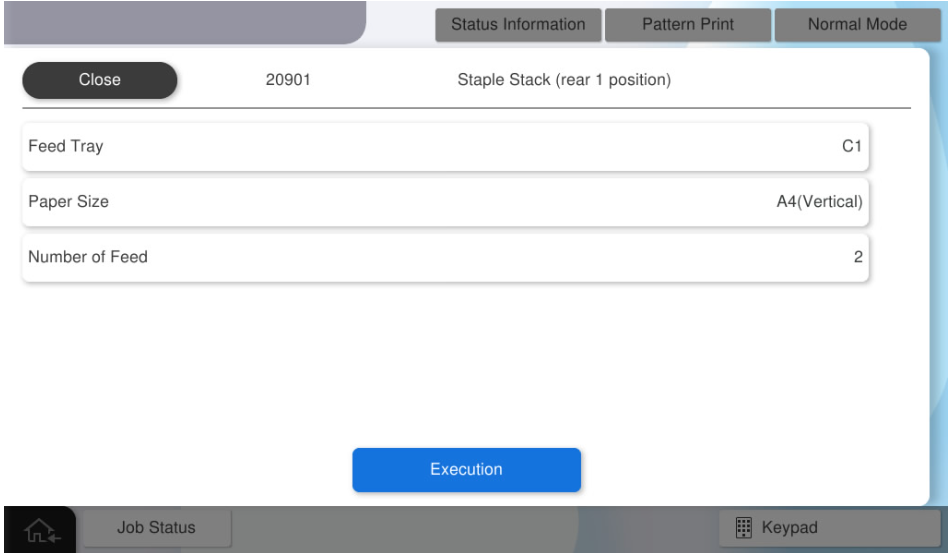
- Select the paper tray to use.
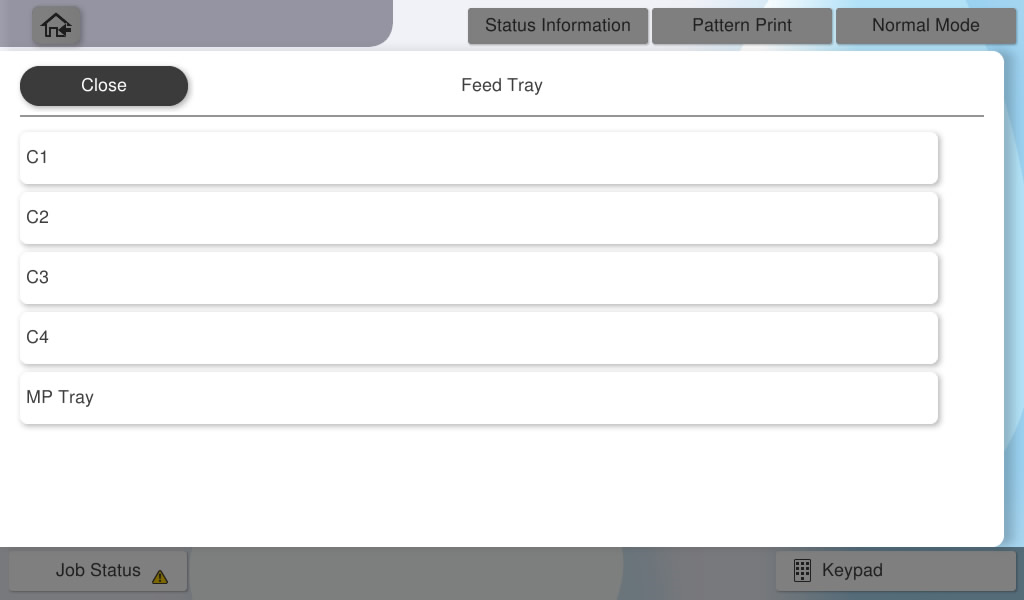
- Select [Paper Size].
- Select the paper size to use.
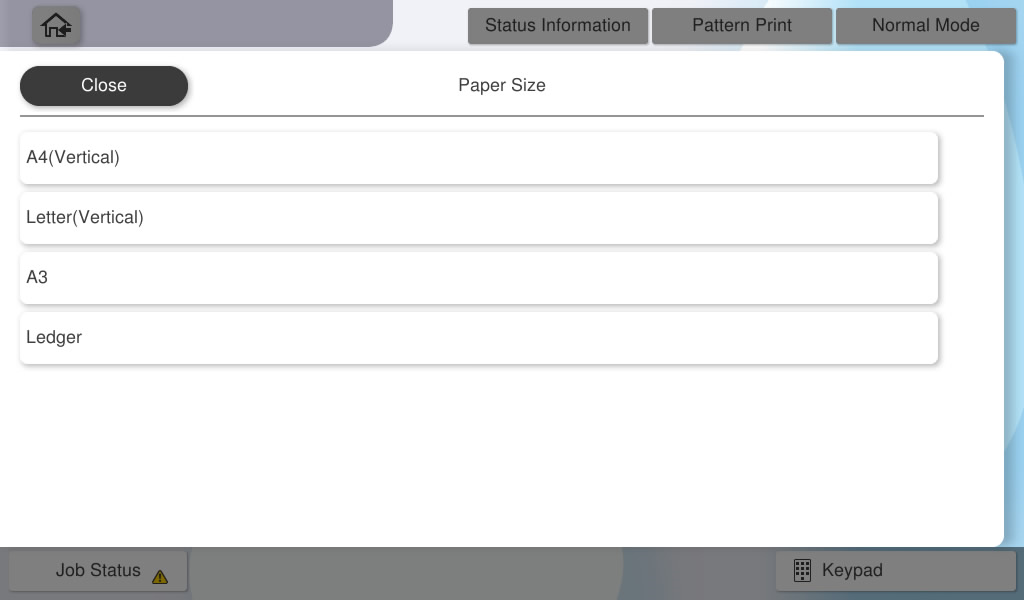
- Select [Number of Feed].
- Input the number of sheets to feed and press [OK].
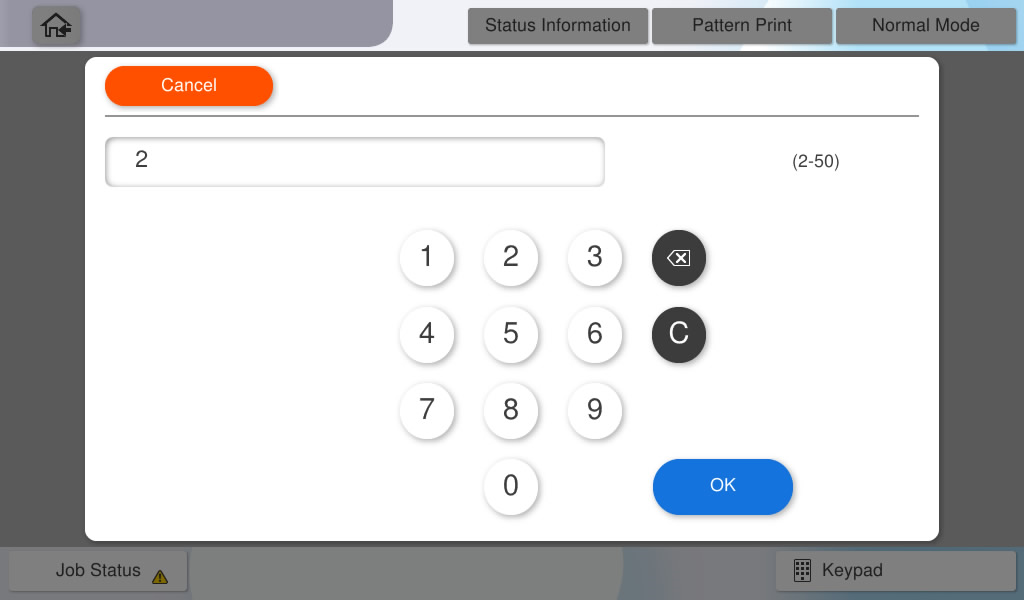
- Press [Execute] and check the operation result.
 Note / 補足
Follow the same procedure to confirm the following operations, and confirm that they work correctly.
- Staple Stack (Front 1 position)
- Staple Stack (2 positions)
- Shift Stack
- Straight Stack