
Floor Punch Unit Initial Adjustment Procedure
Punch Unit Enable Setting
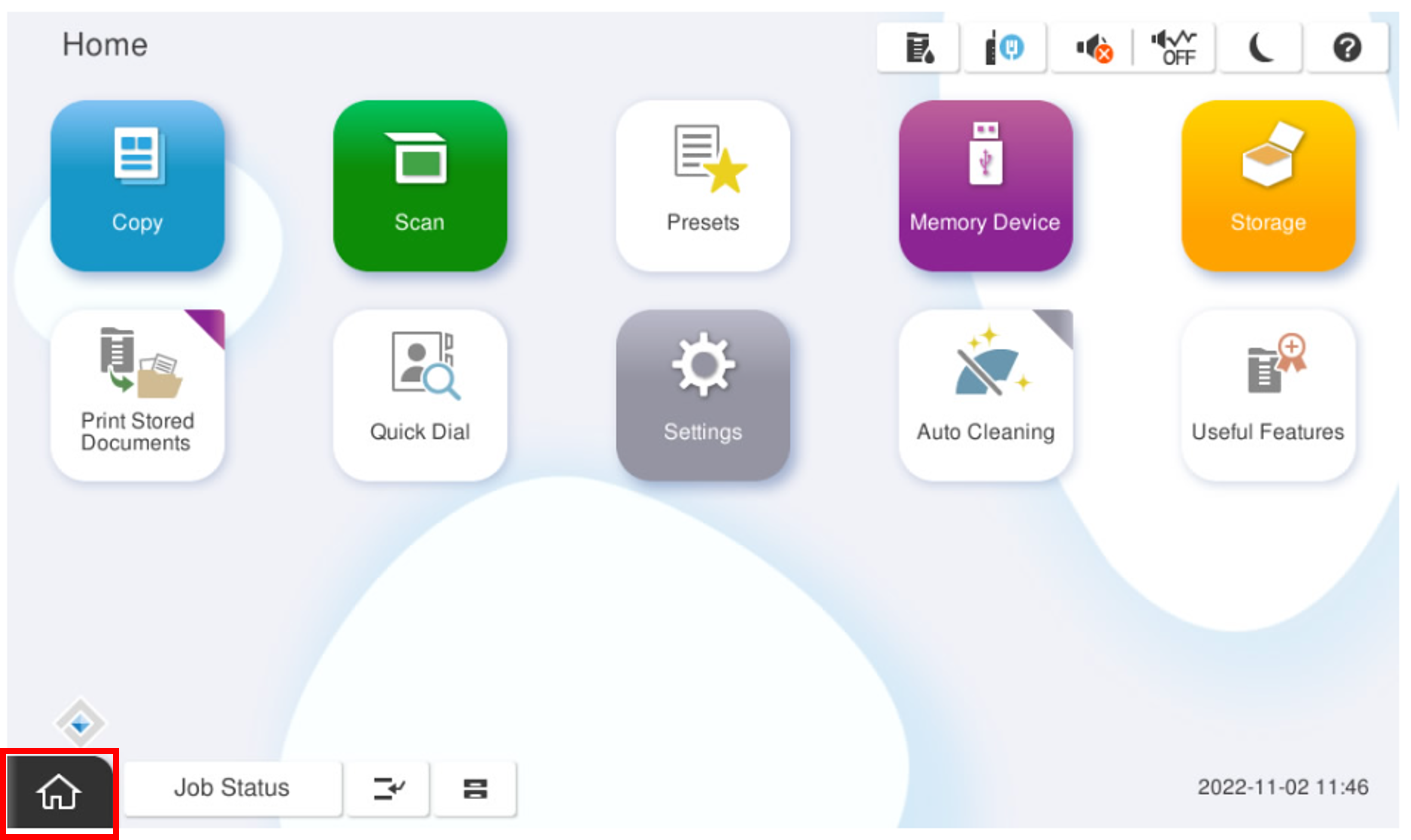
- Start the installation mode.
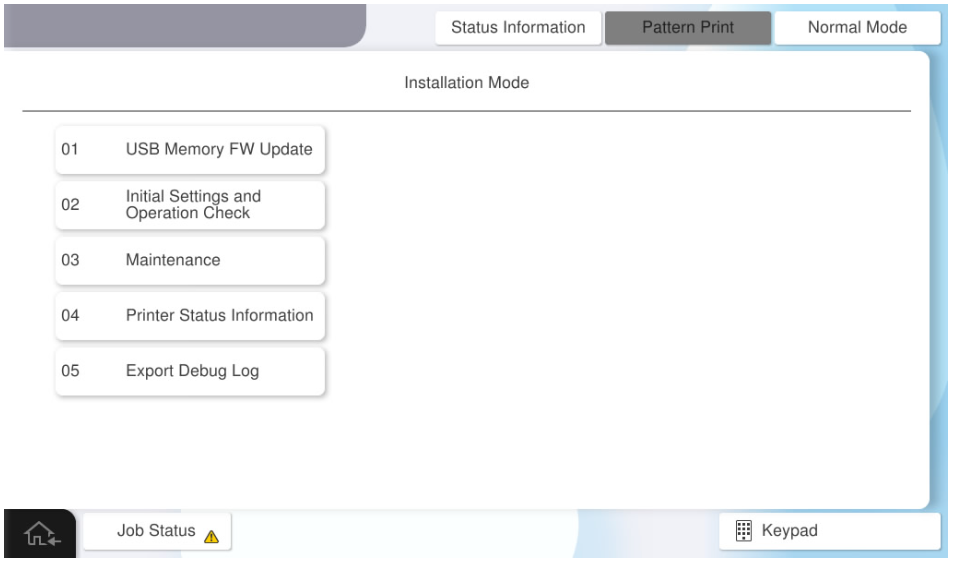
- Select [02 Initial Settings and Operation Check]
- Select the [Floor Finisher] tab.
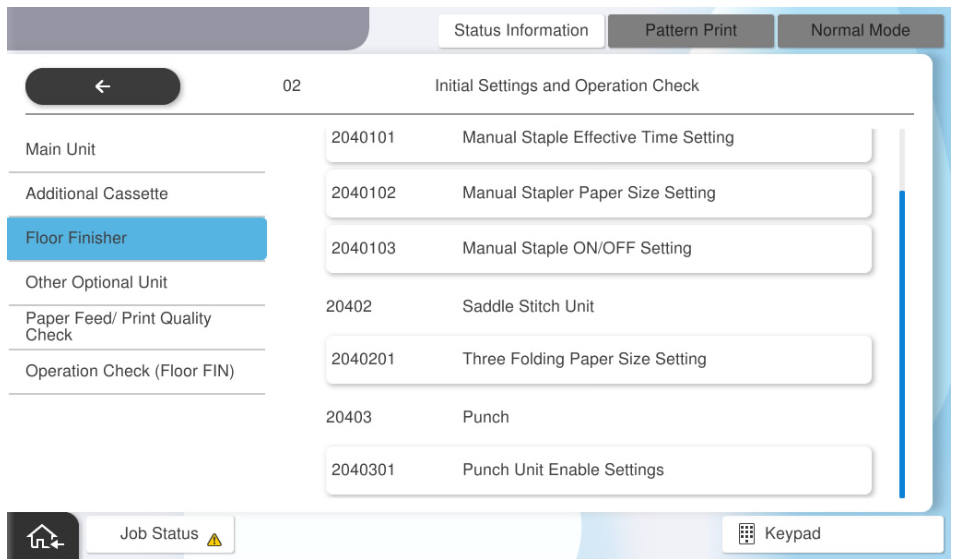
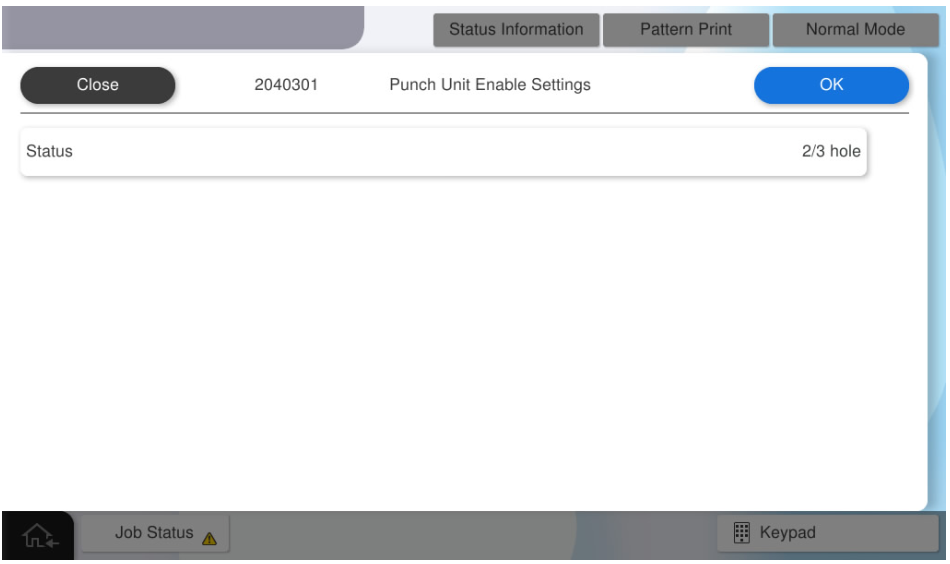
- Select [2040301 Punch Unit Enable Settings].
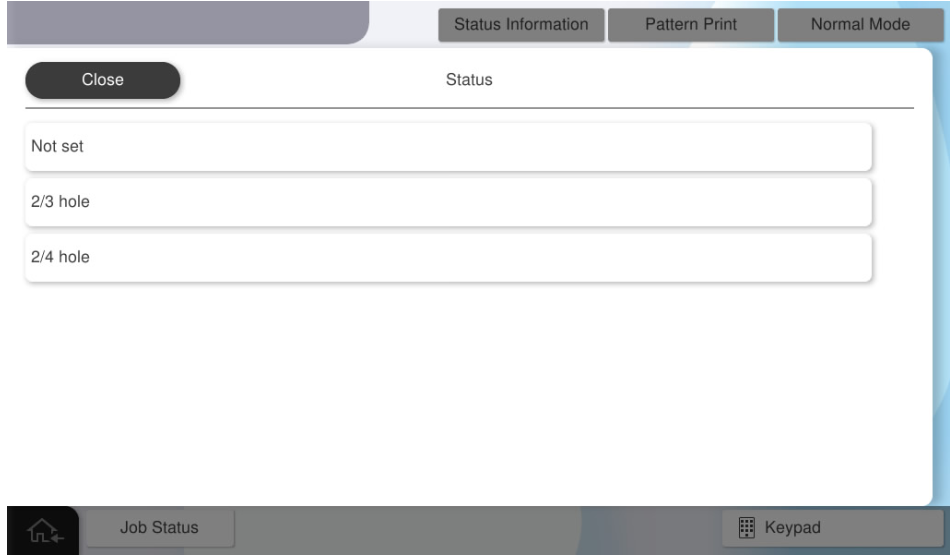
- Select [Status].
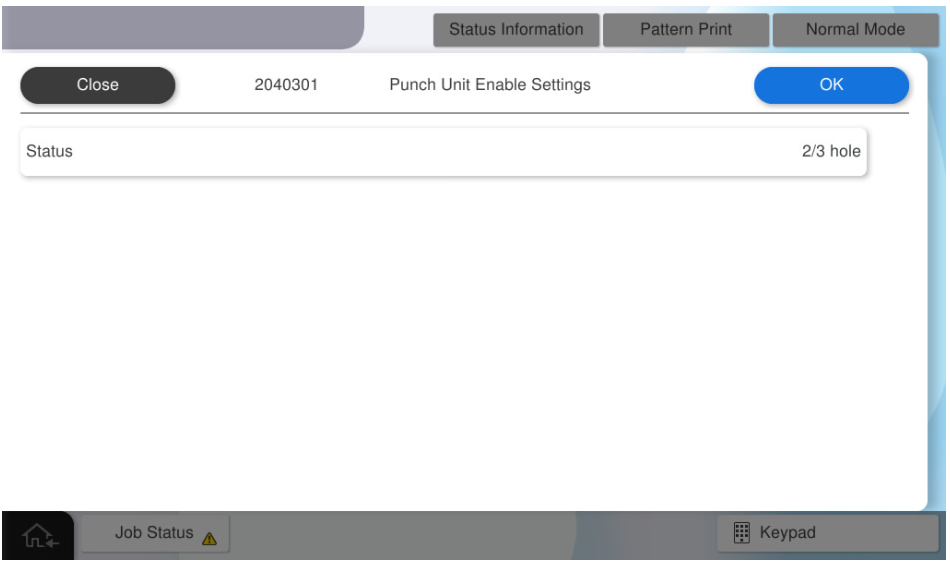
Select the status to be used.
 Check Point / チェックポイント
- Select an item according to the purpose of the attached punch unit.
- If the wrong destination is selected, the punching process cannot be performed correctly.
- Press [OK].
Operation Check
When installing the floor punch unit, check the following operations.
- Punch Stack (2 holes)
- Punch Stack (Others)
- Straight Stack (Sub Tray)
- Start the installation mode.
- Select [02 Installation Setting / Operation Check].
- Select the [Floor Finisher Operation Check] tab.
- Select [Punch Stack (2 holes)].
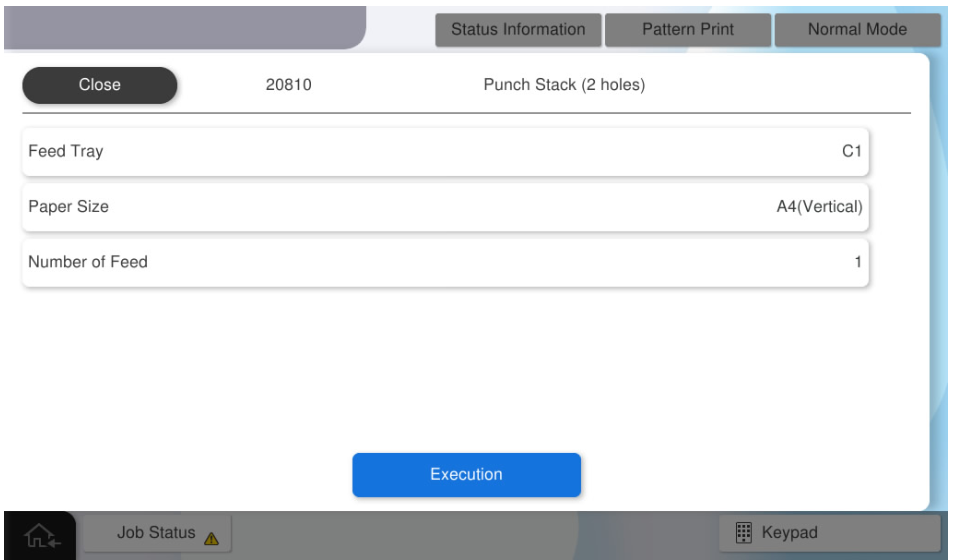
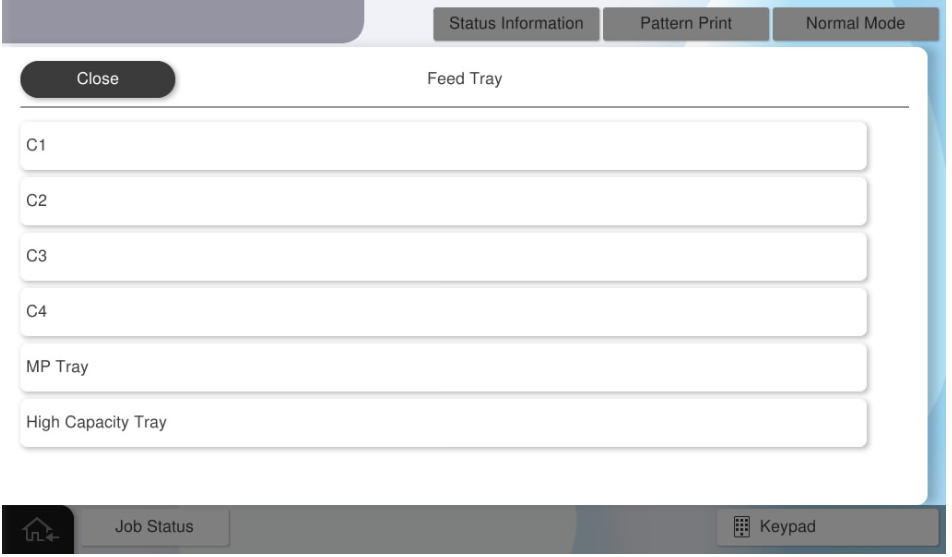
- Select [Feed Tray].
- Select the paper tray to use.
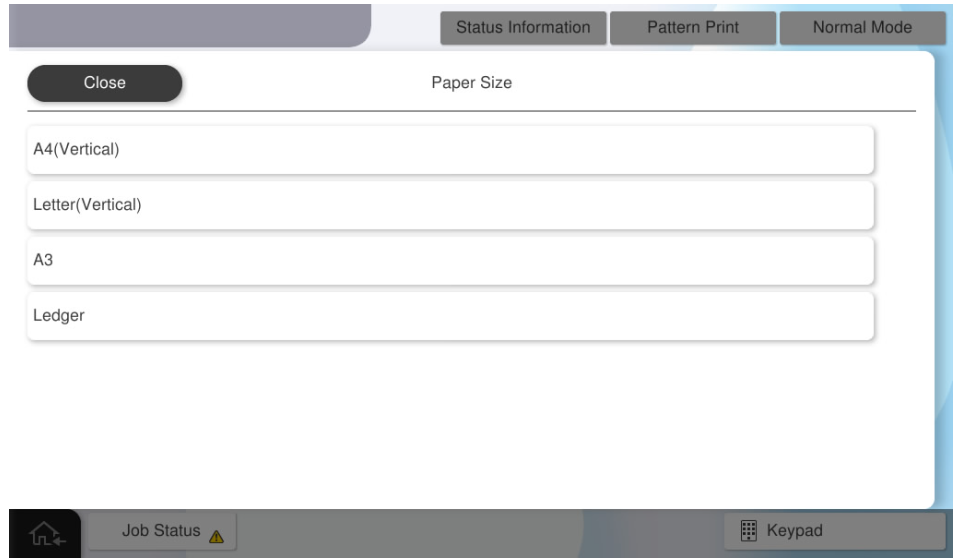
- Select [Paper Size].
- Select the paper size to use.
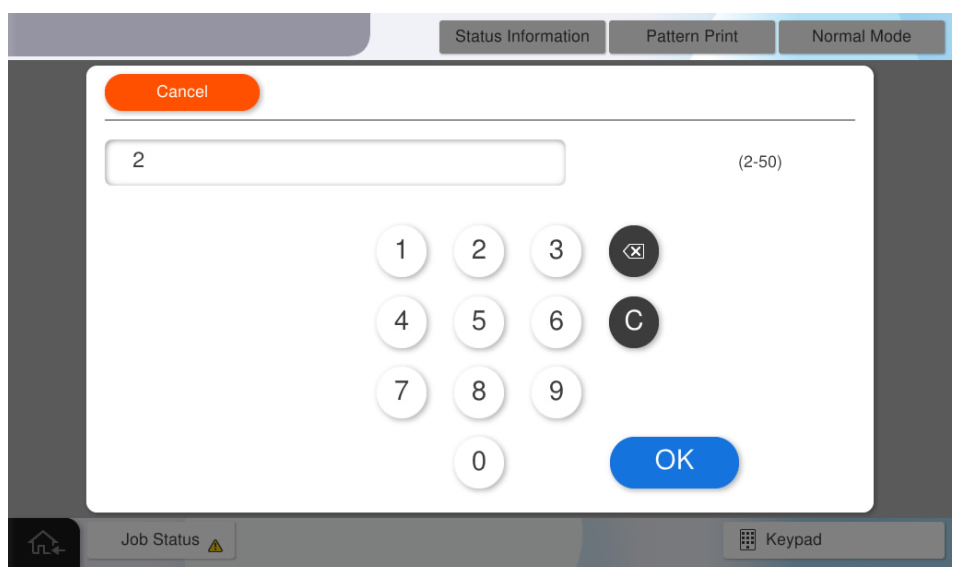
- Select [Number of Feed].
- Input the number of sheets to feed and press [OK].
Press [Execution] and check the operation result.
 Note / 補足 Note / 補足 |
Follow the same procedure to confirm the following operations, and confirm that they work correctly.
|