
INK Low Disp Change
Start the Ink Info Change Mode.
Select [INK Low Disp Change], and select [Center].
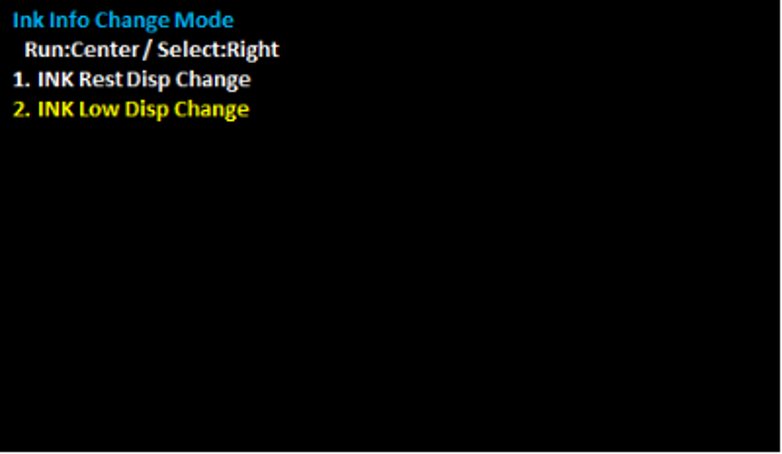
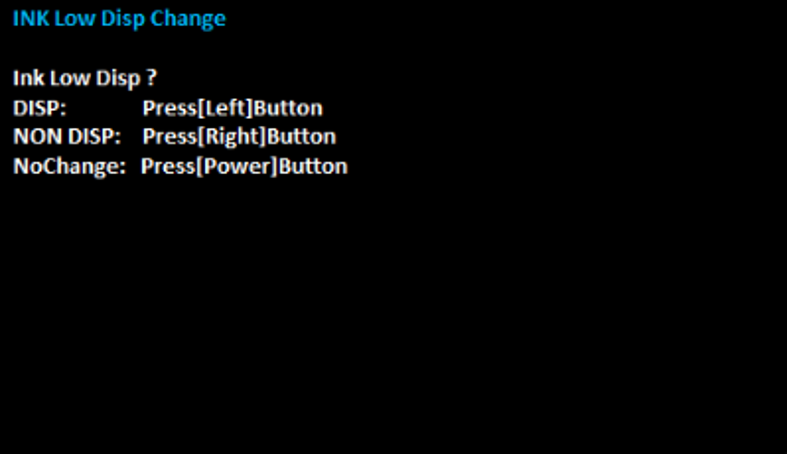
- Select the optimal settings for the contract and optional product configuration.
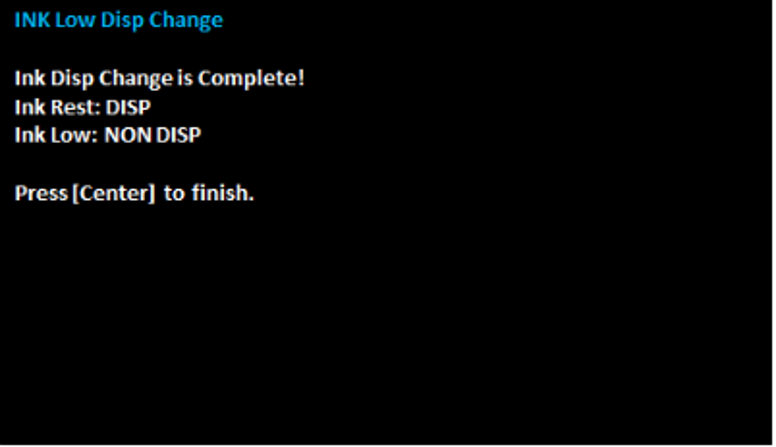
- Press [Center] to finish.
Setting value Overview DISP Display ink level screen NON DISP Not display ink level screen NoChange Not change settings