
Extension Network Board Installation Procedure
Bundled Items
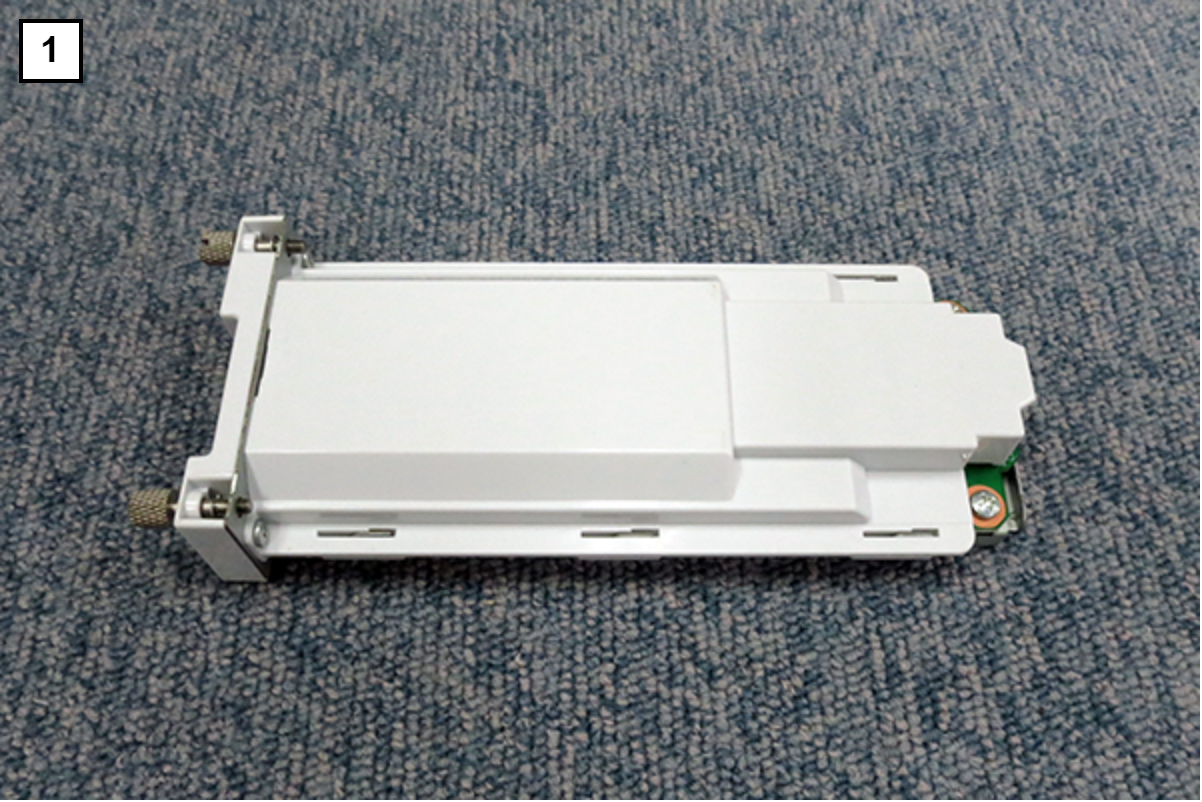
| No. | Bundled Items | Qty. |
|---|---|---|
| 1 | Extension Network Board | 1 |
Installation Procedure
Prepared items
- USB memory (to store the latest firmware)
- Gloves
- Phillips (+) screwdriver
Minimum number of workers
1 person
 Caution / 注意 Caution / 注意 |
Be sure to check the following precautions before installation.
|
Installation Procedure
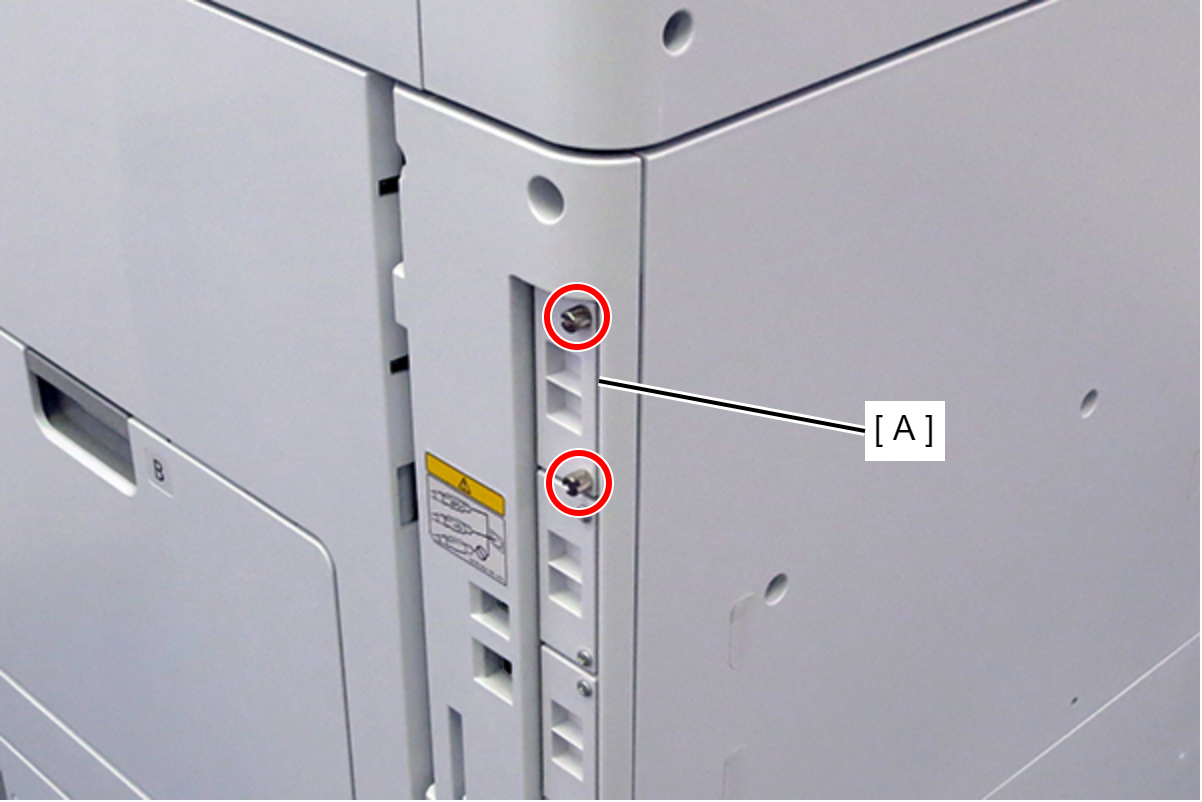
- Remove the 2 screws and remove the LAN cover (A).
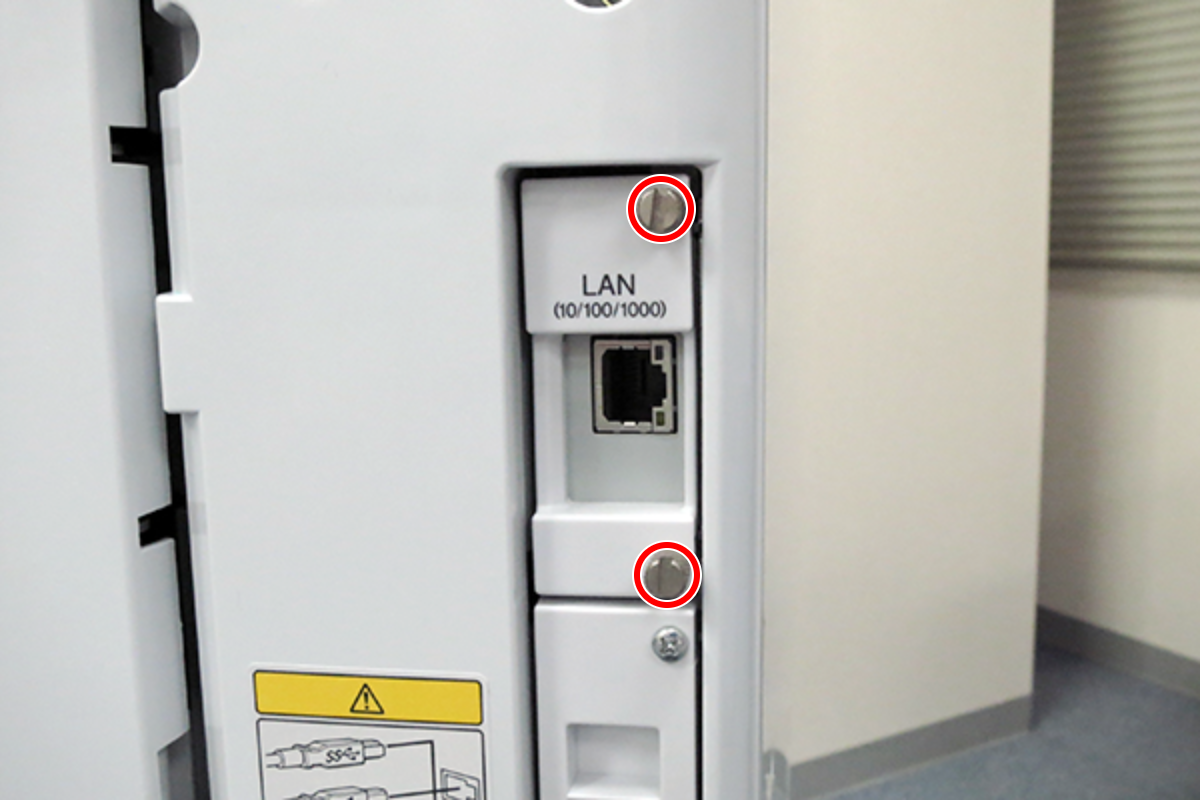
- Insert the additional network interface board into the LAN port and fix it with 2 screws.
 Check Point / チェックポイント
After installing the Extension Network Board, do the followings:
- Enabling additional network functions (104 Additional Network Port Setting)
- Updating the firmware for additional network interface board (Update Firmware)
- Additional Network Settings